Cogram vs Booltool
In the contest of Cogram vs Booltool, which AI All In One tool is the champion? We evaluate pricing, alternatives, upvotes, features, reviews, and more.
If you had to choose between Cogram and Booltool, which one would you go for?
When we examine Cogram and Booltool, both of which are AI-enabled all in one tools, what unique characteristics do we discover? Both tools have received the same number of upvotes from aitools.fyi users. Every vote counts! Cast yours and contribute to the decision of the winner.
Don't agree with the result? Cast your vote and be a part of the decision-making process!
Cogram
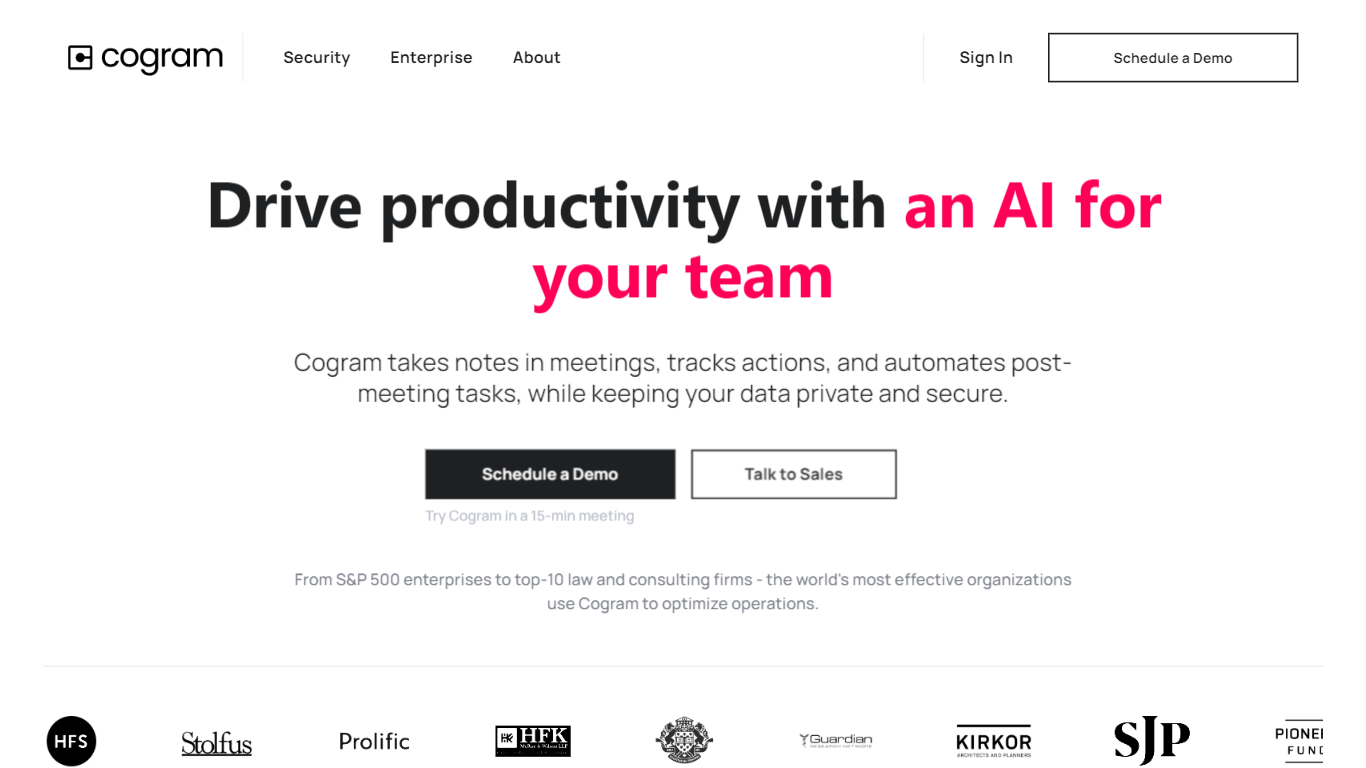

What is Cogram?
Cogram gives architects and engineers one workspace for project documentation, from meeting minutes and field reports to RFIs, submittals, and project email. The platform connects to Procore, Deltek, Unanet, Microsoft Teams, Outlook, Autodesk, Zoom, and Google Meet, then outputs drafts in your firm's templates instead of generic summaries.
Generic meeting assistants capture call notes. Cogram is built around AEC workflows: RFIs and submittals sync with Procore, field reports come from voice and photos on site, and the project Agent answers questions against drawings and correspondence. Modular pricing lets firms buy only the modules they need, and external collaborator accounts are free.
Project managers, design leads, and construction administrators use Cogram to cut repetitive admin work the homepage estimates can save several hours per week. Individuals can start a 14-day trial; team pricing is quoted per seat after a demo.
Booltool
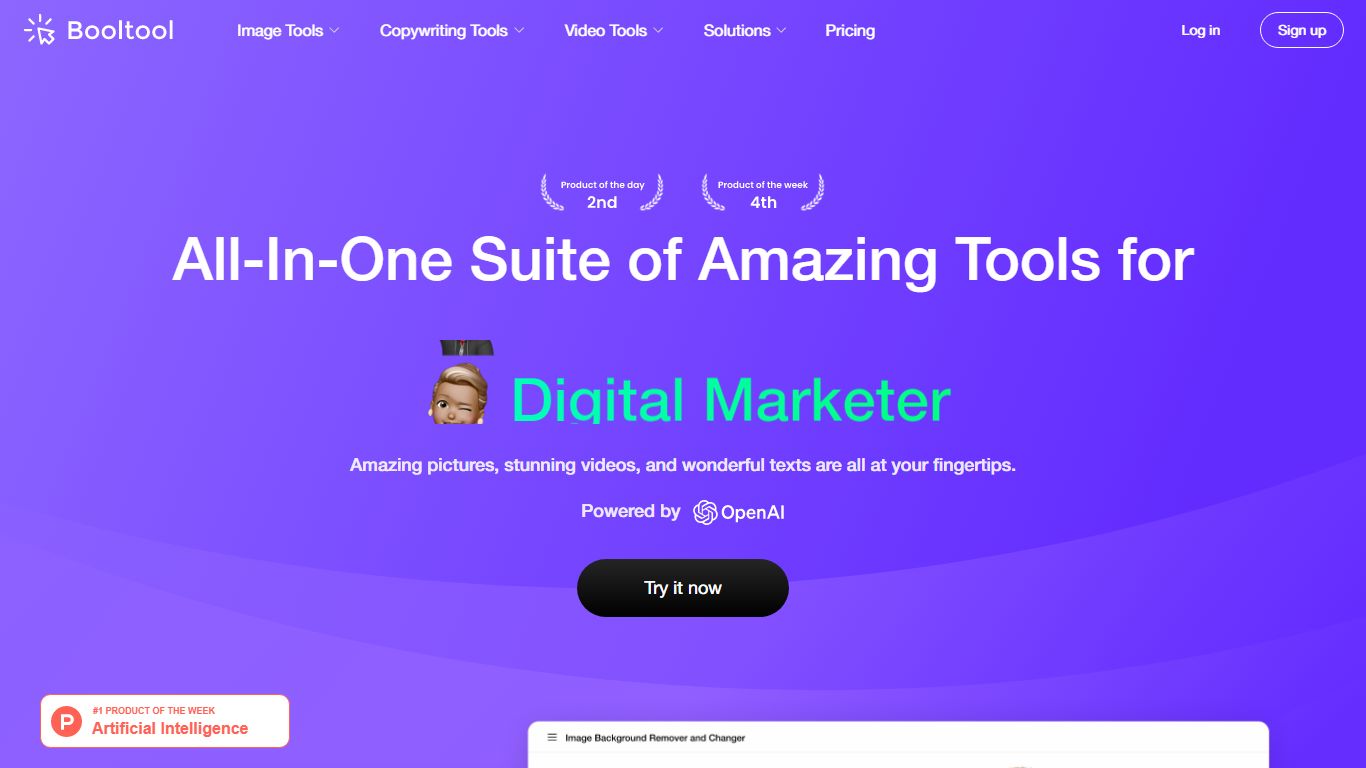
What is Booltool?
Booltool bundles image editing, AI copywriting, and video enhancement into one browser-based toolkit from Boolv Tech. Online shop owners and content creators get portrait and product background removal, object erasing, 2x image upscaling, and photo animation effects without switching between separate apps. Copywriting tools include an AI paraphraser, positive comment generator, and photo storytelling writer.
Canva handles design templates and Figma targets UI work, but Booltool narrows in on e-commerce visuals and quick marketing copy in a single tab. You get 10-plus image tools, three writing helpers, and video upscaling aimed at product photos and social posts rather than full design projects. Some video features like background removal are still marked as upgrading on the site.
E-commerce sellers polishing product shots, social media managers batching comment replies, and small marketing teams who need background removal plus caption writing in one session are the core users. Booltool ranked on Product Hunt and targets shop owners who previously jumped between separate photo editors and copywriting apps.
Cogram Upvotes
Booltool Upvotes
Cogram Top Features
Project Agent answers questions and analyzes AEC documents with project context
Meeting minutes and field reports generated in your firm's templates from calls or site visits
RFI and submittal logging integrated with Procore for faster review cycles
Email filing and search across all project correspondence
Integrations with Procore, Deltek, Unanet, Microsoft Teams, Outlook, Autodesk, Zoom, and Google Meet
SOC 2 Type II certified with SAML SSO, MFA, and no training on customer data
14-day free trial for individuals; external collaborator accounts are free on team plans
Booltool Top Features
Portrait and product background removers with one-click precision on uploaded images
Object eraser removes watermarks, defects, and unwanted people with a simple swipe
Image enhancer upscales photos by 2x to meet resolution requirements instantly
AI paraphraser rewrites text to eliminate duplicated content across marketing copy
Sugar Comments generator creates positive social media reply suggestions
Video enhancer upscales footage by 2x while improving color balance and sharpness
Cogram Category
- All In One
Booltool Category
- All In One
Cogram Pricing Type
- Freemium
Booltool Pricing Type
- Freemium