Neptyne vs Arcwise AI
In the contest of Neptyne vs Arcwise AI, which AI Excel tool is the champion? We evaluate pricing, alternatives, upvotes, features, reviews, and more.
If you had to choose between Neptyne and Arcwise AI, which one would you go for?
When we examine Neptyne and Arcwise AI, both of which are AI-enabled excel tools, what unique characteristics do we discover? The upvote count reveals a draw, with both tools earning the same number of upvotes. You can help us determine the winner by casting your vote and tipping the scales in favor of one of the tools.
You don't agree with the result? Cast your vote to help us decide!
Neptyne

What is Neptyne?
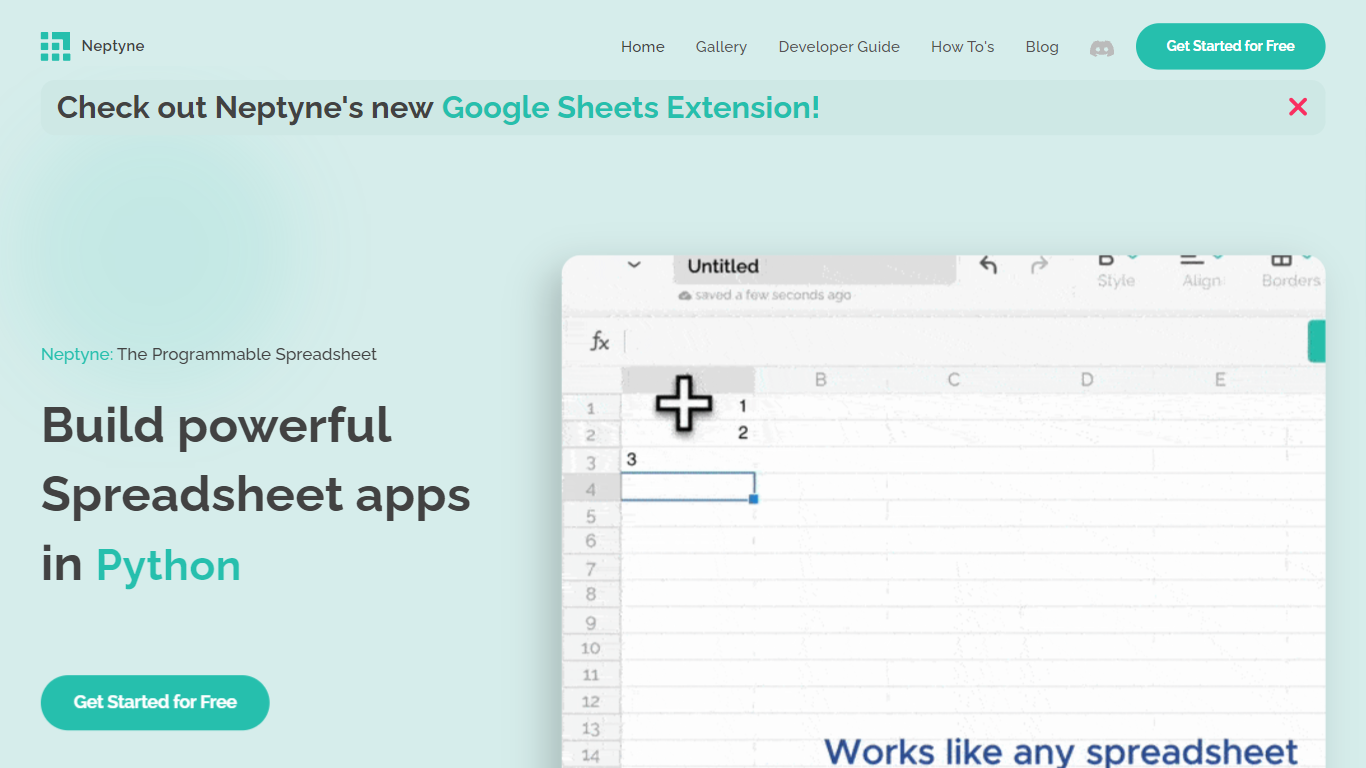
Discover the future of spreadsheet applications with Neptyne: The Programmable Spreadsheet. Neptyne transforms traditional spreadsheets into dynamic and powerful app development platforms by integrating the full capabilities of Python and artificial intelligence. This unique offering is especially advantageous for those who find themselves constrained by the limitations of typical spreadsheet manipulations. With Neptyne, you can easily import data, perform complex statistical analysis, and enjoy extensive visualization options like those available in Jupyter notebooks. Neptyne's AI assistance ensures even beginners can confidently auto-complete data entries, create intricate formulas, and generate code for comprehensive data handling. Additionally, Neptyne operates in the cloud, allowing for seamless collaboration and continuous data processing, giving you the ability to monitor and respond to data in real time. Embrace the power to create productionized data applications with Neptyne's Python ecosystem, and explore their flexible pricing plans that cater to individuals, power users, and teams.
Arcwise AI
What is Arcwise AI?
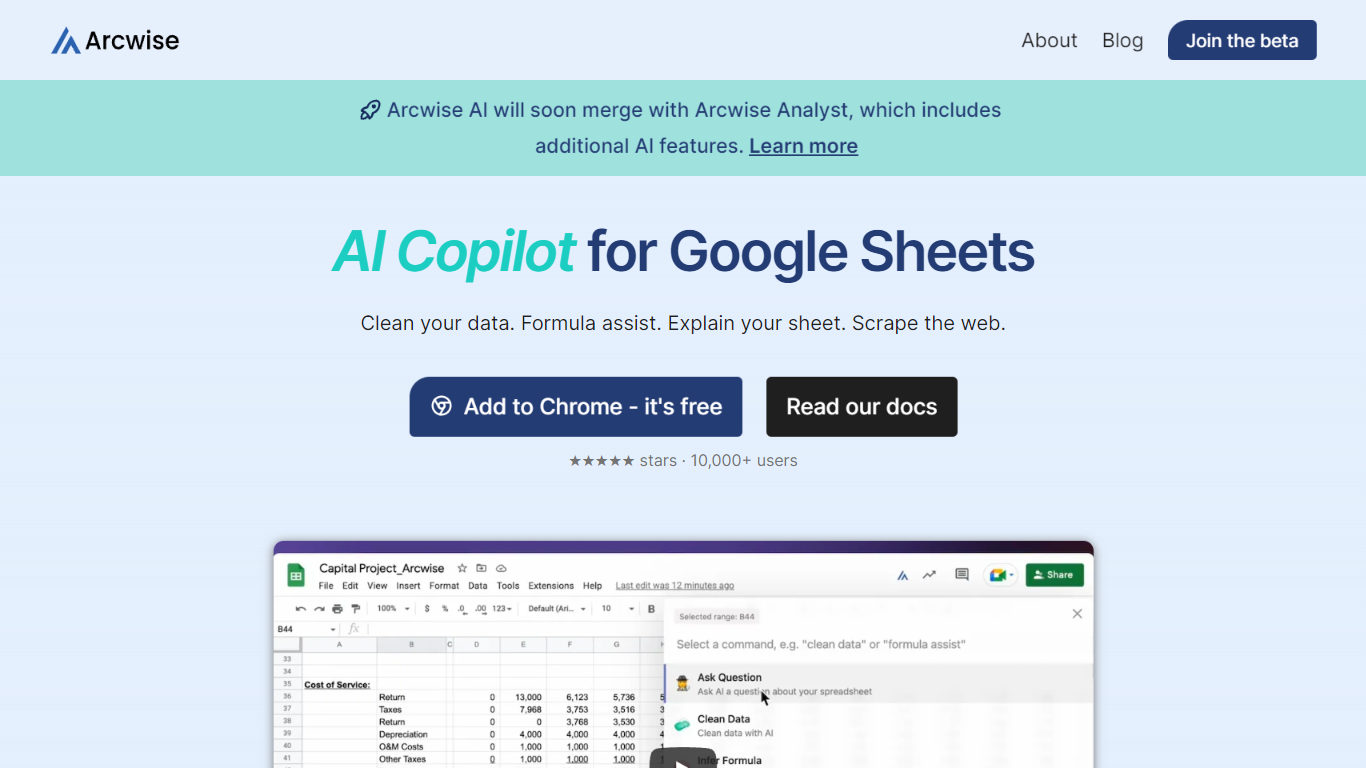
Arcwise AI is a spreadsheet analytics copilot and decision platform for teams that live in Google Sheets and warehouse data. It began as a Chrome extension for ChatGPT-powered formulas and data cleanup, and now also sells traceable metric explanations tied to Snowflake, BigQuery, Databricks, and internal documentation.
The Sheets extension still ships as a free Chrome add-on with keyboard shortcuts, $AI.TRANSFORM and $AI.CLASSIFY functions, and PDF table extraction. That side competes with formula copilots, while the platform side targets analysts who need audited answers instead of generic chatbot guesses.
Arcwise backs explanations with source tracing rather than open-ended model text, which matters when finance or ops teams need to defend a number in a review. The stored listing URL at /old-ai now returns 404, so the live product homepage is arcwise.app.
Neptyne Upvotes
Arcwise AI Upvotes
Neptyne Top Features
🐍 Python Powered: Use the full Python ecosystem inside your spreadsheets for advanced calculations and data handling.
🤖 AI Assist: Get help auto-completing data, creating complex formulas, and generating code even if you're new to Python.
☁️ Cloud Collaboration: Work simultaneously with teammates on spreadsheets and code in real time, all saved in the cloud.
📊 Data Visualization: Create rich visualizations and dashboards similar to Jupyter notebooks to explore your data.
🔗 Easy App Sharing: Publish your spreadsheet apps by sharing a simple link, making deployment effortless.
Arcwise AI Top Features
Free Chrome extension for Google Sheets with Cmd+Shift+1 shortcut
$AI.TRANSFORM, $AI.CLASSIFY, and $AI.EXTRACT functions inside Sheets
Connects to Snowflake, BigQuery, and Databricks warehouses
Metric shift detection with explanations traced to source data
PDF upload extracts tables directly into spreadsheet cells
Chrome Web Store lists 10,000+ users and a 4.5 star rating
Neptyne Category
- Excel
Arcwise AI Category
- Excel
Neptyne Pricing Type
- Freemium
Arcwise AI Pricing Type
- Freemium