Neptyne vs Formularizer
Compare Neptyne vs Formularizer and see which AI Excel tool is better when we compare features, reviews, pricing, alternatives, upvotes, etc.
Which one is better? Neptyne or Formularizer?
When we compare Neptyne with Formularizer, which are both AI-powered excel tools, In the race for upvotes, Formularizer takes the trophy. Formularizer has garnered 7 upvotes, and Neptyne has garnered 6 upvotes.
Disagree with the result? Upvote your favorite tool and help it win!
Neptyne
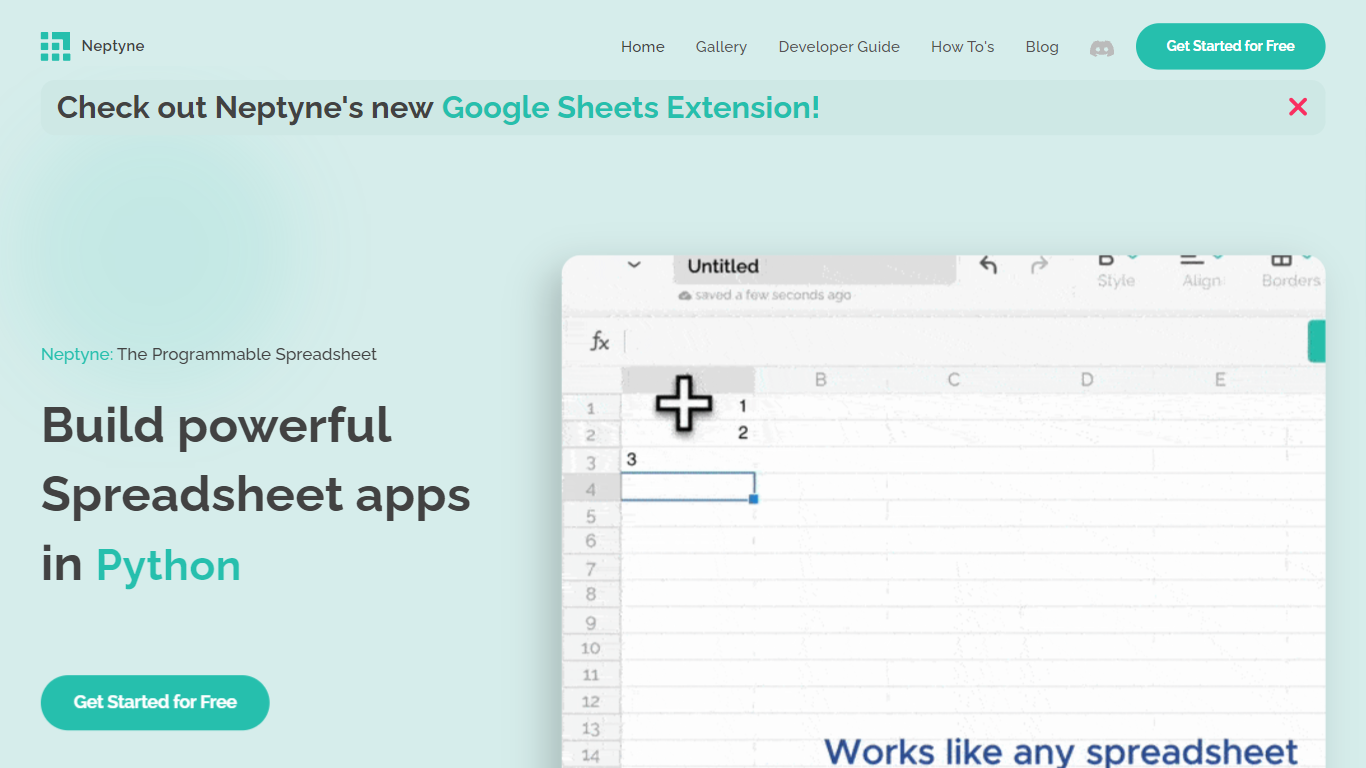

What is Neptyne?
Discover the future of spreadsheet applications with Neptyne: The Programmable Spreadsheet. Neptyne transforms traditional spreadsheets into dynamic and powerful app development platforms by integrating the full capabilities of Python and artificial intelligence. This unique offering is especially advantageous for those who find themselves constrained by the limitations of typical spreadsheet manipulations. With Neptyne, you can easily import data, perform complex statistical analysis, and enjoy extensive visualization options like those available in Jupyter notebooks. Neptyne's AI assistance ensures even beginners can confidently auto-complete data entries, create intricate formulas, and generate code for comprehensive data handling. Additionally, Neptyne operates in the cloud, allowing for seamless collaboration and continuous data processing, giving you the ability to monitor and respond to data in real time. Embrace the power to create productionized data applications with Neptyne's Python ecosystem, and explore their flexible pricing plans that cater to individuals, power users, and teams.
Formularizer
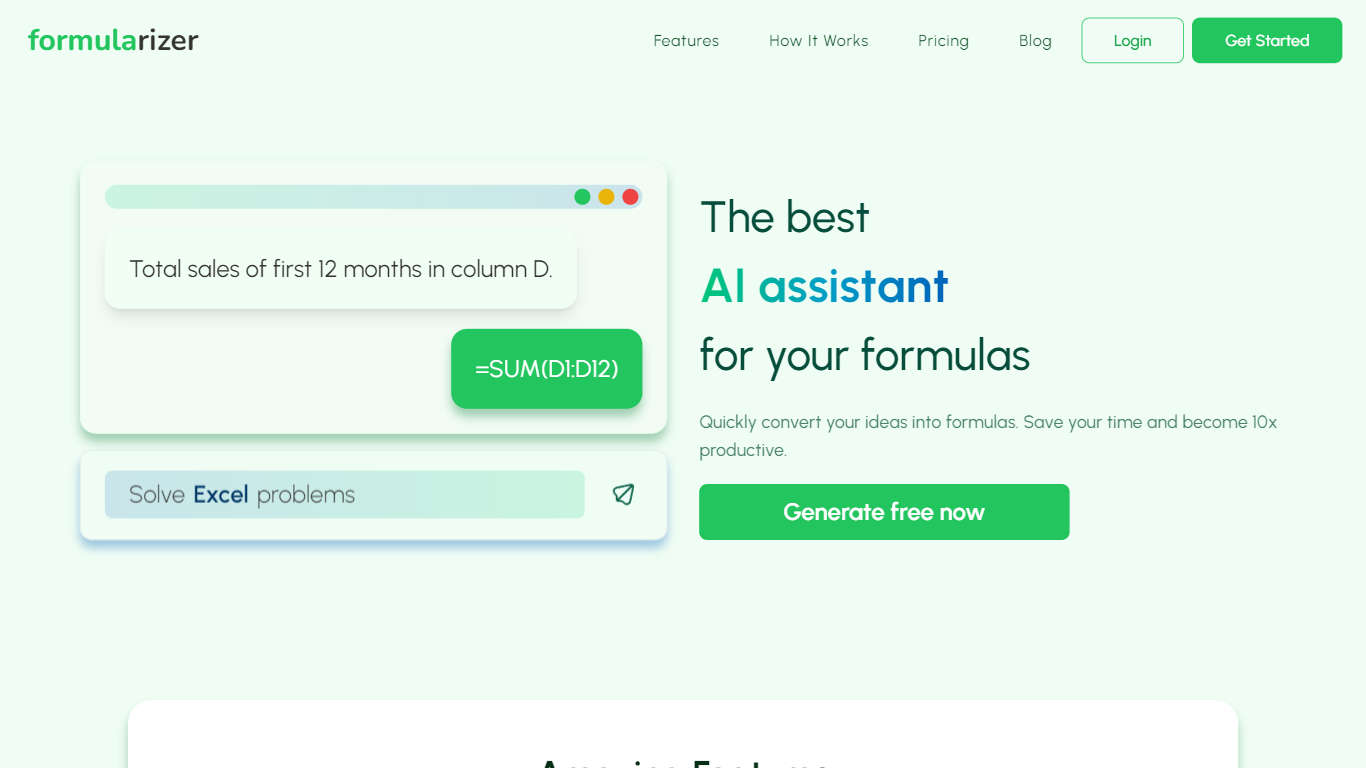
What is Formularizer?
Formularizer is a web assistant for spreadsheet and data work. Choose from four focused helpers: formulas for Excel and Google Sheets, SQL queries, regular expressions, and scripts in Excel VBA or Google Apps Script. Describe what you need in plain language, or paste an existing formula to get an explanation.
Each assistant supports Generate mode to build something new from a description and Explain mode to break down code you already have. For spreadsheet formulas, you pick the target platform so outputs match Excel or Google Sheets syntax. Adding sample data through the input panel helps accuracy on trickier requests.
The site gives you 3 free credits to try before creating an account. Signing up unlocks 50 free credits each month plus faster, more accurate responses. Accounts can be created with email or Google sign-in.
Formularizer fits analysts, students, and anyone who spends their day in spreadsheets but would rather not dig through function docs for every task.
Neptyne Upvotes
Formularizer Upvotes
Neptyne Top Features
🐍 Python Powered: Use the full Python ecosystem inside your spreadsheets for advanced calculations and data handling.
🤖 AI Assist: Get help auto-completing data, creating complex formulas, and generating code even if you're new to Python.
☁️ Cloud Collaboration: Work simultaneously with teammates on spreadsheets and code in real time, all saved in the cloud.
📊 Data Visualization: Create rich visualizations and dashboards similar to Jupyter notebooks to explore your data.
🔗 Easy App Sharing: Publish your spreadsheet apps by sharing a simple link, making deployment effortless.
Formularizer Top Features
Four assistants cover formulas, SQL, regex, and spreadsheet scripts in one workspace
Generate mode writes formulas, queries, regex patterns, or scripts from a plain-language prompt
Explain mode breaks down existing formulas and code line by line
Pick Excel or Google Sheets when generating spreadsheet formulas
Drop in sample data from the input menu to sharpen results on complex requests
Neptyne Category
- Excel
Formularizer Category
- Excel
Neptyne Pricing Type
- Freemium
Formularizer Pricing Type
- Freemium