NocoAI vs Visus
Compare NocoAI vs Visus and see which AI Web Apps tool is better when we compare features, reviews, pricing, alternatives, upvotes, etc.
Which one is better? NocoAI or Visus?
When we compare NocoAI with Visus, which are both AI-powered web apps tools, Both tools have received the same number of upvotes from aitools.fyi users. Be a part of the decision-making process. Your vote could determine the winner.
Does the result make you go "hmm"? Cast your vote and turn that frown upside down!
NocoAI
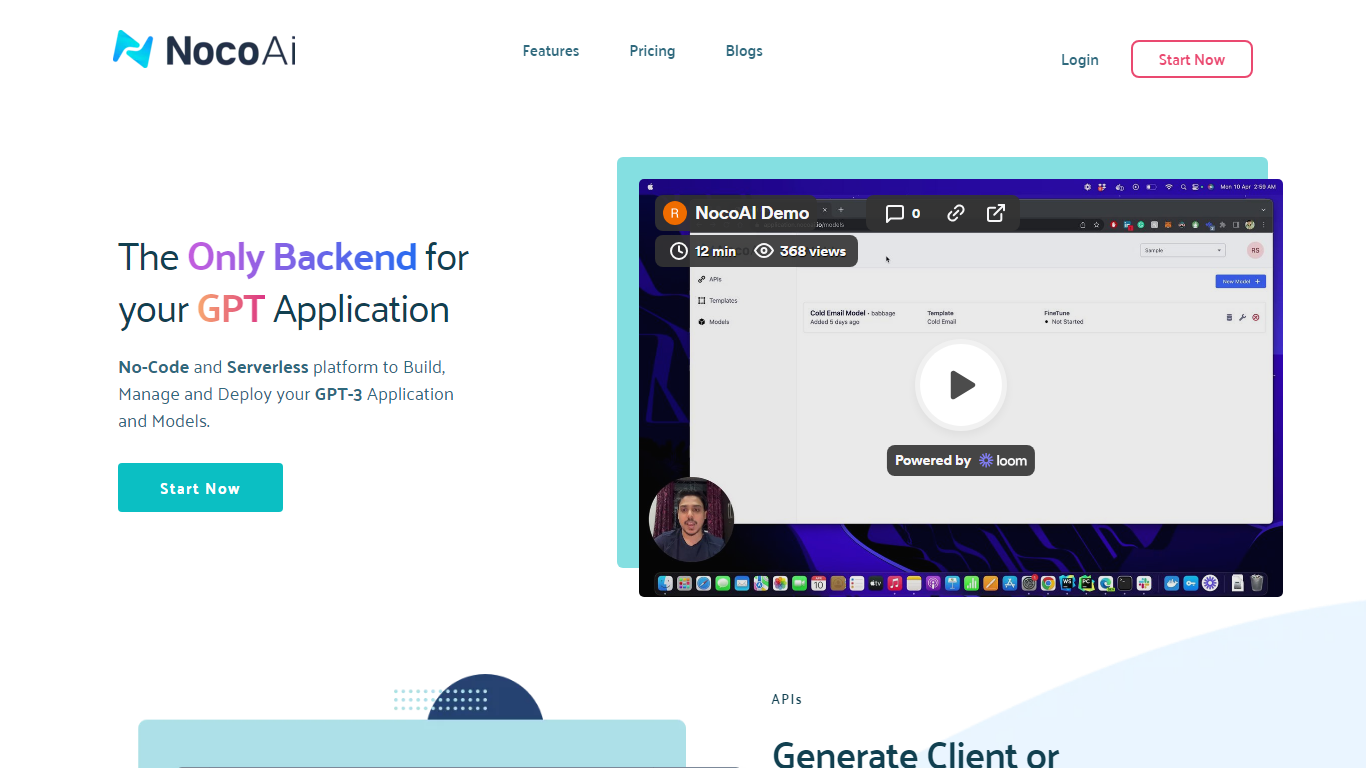

What is NocoAI?
NocoAI revolutionizes the deployment of GPT-based applications with its no-code, serverless platform, designed for simplicity and effectiveness. It empowers businesses to create custom models and API endpoints that cater to the client or backend needs. With NocoAI, you gain the ability to define prompt templates using the Mustache template engine, leading to highly personalized input for fine-tuning applications. The platform offers a unique feature enabling you to control OpenAI costs with request and user limits on your APIs, while the upcoming feature to analyze API usage promises an even more refined custom model optimization. Moreover, the NocoAI team stands ready to assist non-developers in adding datasets for further model fine-tuning via a user-friendly interface.
Visus
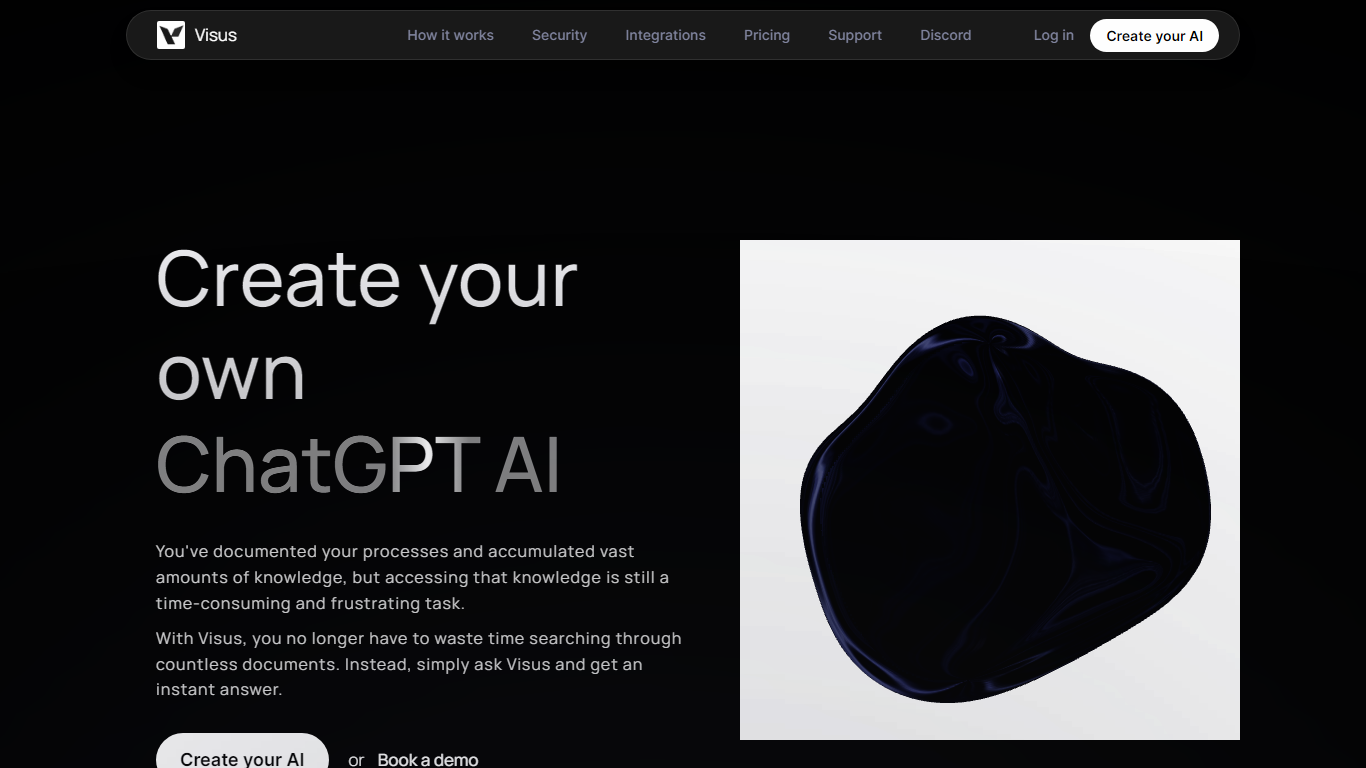
What is Visus?
Visus lets teams train a private ChatGPT-style assistant on their own documents and query it in plain language. You upload folders and files, tune sensitivity and accuracy settings, then ask questions and get answers pulled only from that training material.
Where a general chatbot will mix in outside knowledge, Visus restricts replies to content your users are authorized to see. Permission changes sync immediately, so someone who loses access to a folder should not get answers sourced from it. That makes it closer to an internal knowledge search layer than a blank-slate writing assistant.
Teams connect Google Drive, Confluence, Notion, Slack, Microsoft Teams, Discord, or a Chrome extension so the assistant sits inside existing workflows. The free tier caps you at one AI instance and 1,500 messages per month, while paid plans raise member limits and unlock unlimited instances.
NocoAI Upvotes
Visus Upvotes
NocoAI Top Features
No-Code Platform: Utilize a serverless environment to build and deploy GPT applications without coding.
API Generation: Easily generate client or backend APIs with custom or inbuilt models.
Template Customization: Define prompt templates and variables with the Mustache template engine for personalized API inputs.
Cost Control: Implement request and user limits to manage OpenAI costs effectively.
Non-Developer Friendly: Engage the NocoAI team for assistance in dataset addition and model fine-tuning.
Visus Top Features
Free tier includes 1 AI instance and 1,500 messages per month for one member
Answers restricted to uploaded training documents, not general web knowledge
Integrations with Google Drive, Confluence, Notion, Slack, Teams, and Discord
AES 256 encryption with permission checks before surfacing document content
Standard plan at $20 per member per month unlocks unlimited AI instances
Business plan at $50 per member adds roles, permissions, and up to 100 members
NocoAI Category
- Web Apps
Visus Category
- Web Apps
NocoAI Pricing Type
- Freemium
Visus Pricing Type
- Freemium