Noise Eraser vs audyo.ai
In the battle of Noise Eraser vs audyo.ai, which AI Audio Generation tool comes out on top? We compare reviews, pricing, alternatives, upvotes, features, and more.
Between Noise Eraser and audyo.ai, which one is superior?
Upon comparing Noise Eraser with audyo.ai, which are both AI-powered audio generation tools, The upvote count shows a clear preference for Noise Eraser. Noise Eraser has received 7 upvotes from aitools.fyi users, while audyo.ai has received 6 upvotes.
Does the result make you go "hmm"? Cast your vote and turn that frown upside down!
Noise Eraser

What is Noise Eraser?
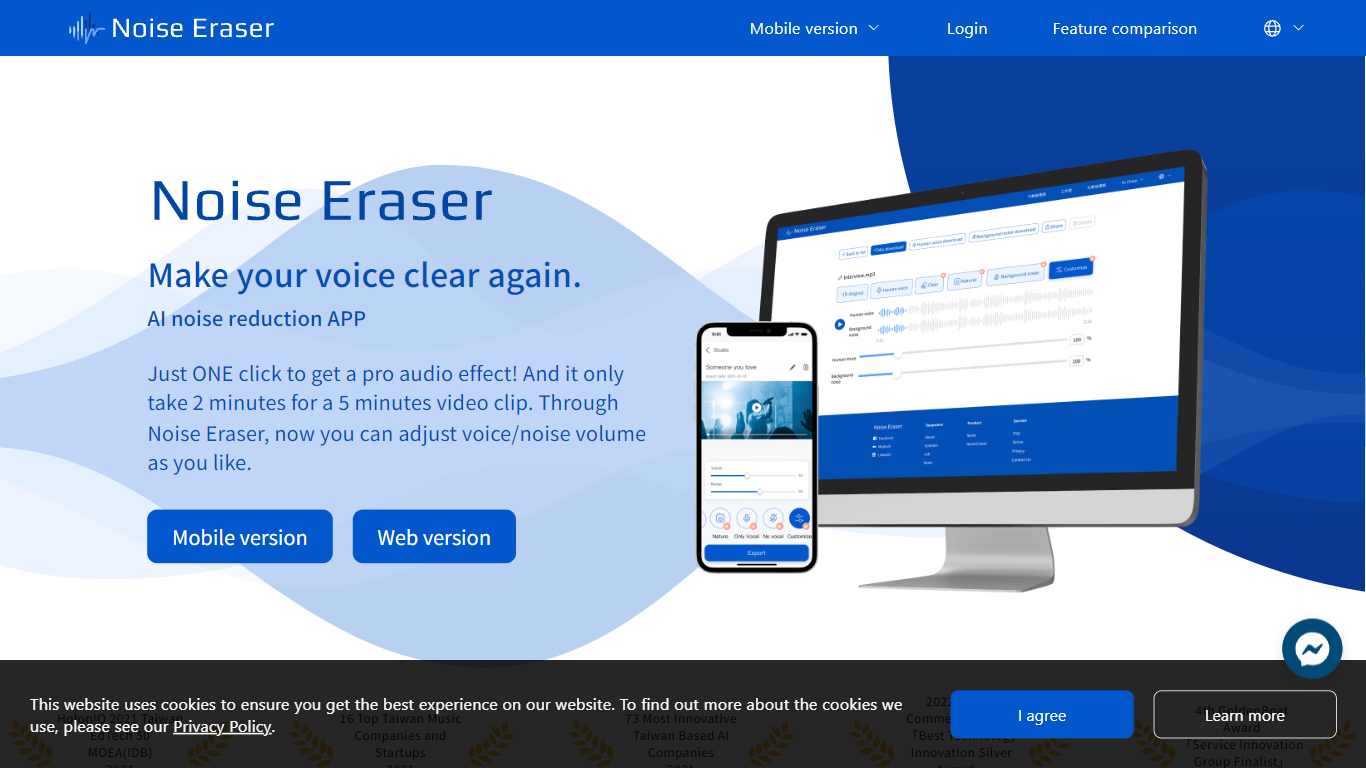
Noise Eraser pulls apart vocals, wind, traffic, music, and air conditioning noise so you can keep the sounds you want and drop the rest. Upload an audio or video file, pick a separation target, and fine-tune the mix with sliders. DeepWave offers it as a browser studio and a mobile app for creators who need cleaner speech without rebuilding the track in a full DAW.
Most denoisers apply one blanket filter across the whole clip. Noise Eraser splits individual sound types so you can keep the voice while dropping wind, or mute traffic without touching the music bed. The free tier handles vocal separation only; paid plans unlock up to five separation models with stereo output on Pro+.
Podcasters, vloggers, and social media editors use it to salvage clips recorded outdoors, in cars, or near HVAC units. The mobile app supports full video files end to end, which matters when you are fixing audio straight from a phone recording rather than exporting stems first.
audyo.ai
What is audyo.ai?
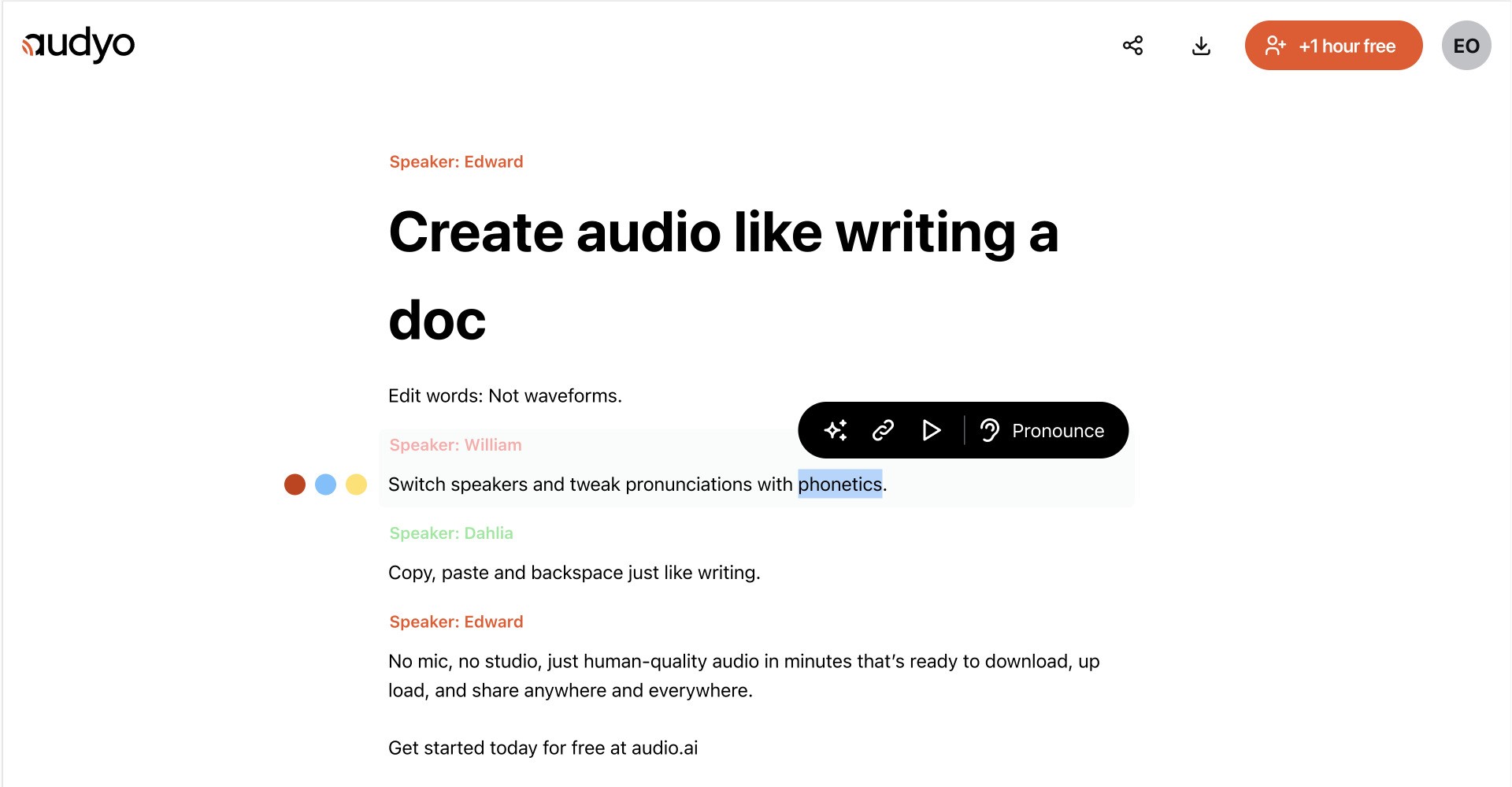
Audyo converts typed text into downloadable speech through a document-style editor. You write or paste a script, choose from 100+ voices across languages and accents, and export audio for videos, podcasts, presentations, and other projects without recording in a studio.
Most audio tools make you trim waveforms and re-record when a line changes. Audyo keeps the script as the source of truth, so you revise text, swap speakers, and regenerate audio without touching a timeline. That text-first workflow fits creators who treat narration like a draft, not a one-take studio session.
You can build multi-voice conversations, mix languages in one project, set custom pronunciations with phonetics, format scripts with Markdown, and use the built-in assistant to refine copy before generating audio. Audyo lists support for English, French, Spanish, German, Italian, Brazilian Portuguese, Japanese, Korean, Chinese, Hindi, Arabic, Turkish, and Russian, with use cases such as voice-overs, podcasts, audiobooks, and video narration.
Noise Eraser Upvotes
audyo.ai Upvotes
Noise Eraser Top Features
Free tier includes 5 minutes per file and 20 minutes of processing per month for vocal separation only
Pro+ subscribers can choose from 5 sound models to split vocals, wind, music, traffic, or AC noise
Mobile app processes full video and audio files; the web studio accepts audio files only
Upload MP3 or WAV files up to 2GB per the published file size limit
Adjustable noise-ratio sliders let you balance isolated sound against the background mix
7-day trial unlocks Pro+ features including stereo support and priority processing
audyo.ai Top Features
Choose from 100+ voices across 13 supported languages and regional accents
Edit scripts like a document instead of trimming audio waveforms
Generate up to 15 minutes of audio on the free plan before upgrading
Swap speakers quickly to build multi-voice conversations
Buy one-time audio hour packs from $3 with no subscription required
Export finished MP3 audio for videos, podcasts, and presentations
Noise Eraser Category
- Audio Generation
audyo.ai Category
- Audio Generation
Noise Eraser Pricing Type
- Freemium
audyo.ai Pricing Type
- Freemium