nolu vs Lightkey
In the battle of nolu vs Lightkey, which AI Text Generation tool comes out on top? We compare reviews, pricing, alternatives, upvotes, features, and more.
Between nolu and Lightkey, which one is superior?
Upon comparing nolu with Lightkey, which are both AI-powered text generation tools, Both tools are equally favored, as indicated by the identical upvote count. You can help us determine the winner by casting your vote and tipping the scales in favor of one of the tools.
Don't agree with the result? Cast your vote and be a part of the decision-making process!
nolu


What is nolu?
Discover the ease of interaction with the GPT-3 AI through nolu, a website that features a straightforward and user-friendly interface. Whether you're a developer, marketer, educator, or curious explorer of AI technology, nolu provides you with a seamless platform to harness the power of one of the most advanced AI language models available today. Its simple design ensures that users of all levels can effectively communicate with GPT-3, from generating creative content to obtaining data-driven insights. Engage with nolu to unlock the potentials of AI in your projects with minimal learning curve and maximum productivity. With search engine optimization in mind, this description is crafted to help web users find nolu with ease when looking for GPT-3 interfaces.
Lightkey
What is Lightkey?
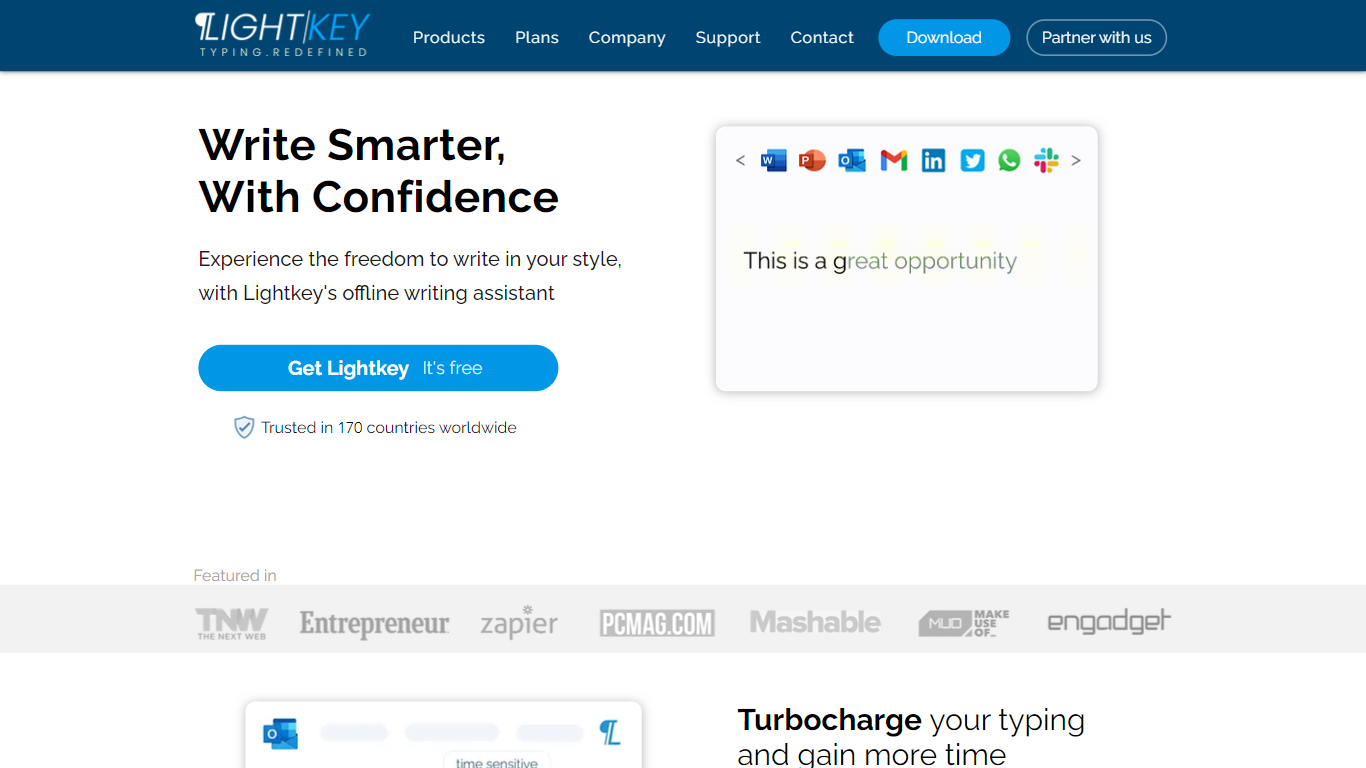
Lightkey learns how you type on Windows and suggests the next words while you write in Office apps or the browser. Accept a prediction with Tab and keep drafting emails, documents, and chat replies without stopping to fix typos.
Cloud writing assistants send keystrokes to remote servers, which is a non-starter for legal, healthcare, and enterprise drafts. Lightkey keeps prediction on your machine, supports 60-plus industry content domains, and offers a business tier with team terminology, which is the trade-off worth knowing if privacy matters more than cross-device sync.
Writers, support reps, and office teams use it in Word, Outlook, Gmail, Slack, Notion, and ChatGPT on the web. A free tier handles basic prediction, while Lightkey Pro unlocks unlimited suggestions and productivity metrics.
nolu Upvotes
Lightkey Upvotes
nolu Top Features
Simple Interface: A user-friendly platform ensuring that everyone can effortlessly communicate with GPT-3.
AI Interaction: Direct and efficient interaction with one of the most sophisticated AI language models.
Versatility: Suitable for various users including developers marketers and educators.
SEO-Optimized: Designed with search engine optimization to enhance discoverability.
Productivity-Focused: Focus on minimal learning curve for maximum user productivity.
Lightkey Top Features
Predicts up to 18 words ahead, including punctuation, from local typing patterns
Runs offline without sending your content to the cloud
Supports Microsoft Office 2010 through 2024 plus Office 365 natively
Chrome and Edge extensions cover Gmail, Slack, Notion, LinkedIn, and ChatGPT on the web
Offers 60-plus industry content domains such as technology, academia, and legal
Lightkey Pro adds unlimited predictions, productivity metrics, and corpus file training
nolu Category
- Text Generation
Lightkey Category
- Text Generation
nolu Pricing Type
- Freemium
Lightkey Pricing Type
- Freemium