Notion vs Prezo
In the battle of Notion vs Prezo, which AI All In One tool comes out on top? We compare reviews, pricing, alternatives, upvotes, features, and more.
Between Notion and Prezo, which one is superior?
Upon comparing Notion with Prezo, which are both AI-powered all in one tools, Interestingly, both tools have managed to secure the same number of upvotes. You can help us determine the winner by casting your vote and tipping the scales in favor of one of the tools.
Disagree with the result? Upvote your favorite tool and help it win!
Notion

What is Notion?
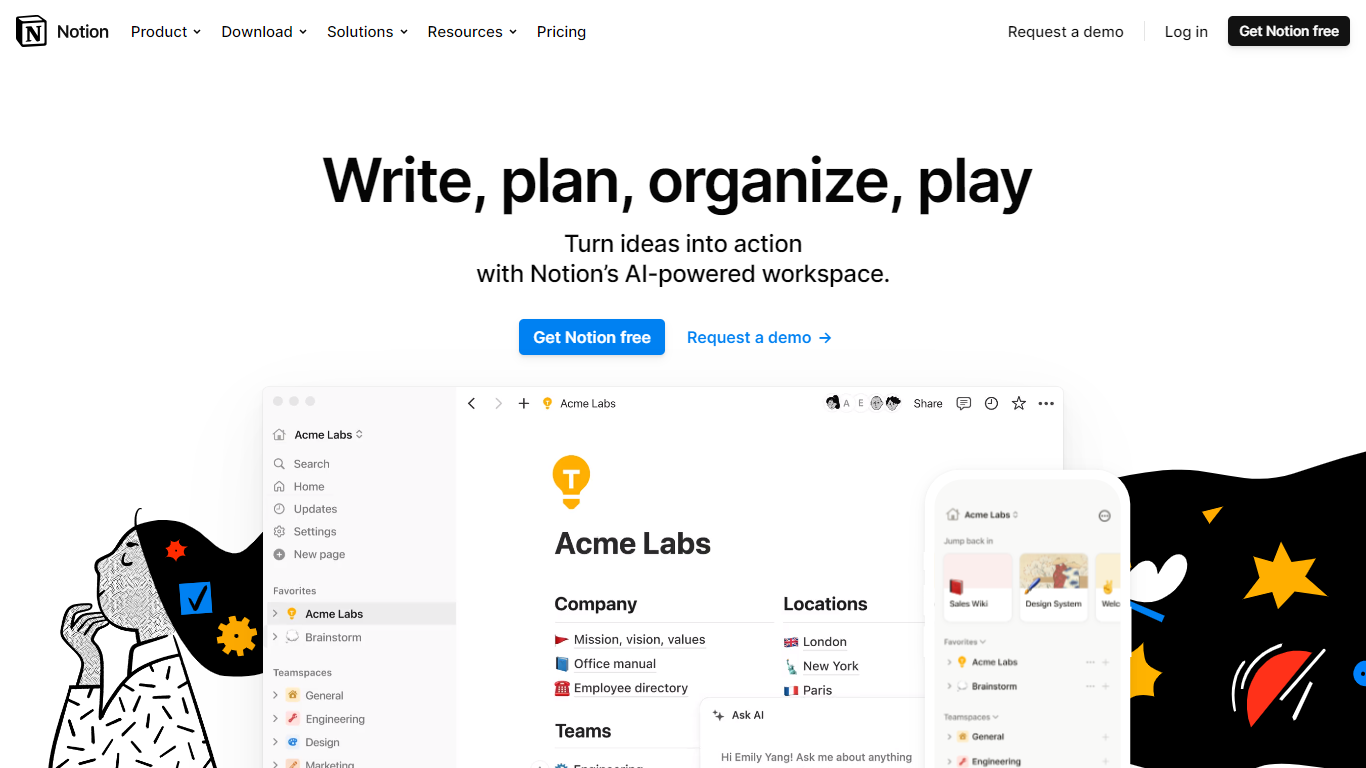
Notion provides a single connected workspace for teams and individuals looking to streamline their productivity by combining wikis, documents, and project management into one seamless interface. With Notion, you no longer need to juggle multiple apps to organize your work; it offers an all-in-one solution that caters to various functions such as note-taking, knowledge centralization, task management, and scheduling.
Notion's philosophy is simple yet powerful – it helps to declutter your workflow and cut costs by replacing many disparate tools with its robust platform. Notion adapts to your needs, whether you prefer a minimal setup or require complex workflows with custom labels and databases.
The platform supports collaborative efforts across various team functions, such as design, engineering, operations, and marketing. With a strong global community supporting users, Notion stands out as a comprehensive tool for teams looking to stay connected and productive.
Prezo

What is Prezo?
Transform your ideas into stunning visual stories with Prezo, the revolutionary AI-powered presentation tool. Prezo is designed to amplify your productivity, allowing you to create beautiful presentations with ease. It works seamlessly across web and mobile, ensuring accessible viewing on all devices.
Start your journey with just a document or a simple phrase. Prezo intelligently converts long-form content into well-structured presentations, maintaining the essential information and formatting it to engage your audience. The platform also offers the capability to generate custom images and text, catering to a range of styles and moods to perfectly match your presentation's tone.
The intuitive interface leverages drag and drop functionality for delightful editing, making it fun and effortless to organize your layout. Prezo is backed by a suite of powerful tools such as tables, charts, and various integrations, enhancing your presentations while ensuring compatibility and a visually appealing design on any device. Get started with Prezo for free and take the first step in creating impactful presentations with the power of AI.
Notion Upvotes
Prezo Upvotes
Notion Top Features
Integrated AI Assistant: Enhances your workspace with AI capabilities to answer questions and assist with tasks.
Powerful Docs: Create and manage beautiful next-generation notes and documents.
Centralized Wikis: Keep all your team's knowledge in one place, easily accessible and organized.
Flexible Project Workflows: Adapt your project management with connected and flexible tools.
Unified Calendar System: Align your team's tasks and schedules in one coherent calendar.
Prezo Top Features
Intuitive Document Conversion: Turn articles or memos into presentations with a single click.
Custom AI Images: Generate unique images in various styles for your presentations.
AI Text Assistance: Rewrite and adjust content to fit your audience perfectly.
Adaptive Layouts: Mobile-responsive presentation blocks that rearrange automatically.
Dynamic Editing: Easy drag & drop editing for crafting the perfect layout.
Notion Category
- All In One
Prezo Category
- All In One
Notion Pricing Type
- Freemium
Prezo Pricing Type
- Freemium