Notta vs MeetGeek
When comparing Notta vs MeetGeek, which AI Meeting Assistant tool shines brighter? We look at pricing, alternatives, upvotes, features, reviews, and more.
In a comparison between Notta and MeetGeek, which one comes out on top?
When we put Notta and MeetGeek side by side, both being AI-powered meeting assistant tools, The upvote count shows a clear preference for MeetGeek. MeetGeek has 17 upvotes, and Notta has 7 upvotes.
Disagree with the result? Upvote your favorite tool and help it win!
Notta

What is Notta?
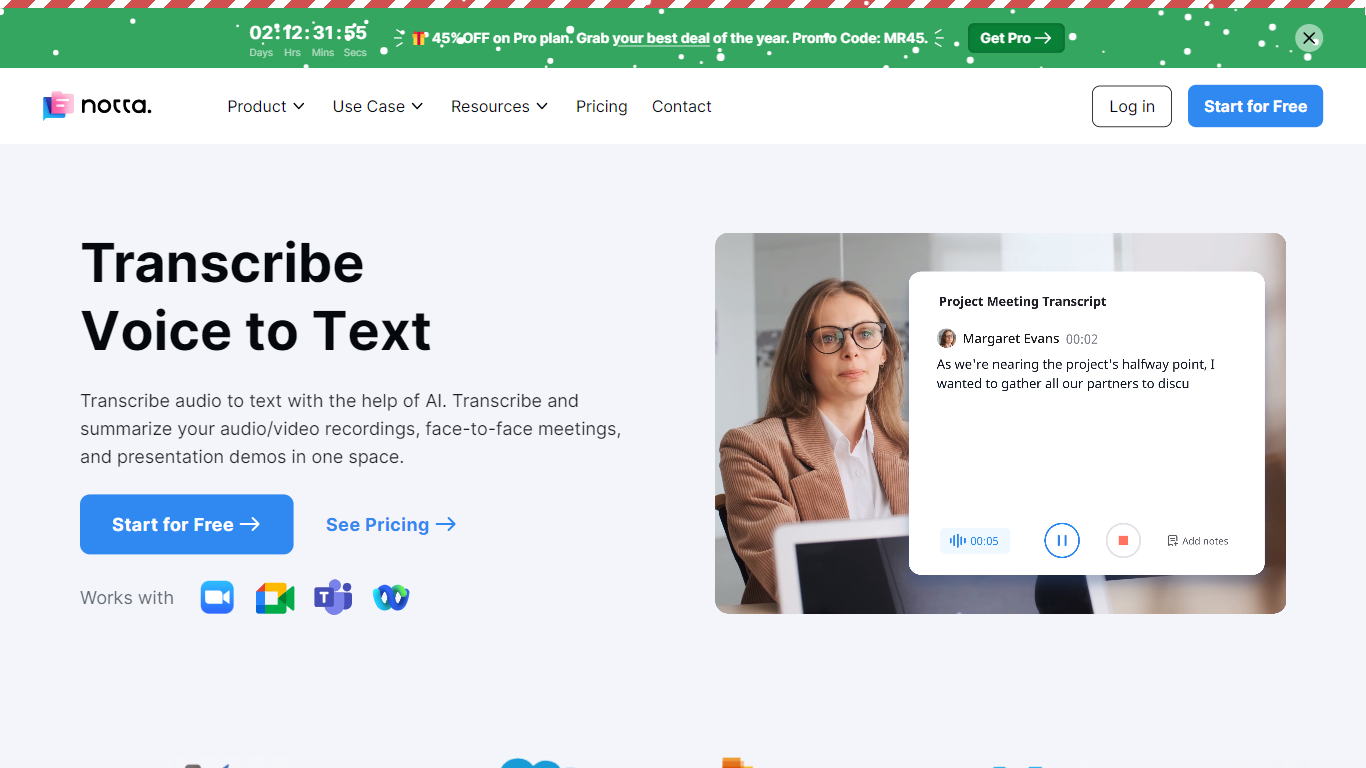
Notta offers a comprehensive solution for converting audio to text using advanced AI technology. With Notta, users can transcribe and summarize audio/video recordings, live meetings, and presentations, all in a unified platform. Designed for simplicity, Notta is accessible across different devices, with a web app, mobile app, and Chrome extension available to cater to various user needs. Transcription is made effortless with one-click operations, and support for 104 languages ensures a wide reach. In addition to transcription, the platform offers real-time translation, meeting recording, AI-powered summarization, and schedule automation. Note-taking is transformed to be efficient and manageable thanks to Notta, making it particularly valuable in contexts such as interviews, education, podcasts, and medical care. The platform champions security with GDPR and SOC 2 compliance, using AWS for secure data storage. The user-friendly service provides fast, accurate transcriptions and summaries that can be exported to multiple formats and shared easily with team members or clients.
MeetGeek
What is MeetGeek?
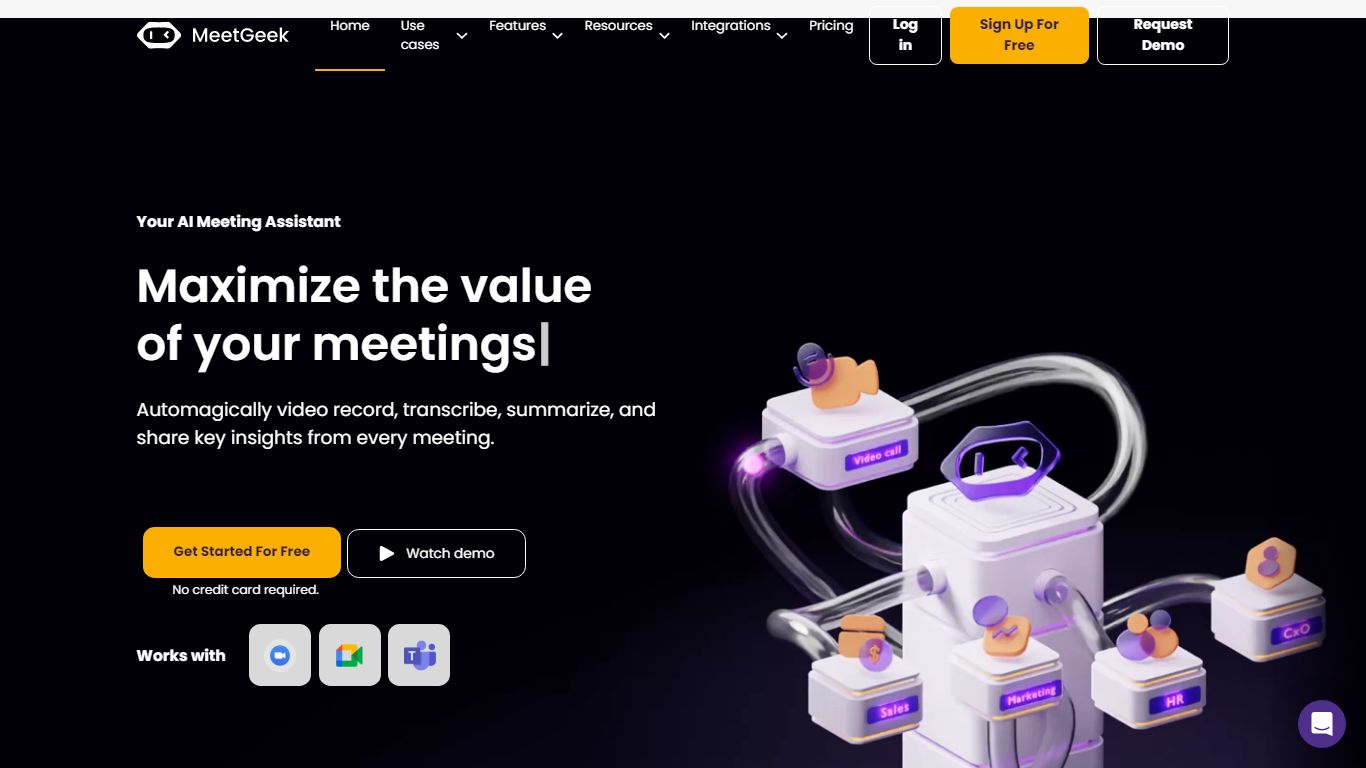
MeetGeek is a meeting assistant that records, transcribes, and summarizes calls across Zoom, Google Meet, Microsoft Teams, and other conferencing tools. It stores searchable transcripts, AI chat over past meetings, and workflow automations so teams can share notes without rewatching every recording.
Unlike lightweight note bots that only dump a summary, MeetGeek layers meeting templates, CRM integrations, and no-bot browser recording on top of transcription. That stack targets teams that need governance, analytics, and Zapier-style automation rather than a single post-call email.
Sales, customer success, and product teams use MeetGeek for customer calls, interviews, and internal standups. Educators and agencies also adopt it for online classes and client meetings where shared folders and role-based access matter.
Notta Upvotes
MeetGeek Upvotes
Notta Top Features
Transcription: One-click speech-to-text conversion for both live and recorded audio.
Translation: Real-time language translation for accessibility in 104 languages.
Recording: Direct meeting and call recording from any device with no installation required.
Summarizer: Advanced AI that condenses text into actionable summaries.
Scheduler: Integration with Google Calendar for seamless event scheduling and meeting transcriptions.
MeetGeek Top Features
Auto-detects 100+ languages with speaker identification
Records Zoom, Google Meet, Microsoft Teams, and Webex calls
30+ meeting summary templates with meeting type auto-detection
No-bot recording via browser extension and desktop app
CRM sync to HubSpot, Salesforce, Pipedrive, and Zoho
API and MCP access for custom meeting workflows
Notta Category
- Meeting Assistant
MeetGeek Category
- Meeting Assistant
Notta Pricing Type
- Freemium
MeetGeek Pricing Type
- Freemium