OASIS vs Booltool
When comparing OASIS vs Booltool, which AI All In One tool shines brighter? We look at pricing, alternatives, upvotes, features, reviews, and more.
In a comparison between OASIS and Booltool, which one comes out on top?
When we put OASIS and Booltool side by side, both being AI-powered all in one tools, There's no clear winner in terms of upvotes, as both tools have received the same number. You can help us determine the winner by casting your vote and tipping the scales in favor of one of the tools.
Disagree with the result? Upvote your favorite tool and help it win!
OASIS

What is OASIS?
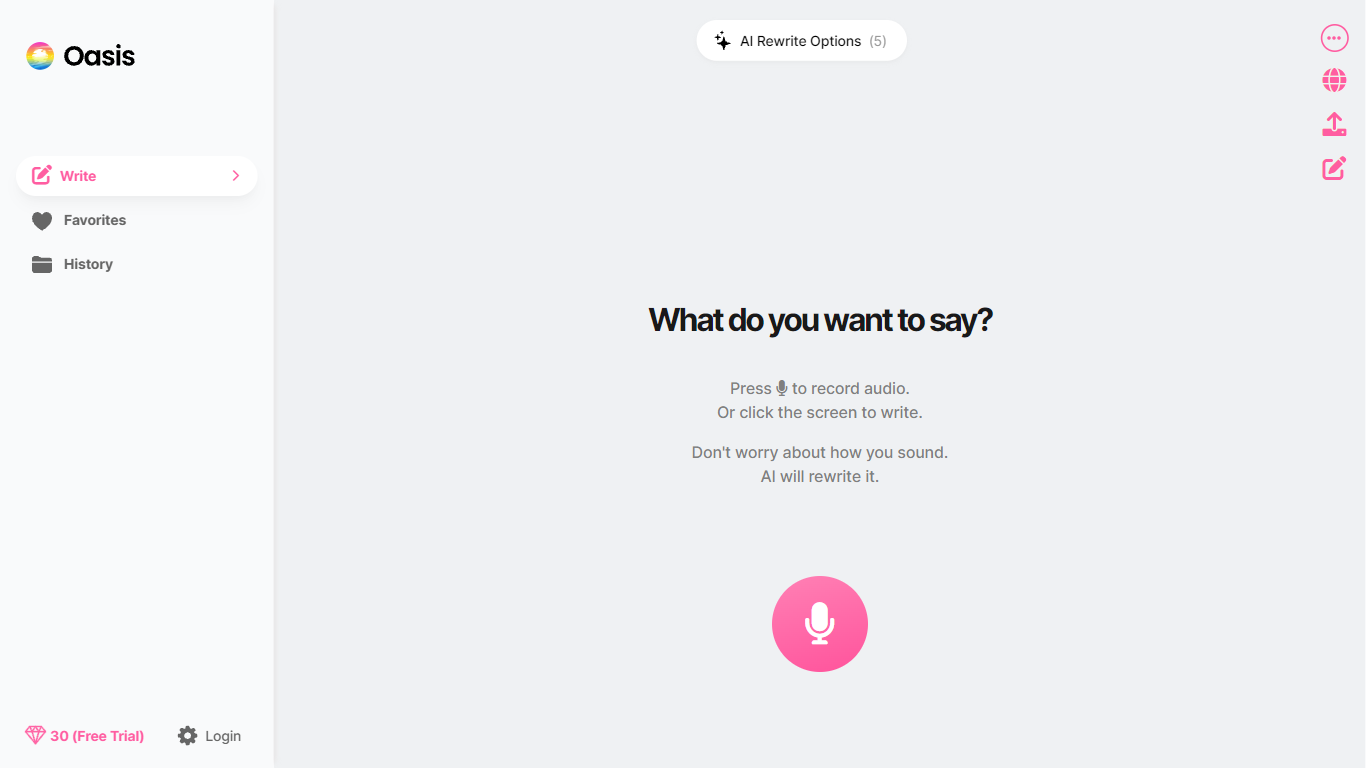
Talk or type a rough idea and OASIS turns it into polished writing in the format you pick, from professional emails to LinkedIn posts or blog drafts. The web app and iOS apps transcribe natural speech, strip filler, and run your words through 20+ rewrite templates so you skip the blank-page stage.
Unlike basic dictation apps that stop at a raw transcript, OASIS lets you select multiple output formats in one pass and build custom templates that define tone, structure, and language. One recording can become five formatted outputs, with credits scaling by length rather than locking you into a single document type.
Students drafting essays, founders writing updates, and professionals cleaning up voice notes before sending are the workflows OASIS describes across its help docs and App Store listing. Free Mode covers on-device transcription only; premium rewrites need an active subscription.
New users get a 30-day trial with 30 credits. Paid Basic and Pro plans start at $4.17 per month on annual billing, with Pro offering 10 times the monthly credits for three times the price.
Booltool
What is Booltool?
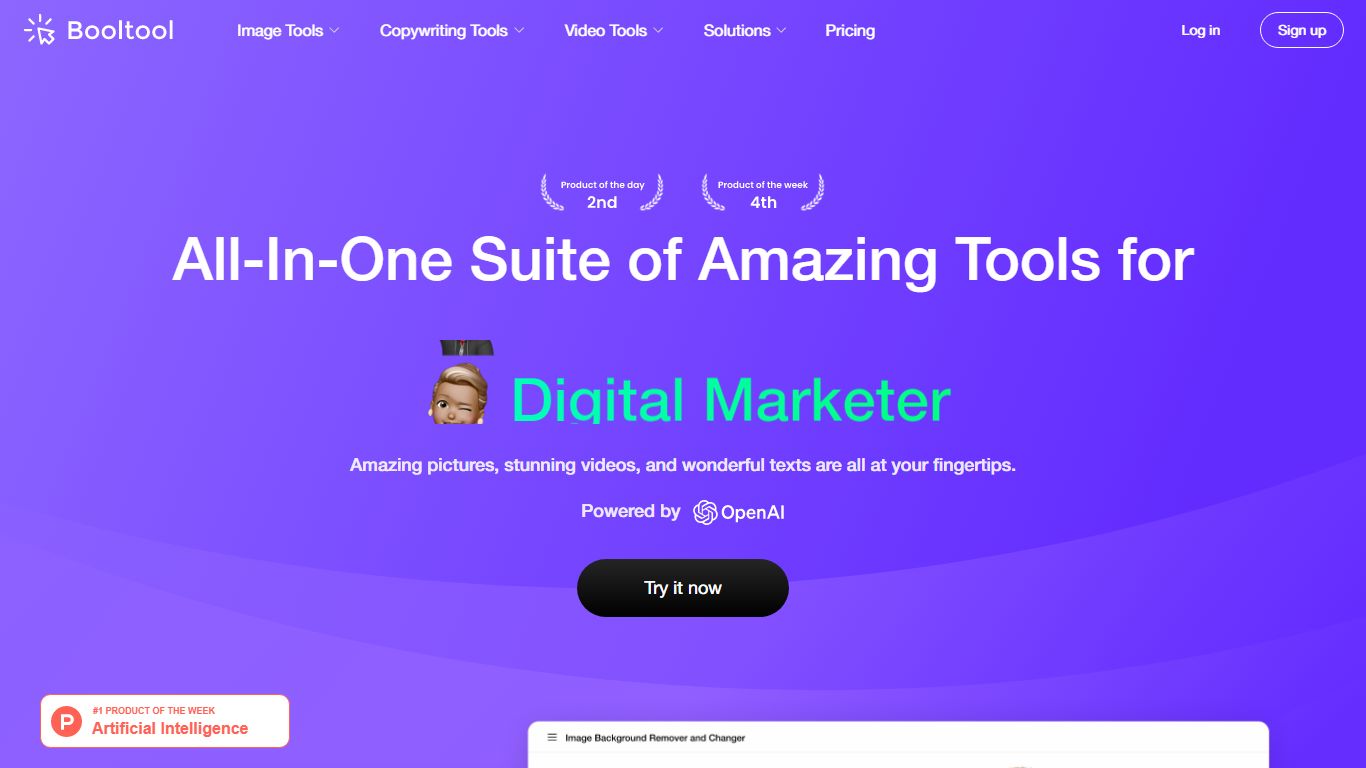
Booltool bundles image editing, AI copywriting, and video enhancement into one browser-based toolkit from Boolv Tech. Online shop owners and content creators get portrait and product background removal, object erasing, 2x image upscaling, and photo animation effects without switching between separate apps. Copywriting tools include an AI paraphraser, positive comment generator, and photo storytelling writer.
Canva handles design templates and Figma targets UI work, but Booltool narrows in on e-commerce visuals and quick marketing copy in a single tab. You get 10-plus image tools, three writing helpers, and video upscaling aimed at product photos and social posts rather than full design projects. Some video features like background removal are still marked as upgrading on the site.
E-commerce sellers polishing product shots, social media managers batching comment replies, and small marketing teams who need background removal plus caption writing in one session are the core users. Booltool ranked on Product Hunt and targets shop owners who previously jumped between separate photo editors and copywriting apps.
OASIS Upvotes
Booltool Upvotes
OASIS Top Features
20+ built-in rewrite templates cover emails, blog posts, LinkedIn posts, essays, and scripts
30-day free trial includes 30 credits for new users to test premium rewrites
Custom template builder lets you define your own output format, tone, and language
Share finished writing to Gmail, iMessage, WhatsApp, Notion, Slack, and Microsoft Teams
Credit system uses about 1 credit per output or roughly 750 words of recorded speech
Works on the web at theoasis.com plus iPhone and iPad apps from the App Store
Booltool Top Features
Portrait and product background removers with one-click precision on uploaded images
Object eraser removes watermarks, defects, and unwanted people with a simple swipe
Image enhancer upscales photos by 2x to meet resolution requirements instantly
AI paraphraser rewrites text to eliminate duplicated content across marketing copy
Sugar Comments generator creates positive social media reply suggestions
Video enhancer upscales footage by 2x while improving color balance and sharpness
OASIS Category
- All In One
Booltool Category
- All In One
OASIS Pricing Type
- Freemium
Booltool Pricing Type
- Freemium