Oda Studio vs RemoveBG
Dive into the comparison of Oda Studio vs RemoveBG and discover which AI Photo Editing tool stands out. We examine alternatives, upvotes, features, reviews, pricing, and beyond.
In a comparison between Oda Studio and RemoveBG, which one comes out on top?
When we compare Oda Studio and RemoveBG, two exceptional photo editing tools powered by artificial intelligence, and place them side by side, several key similarities and differences come to light. With more upvotes, RemoveBG is the preferred choice. RemoveBG has received 10 upvotes from aitools.fyi users, while Oda Studio has received 6 upvotes.
Not your cup of tea? Upvote your preferred tool and stir things up!
Oda Studio
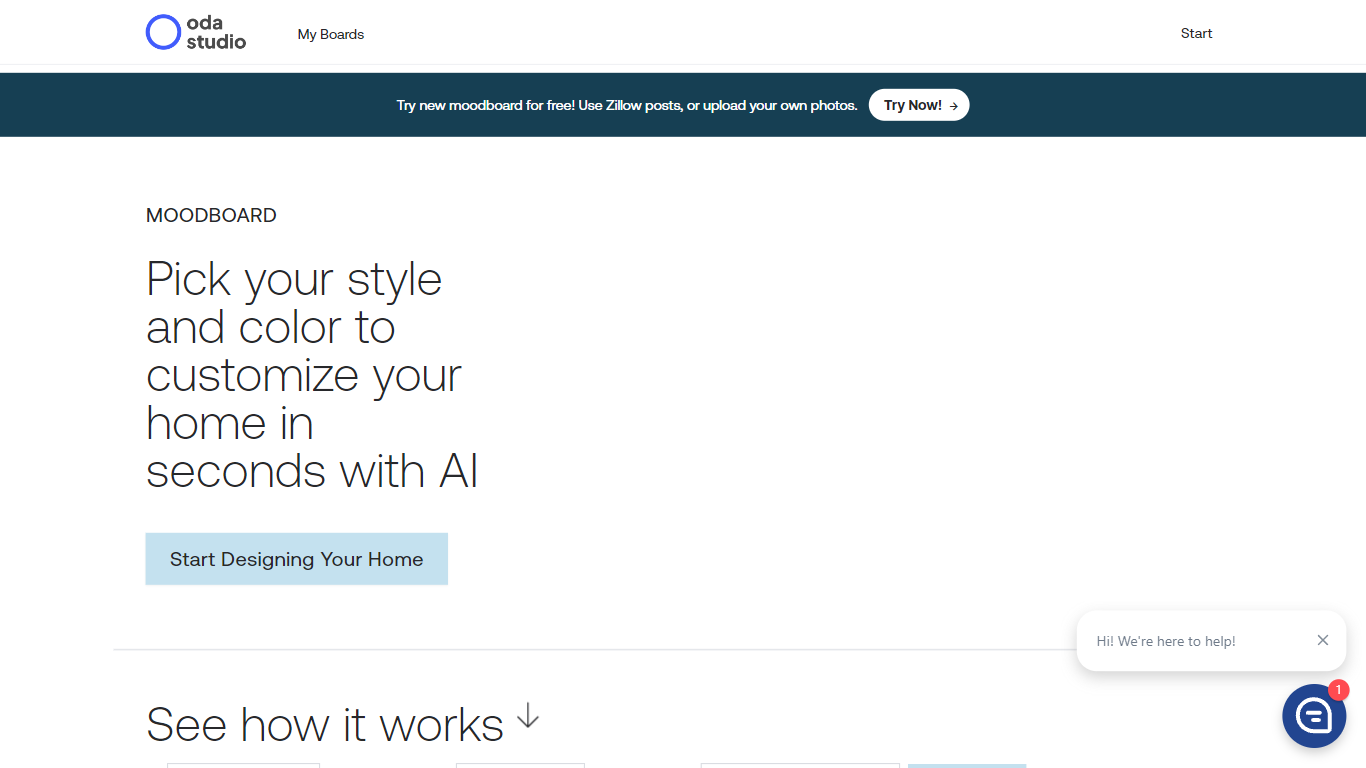

What is Oda Studio?
Welcome to Oda Studio's innovative platform, where you can effortlessly design and customize your home with a personalized moodboard in just seconds, thanks to the power of Artificial Intelligence. The Oda Moodboard tool simplifies the creative process, allowing you to select from a variety of styles such as mid-century, modern, bohemian, or minimalistic. You can then tailor your space to perfectly match your vision by choosing from a palette of appealing colors like navy, salmon, olive, beige, dark gray, mint, and mustard. This user-friendly platform facilitates the addition of elements like plants, landscape wall art, and abstract art to bring your design to life. With the option to try out the moodboard for free, users can use Zillow posts or upload their own photos to see their design take shape in real time. Oda Studio makes home design accessible and enjoyable for everyone, whether you're a professional decorator or just looking to refresh your living space.
RemoveBG
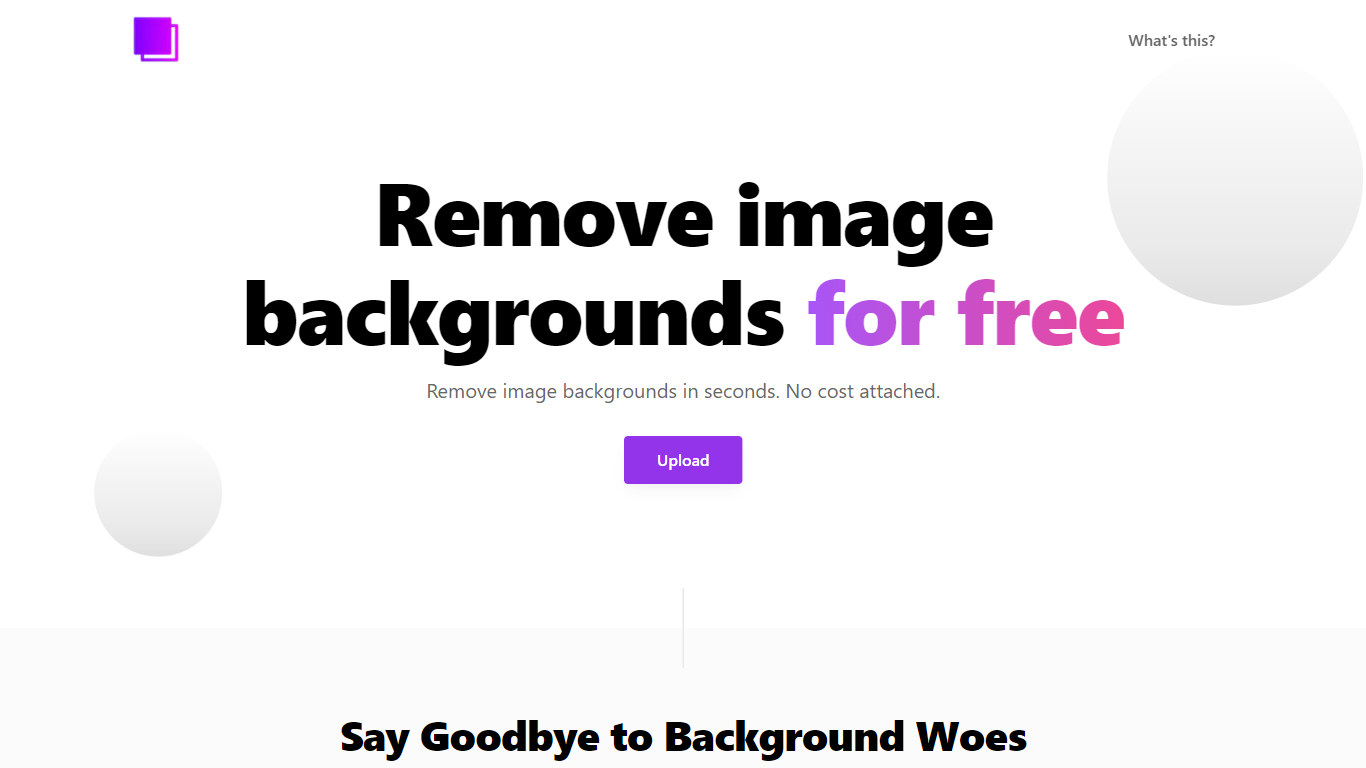
What is RemoveBG?
RemoveBG is a powerful and user-friendly online tool that allows you to remove image backgrounds in seconds, and the best part is, it's completely free! With advanced AI technology, RemoveBG makes background removal a breeze, saving you time and effort. Whether you need to edit images for creative projects, marketing materials, or personal use, RemoveBG has got you covered.
With RemoveBG, the process of removing image backgrounds is as easy as 1-2-3. First, choose the image you want to edit and upload it into the tool. Second, let the advanced AI technology analyze your image and automatically remove the background. Finally, download the new image and use it for any purpose you desire. Say goodbye to background woes and hello to hassle-free image editing with RemoveBG.
Oda Studio Upvotes
RemoveBG Upvotes
Oda Studio Top Features
Customizable Moodboards: Create a customized home design with a free moodboard tool.
Diverse Styles and Colors: Choose from a variety of styles like mid-century bohemian and minimal as well as a rich color palette.
Real-time Visualization: Upload personal photos or use Zillow posts to see design changes in real time.
Easy Addition of Elements: Integrate plants and various wall arts into your moodboard effortlessly.
AI-Powered Design: Utilize the power of AI to tailor your home's look quickly and accurately.
RemoveBG Top Features
Quick and Easy Background Removal: RemoveBG makes it incredibly simple to remove image backgrounds with just a few clicks. No need for complex editing software or extensive manual work.
Free of Cost: RemoveBG offers its background removal services completely free of charge. Say goodbye to expensive editing tools and hello to cost-effective image editing.
Advanced AI Technology: Powered by advanced AI technology RemoveBG analyzes your images and accurately detects and removes the background ensuring clean and professional results.
Versatile Usage: The images edited with RemoveBG can be used for a wide range of purposes including creative projects marketing materials or personal use. The possibilities are endless.
User-Friendly Interface: RemoveBG's user-friendly interface makes it easy for anyone to use regardless of their level of expertise in image editing. No technical skills required.
Oda Studio Category
- Photo Editing
RemoveBG Category
- Photo Editing
Oda Studio Pricing Type
- Freemium
RemoveBG Pricing Type
- Free