RemoveBG vs Photoleap
In the contest of RemoveBG vs Photoleap, which AI Photo Editing tool is the champion? We evaluate pricing, alternatives, upvotes, features, reviews, and more.
If you had to choose between RemoveBG and Photoleap, which one would you go for?
When we examine RemoveBG and Photoleap, both of which are AI-enabled photo editing tools, what unique characteristics do we discover? In the race for upvotes, RemoveBG takes the trophy. RemoveBG has attracted 11 upvotes from aitools.fyi users, and Photoleap has attracted 10 upvotes.
Think we got it wrong? Cast your vote and show us who's boss!
RemoveBG


What is RemoveBG?
RemoveBG is a powerful and user-friendly online tool that allows you to remove image backgrounds in seconds, and the best part is, it's completely free! With advanced AI technology, RemoveBG makes background removal a breeze, saving you time and effort. Whether you need to edit images for creative projects, marketing materials, or personal use, RemoveBG has got you covered.
With RemoveBG, the process of removing image backgrounds is as easy as 1-2-3. First, choose the image you want to edit and upload it into the tool. Second, let the advanced AI technology analyze your image and automatically remove the background. Finally, download the new image and use it for any purpose you desire. Say goodbye to background woes and hello to hassle-free image editing with RemoveBG.
Photoleap
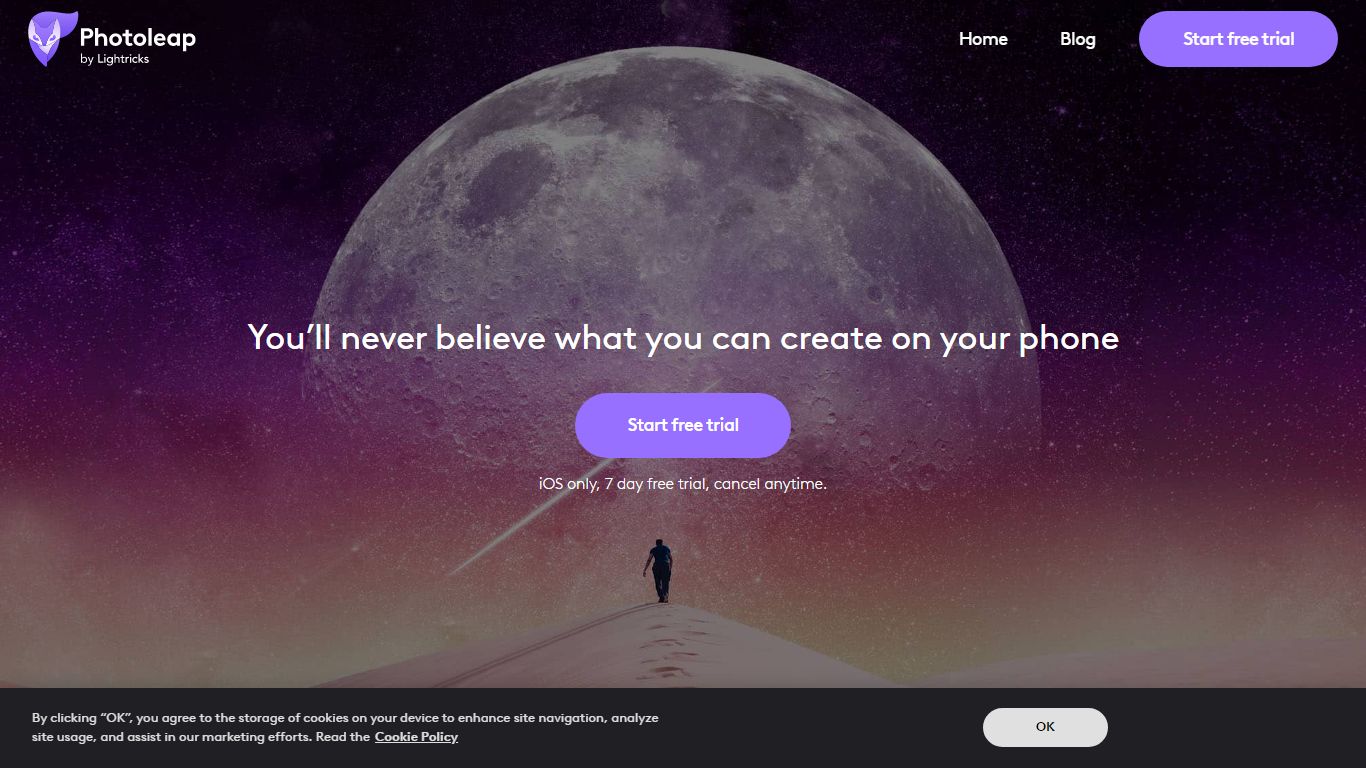
What is Photoleap?
Lightricks built Photoleap as a phone-first photo editor where AI handles retouching, background swaps, text-to-image generation, and novelty filters through tap-friendly controls. Free tools include the Cutout background remover, and a Pro subscription unlocks the full creative suite after a 7-day trial.
Desktop editors like Photoshop expect manual layers and masking. Photoleap instead ships one-tap AI transforms such as face swaps, yearbook filters, tattoo previews, and sketch-to-image directly on mobile. Text-to-Image works in the browser, but Sketch-to-Image, AI Rooms, and AI Selfies remain app-only, so the web experience stays narrower than the full mobile app.
With 65M+ downloads and a 4.7/5 rating from 600K users, Photoleap fits Instagram creators, small business marketers, and casual photographers who edit on iOS or Android without design training. Pro subscribers get up to 12 layers plus every AI tool listed on the site.
RemoveBG Upvotes
Photoleap Upvotes
RemoveBG Top Features
Quick and Easy Background Removal: RemoveBG makes it incredibly simple to remove image backgrounds with just a few clicks. No need for complex editing software or extensive manual work.
Free of Cost: RemoveBG offers its background removal services completely free of charge. Say goodbye to expensive editing tools and hello to cost-effective image editing.
Advanced AI Technology: Powered by advanced AI technology RemoveBG analyzes your images and accurately detects and removes the background ensuring clean and professional results.
Versatile Usage: The images edited with RemoveBG can be used for a wide range of purposes including creative projects marketing materials or personal use. The possibilities are endless.
User-Friendly Interface: RemoveBG's user-friendly interface makes it easy for anyone to use regardless of their level of expertise in image editing. No technical skills required.
Photoleap Top Features
65M+ downloads across iOS and Android app stores
7-day free Pro trial before subscription billing starts
Annual Pro plan bills at $47.99 per year ($3.99 per month effective)
Text-to-Image runs in the browser; Sketch-to-Image and AI Rooms are app-only
Cutout tool removes or replaces backgrounds with preset or custom backdrops
Pro unlocks up to 12 layers for complex edits
RemoveBG Category
- Photo Editing
Photoleap Category
- Photo Editing
RemoveBG Pricing Type
- Free
Photoleap Pricing Type
- Freemium