Office Translator vs CloneDub
In the clash of Office Translator vs CloneDub, which AI Translation tool emerges victorious? We assess reviews, pricing, alternatives, features, upvotes, and more.
When we put Office Translator and CloneDub head to head, which one emerges as the victor?
Let's take a closer look at Office Translator and CloneDub, both of which are AI-driven translation tools, and see what sets them apart. Both tools are equally favored, as indicated by the identical upvote count. Since other aitools.fyi users could decide the winner, the ball is in your court now to cast your vote and help us determine the winner.
Does the result make you go "hmm"? Cast your vote and turn that frown upside down!
Office Translator
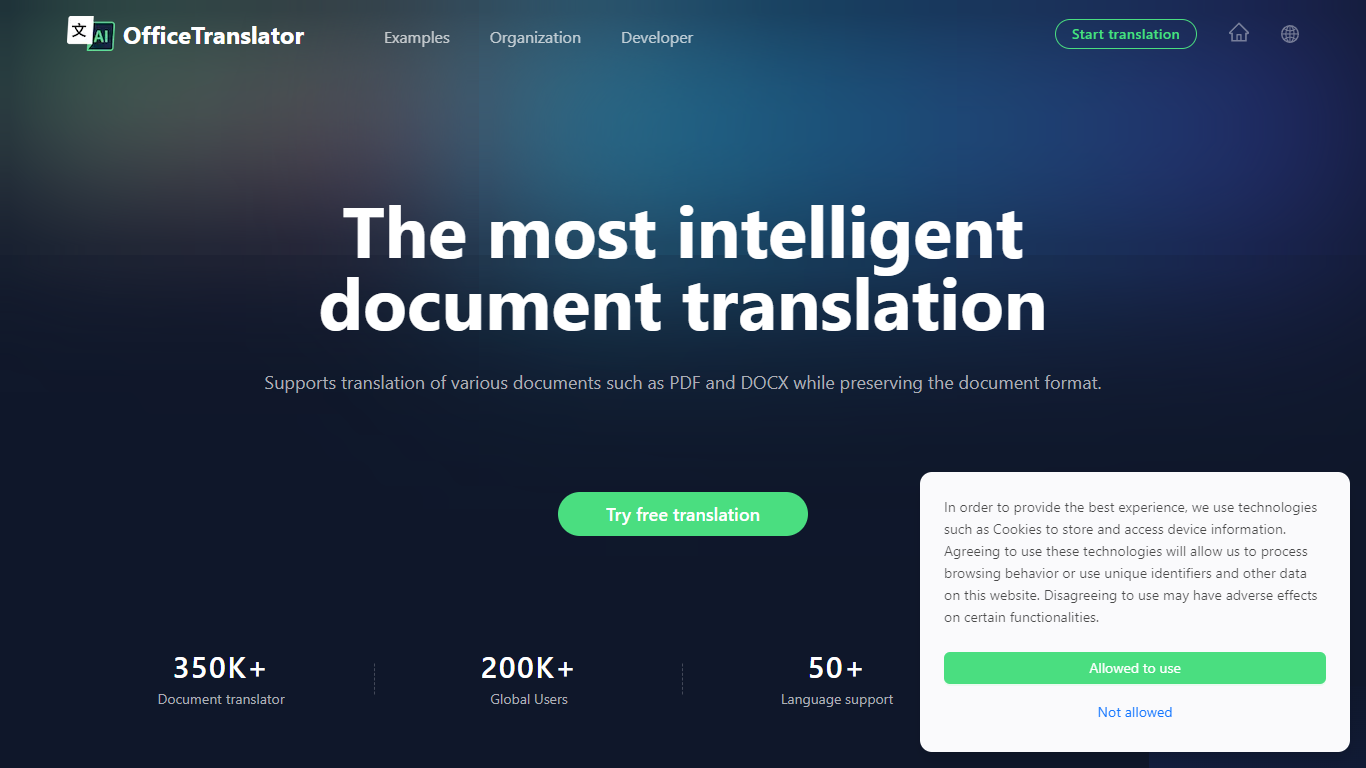

What is Office Translator?
Office Translator revolutionizes document translation with its state-of-the-art artificial intelligence. This cutting-edge platform is designed to handle an array of document types, including PDF, DOCX, XLSX, PPT, and EPUB.
Catering to diverse sectors such as legal, finance, and gaming, Office Translator ensures that your documents retain their original formatting post-translation, delivering a seamless content experience. With support for over 50 languages and a variety of document formats, this tool goes beyond the capabilities of traditional translators.
At an incredibly low cost and with a user-friendly process that includes a no-commitment preview, Office Translator stands out as a smart choice for individuals and organizations alike looking to bridge language barriers efficiently.
CloneDub
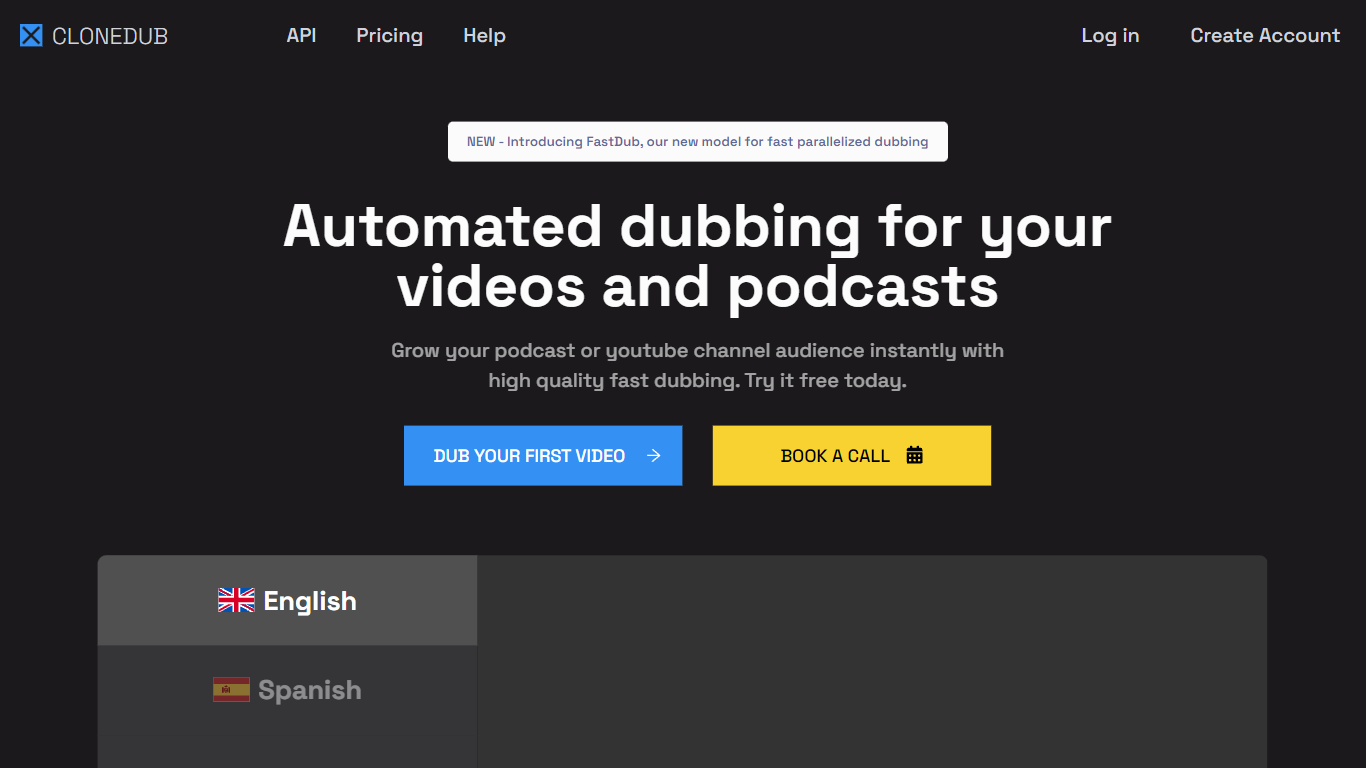
What is CloneDub?
CloneDub is a next-generation AI dubbing platform designed to translate videos and podcasts into various languages using AI voice cloning technology. The platform promises high-quality dubbing delivered both quickly and affordably. One of its standout features is its ability to retain the original music, sounds, and speaker voice while translating videos into more than 20 languages.
CloneDub supports a wide range of audio and video formats, including MP3, OGG, WAV, FLAC, AVI, MP4, and more. They also feature a fast processing queue, batch upload capabilities, and support for numerous languages such as English, Japanese, Chinese, German, Hindi, French, and many others.
For developers and businesses looking to integrate CloneDub's capabilities into their applications, the platform provides a dedicated API.
Office Translator Upvotes
CloneDub Upvotes
Office Translator Top Features
Smarter Translation: Utilizes large language models to enhance semantic understanding and context application, elevating the quality of translations.
Low Cost: Affordable translation services with prices starting at approximately $1 for a 20,000-word document.
Flexible Previews: Offers free previews of document translations to gauge quality before committing to a full translation.
Format Preservation: Maintains the integrity of the original document's format during translation.
Secure Storage: Provides secure storage solutions for translated documents with easy access on various devices.
CloneDub Top Features
AI-Powered Dubbing: Utilizes advanced artificial intelligence to provide high-quality voice cloning, ensuring videos and podcasts are dubbed seamlessly.
Preservation of Original Content: Even as translations occur, the platform maintains the original music, sounds, and speaker's voice, ensuring the authenticity of the content.
Wide Format Support: CloneDub is compatible with a vast array of audio and video formats, including MP3, OGG, WAV, AVI, MP4, and more.
Fast Processing & Batch Uploads: Users benefit from a swift processing queue and the convenience of batch uploads, streamlining the dubbing process.
Extensive Language Support: With support for languages ranging from English and Japanese to Hindi, French, and many others, CloneDub caters to a global audience.
Office Translator Category
- Translation
CloneDub Category
- Translation
Office Translator Pricing Type
- Freemium
CloneDub Pricing Type
- Paid