
Last updated 07-27-2026
Category:
Reviews:
Join thousands of AI enthusiasts in the World of AI!
Office Translator
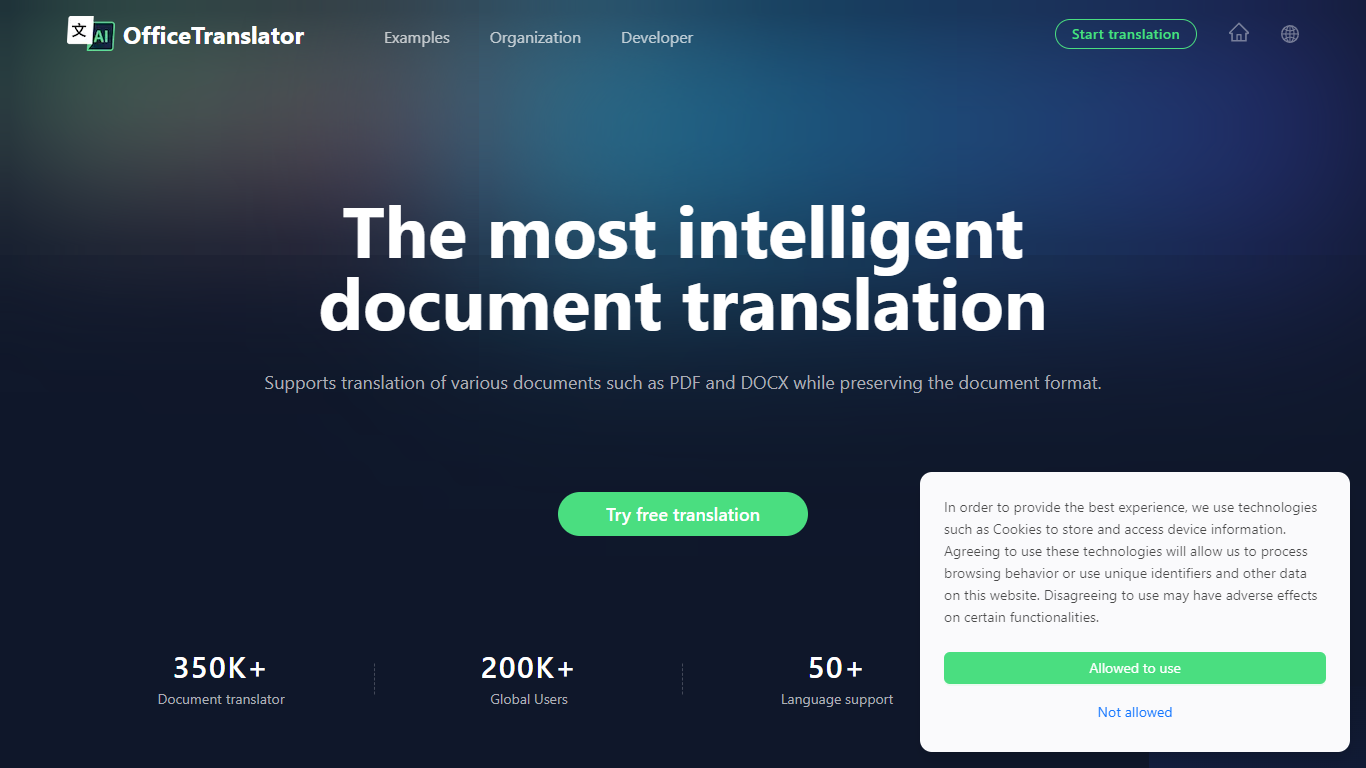
Office Translator offers fast and accurate document translation for a wide range of file types including PDF, DOCX, XLSX, PPT, and EPUB. It supports over 50 languages, making it a versatile tool for global communication. The platform preserves the original layout and formatting of documents, which is essential for professional use in sectors like legal, finance, and gaming.
Users can preview translations before committing, ensuring quality and satisfaction. The tool is designed to be cost-effective and easy to use, allowing individuals and businesses to overcome language barriers efficiently. Office Translator also integrates AI technology to improve translation accuracy and handle complex document structures.
Its focus on maintaining document integrity sets it apart from standard translation services.
📄 Supports multiple document types like PDF, DOCX, XLSX, PPT, EPUB for versatile translation
🌐 Translates over 50 languages to cover global communication needs
🔍 Preview translations before finalizing to ensure accuracy and satisfaction
🖼️ Keeps original document formatting intact for professional presentation
💰 Offers affordable pricing with no hidden fees for individuals and businesses
Preserves original document layout and formatting after translation
Supports a wide range of document formats and over 50 languages
Allows previewing translations before purchase to ensure quality
Affordable pricing suitable for both individuals and organizations
User-friendly interface simplifies the translation process
No explicit mention of offline or desktop app availability
Limited information on integration with other software or APIs
Can Office Translator handle complex document layouts?
Yes, Office Translator preserves the original formatting and layout of documents during translation to maintain professional appearance.
How many languages does Office Translator support?
Office Translator supports translation in over 50 languages, covering most global communication needs.
Is there a way to preview translations before purchasing?
Office Translator yes, users can preview their translated documents before committing to ensure the quality meets their expectations.
What document types can I translate with Office Translator?
You can translate PDFs, DOCX, XLSX, PPT, and EPUB files with Office Translator.
Is Office Translator suitable for business use?
Office Translator absolutely, it is designed to meet the needs of professionals in legal, finance, gaming, and other sectors requiring accurate document translation.
Does Office Translator offer a free plan?
Office Translator yes, there is a free plan that allows limited document translations and access to basic language support.
Can I translate multiple documents at once?
Office Translator the Pro plan includes batch translation features to handle multiple files efficiently.