Office Translator vs Transcript Download
In the face-off between Office Translator vs Transcript Download, which AI Translation tool takes the crown? We scrutinize features, alternatives, upvotes, reviews, pricing, and more.
In a face-off between Office Translator and Transcript Download, which one takes the crown?
If we were to analyze Office Translator and Transcript Download, both of which are AI-powered translation tools, what would we find? There's no clear winner in terms of upvotes, as both tools have received the same number. Be a part of the decision-making process. Your vote could determine the winner.
You don't agree with the result? Cast your vote to help us decide!
Office Translator
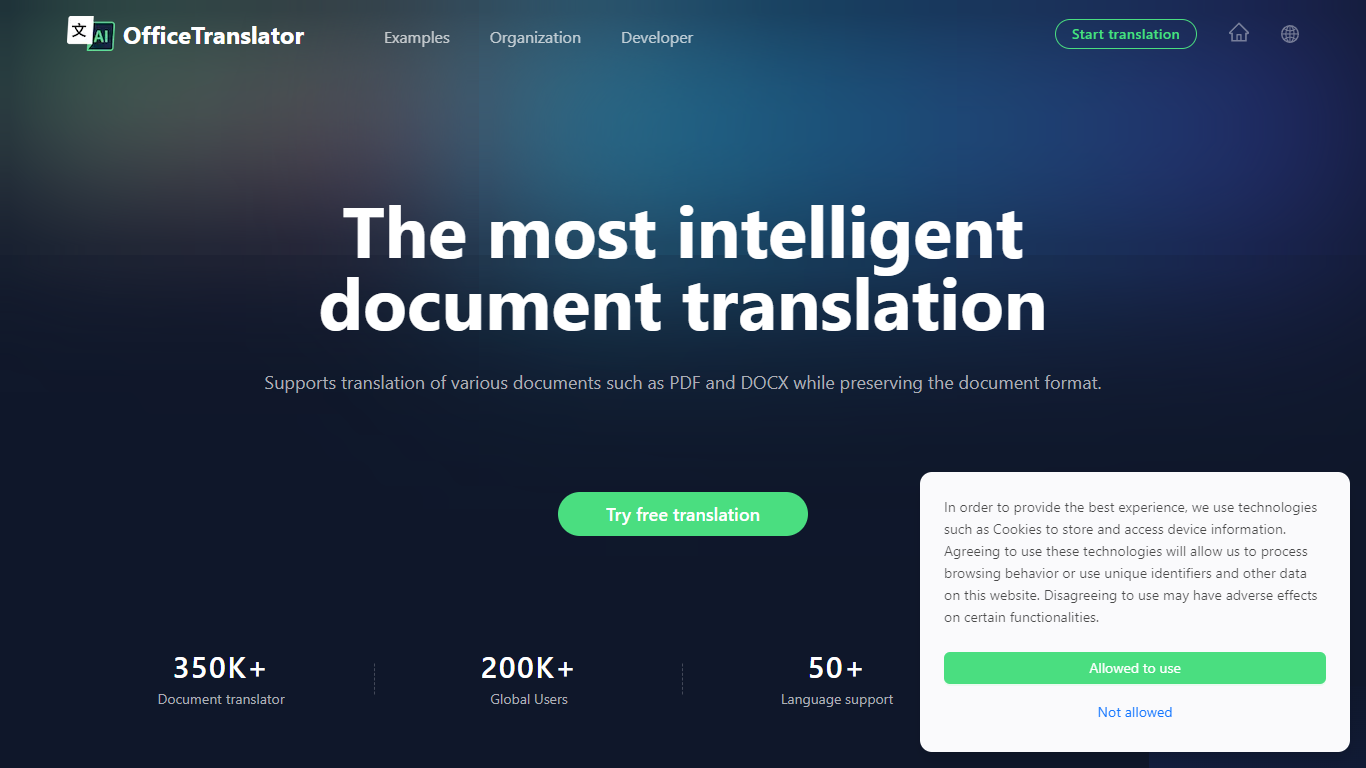

What is Office Translator?
Office Translator offers fast and accurate document translation for a wide range of file types including PDF, DOCX, XLSX, PPT, and EPUB. It supports over 50 languages, making it a versatile tool for global communication. The platform preserves the original layout and formatting of documents, which is essential for professional use in sectors like legal, finance, and gaming.
Users can preview translations before committing, ensuring quality and satisfaction. The tool is designed to be cost-effective and easy to use, allowing individuals and businesses to overcome language barriers efficiently. Office Translator also integrates AI technology to improve translation accuracy and handle complex document structures.
Its focus on maintaining document integrity sets it apart from standard translation services.
Transcript Download
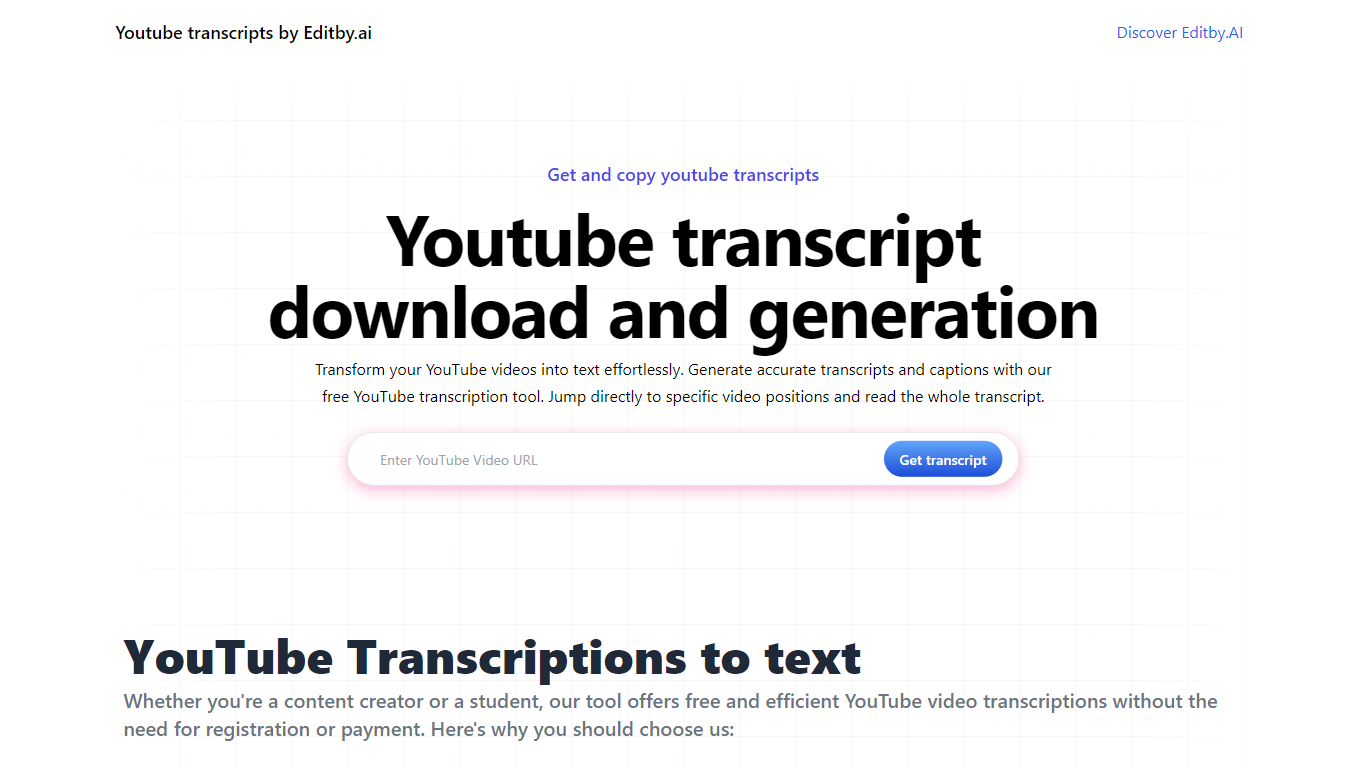
What is Transcript Download?
Unlock the full potential of your YouTube videos with Editby.AI's YouTube Transcription Tool. Our user-friendly platform caters to a range of users including students, researchers, content creators, and SEO professionals by providing an efficient way to generate accurate transcripts and captions. With our tool, there's no need for manual transcription. Simply input a YouTube URL and receive instant transcripts. Highlighted search terms, direct video position jumps, auto-scrolling features, and easy clipboard copying and downloading options streamline your workflow. Our commitment to user privacy is unmatched, requiring no sign-up or personal information. Enhance your productivity and save time with Editby.AI's transcription tool, all at no cost.
Office Translator Upvotes
Transcript Download Upvotes
Office Translator Top Features
📄 Supports multiple document types like PDF, DOCX, XLSX, PPT, EPUB for versatile translation
🌐 Translates over 50 languages to cover global communication needs
🔍 Preview translations before finalizing to ensure accuracy and satisfaction
🖼️ Keeps original document formatting intact for professional presentation
💰 Offers affordable pricing with no hidden fees for individuals and businesses
Transcript Download Top Features
Instant Transcripts: Paste a YouTube URL and receive transcripts instantly.
Downloadable Transcripts: Easily download transcripts with a single click.
Jump to Video Position: Navigate directly to specific video segments from the transcript.
Autoscroll Transcripts: Enjoy synchronized transcripts that auto-scroll as the video plays.
No Registration Needed: Access the transcription tool without any account or personal details.
Office Translator Category
- Translation
Transcript Download Category
- Translation
Office Translator Pricing Type
- Freemium
Transcript Download Pricing Type
- Freemium