
Last updated 07-02-2026
Category:
Reviews:
Join thousands of AI enthusiasts in the World of AI!
Readable
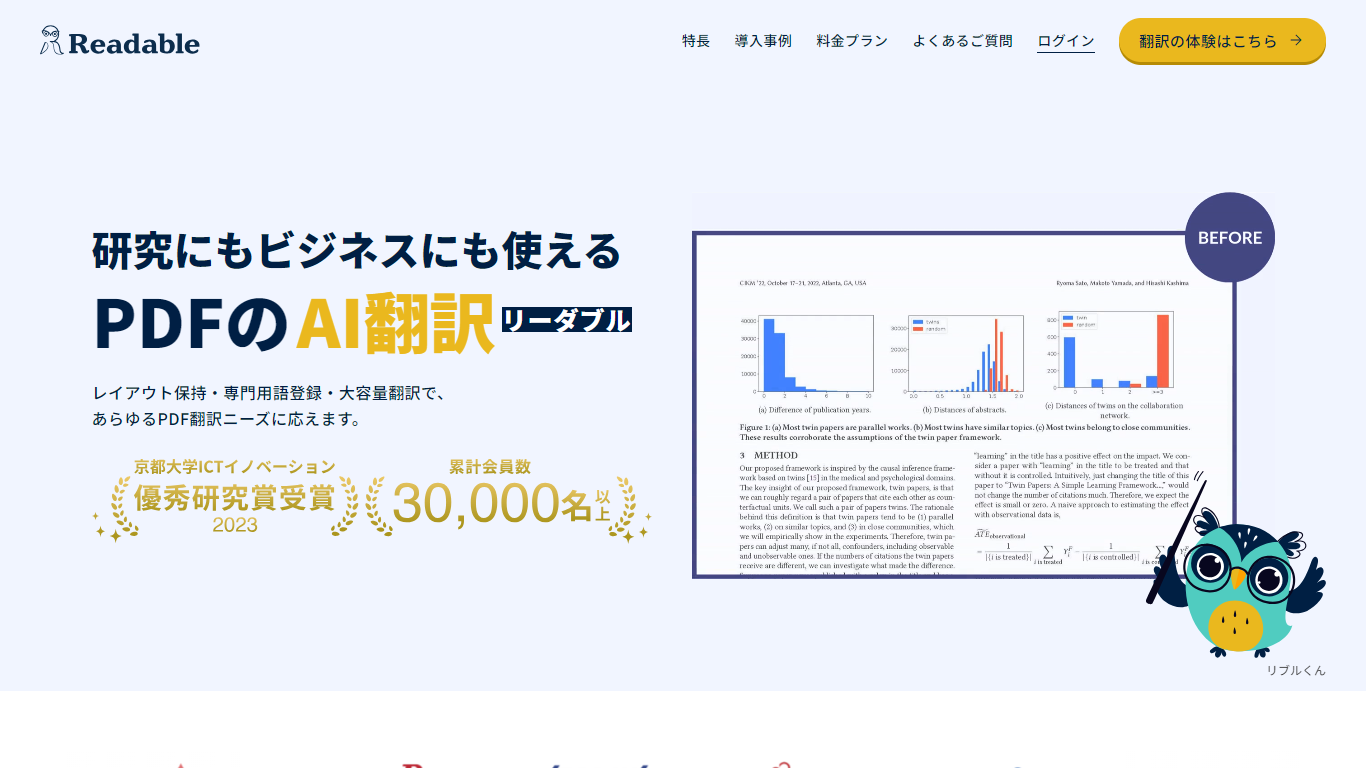
Readable translates PDF files into Japanese while keeping the original layout intact, including tables, figures, and images. Built by NextLab Inc., it targets researchers reading academic papers and business teams working through manuals, reports, and contracts without rebuilding documents by hand.
The reader shows original and translated text side by side so you can scan a translation and jump back to the source line when something needs a closer look. Premium users can register custom dictionaries so product names, abbreviations, and field-specific terms translate the same way every time.
Readable runs in the browser and through a Chrome extension for quick file translation. Pro Standard focuses on English-to-Japanese PDFs, while Pro Premium adds 200+ source languages, larger file limits, and optional ChatGPT-based translation engines.
Tables, charts, and images stay in place in the translated PDF
Original and Japanese text sit side by side for faster research reading
Custom dictionaries pin product names and technical terms to your preferred wording
Premium translates up to 1,000 pages or 200 MB in a single upload
Chrome extension handles one-click translation for online files
Preserves PDF layout so tables and figures remain readable after translation.
Side-by-side view speeds up paper review without flipping between files.
Custom dictionaries keep branded and technical terms consistent across documents.
7-day free trial on paid plans before billing begins.
Output is Japanese-focused, so it is not a general multilingual export tool.
Pro Standard is limited to English source PDFs and smaller file caps.
Security review documentation for enterprises is available only as a paid add-on.
Does Readable offer a free trial?
Readable offers a 7-day free trial on paid Pro plans. Billing starts after the trial unless you cancel before it ends. Each person or company can use the trial once.
What languages does Readable support?
Readable Pro Standard translates English PDFs into Japanese. Readable Pro Premium supports 200+ source languages into Japanese, with unlimited translation downloads on paid plans.
What are Readable's PDF size limits?
Readable Pro Standard accepts PDFs up to 100 pages or 50 MB per file. Pro Premium raises the limit to 1,000 pages or 200 MB per file, with unlimited translation runs on paid plans.
Does Readable have a Chrome extension?
Yes. Readable includes a Chrome extension for one-click translation of online files. Paid plans also support unlimited PDF downloads after translation.
How does Readable handle uploaded PDF data?
Readable states that free-tier uploads may be stored for accuracy improvements and staff review. Paid plans delete uploaded PDFs within about one day, though files may be viewed temporarily when errors occur.
What payment methods does Readable accept?
Individual Readable plans are paid by credit card with automatic monthly or yearly renewal. Business plans can be invoiced by bank transfer, with quotes, delivery notes, and invoices available for reimbursement.
Can Readable use ChatGPT for translation?
Readable Pro Premium can use a ChatGPT-based translation engine. When that option is selected, OpenAI API privacy terms apply to the translation request.