Morse Code Translator vs Readable
In the clash of Morse Code Translator vs Readable, which AI Translation tool emerges victorious? We assess reviews, pricing, alternatives, features, upvotes, and more.
When we put Morse Code Translator and Readable head to head, which one emerges as the victor?
Let's take a closer look at Morse Code Translator and Readable, both of which are AI-driven translation tools, and see what sets them apart. Interestingly, both tools have managed to secure the same number of upvotes. You can help us determine the winner by casting your vote and tipping the scales in favor of one of the tools.
Want to flip the script? Upvote your favorite tool and change the game!
Morse Code Translator

What is Morse Code Translator?
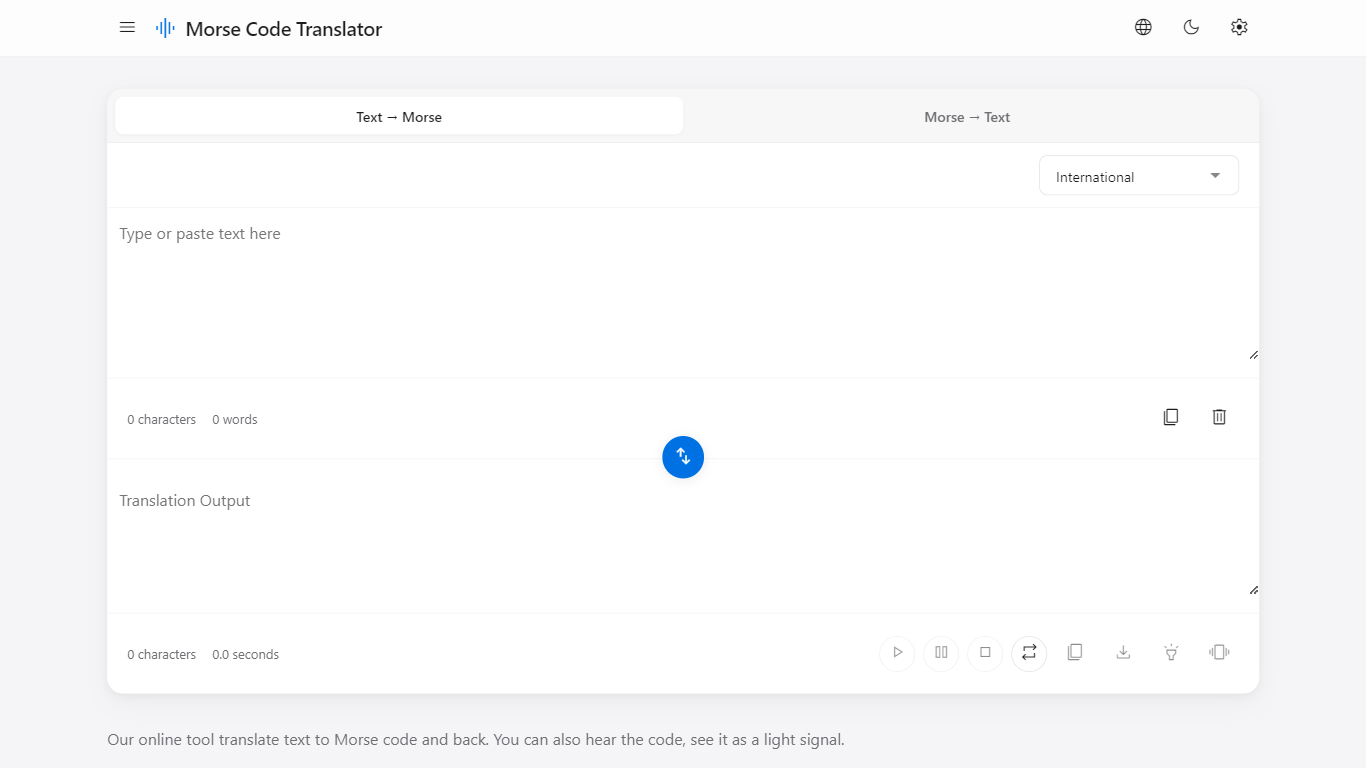
Morse Code Translator turns plain text into Morse dots and dashes, and decodes pasted Morse back to readable letters on the same page. Type or paste on either side, pick an alphabet in Settings, and the translation updates instantly in the opposite box.
Unlike basic Morse charts that only show letter tables, this translator adds audio playback, a flashing light signal popup, device vibration for the pattern, and WAV file export. It also covers nine Morse systems beyond International, including American, Greek, Cyrillic, Hebrew, Arabic, Japanese Wabun, Korean SKATS, and Thai.
It works for hobbyists learning Morse, scouts and students practicing SOS and HELLO patterns, radio operators checking encodings, and anyone decoding a message without installing desktop software. No account is required and the interface runs entirely in the browser.
Readable
What is Readable?
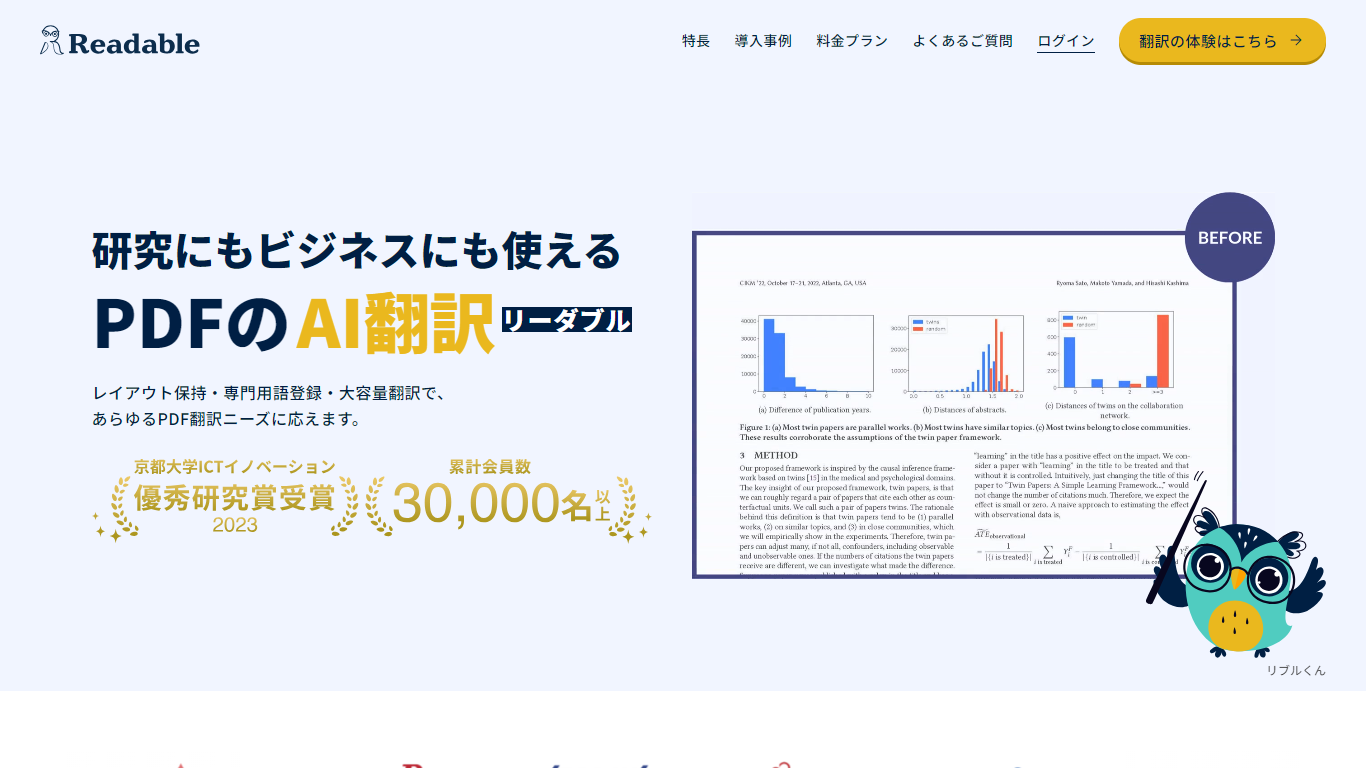
Readable translates PDF files into Japanese while keeping the original layout intact, including tables, figures, and images. Built by NextLab Inc., it targets researchers reading academic papers and business teams working through manuals, reports, and contracts without rebuilding documents by hand.
The reader shows original and translated text side by side so you can scan a translation and jump back to the source line when something needs a closer look. Premium users can register custom dictionaries so product names, abbreviations, and field-specific terms translate the same way every time.
Readable runs in the browser and through a Chrome extension for quick file translation. Pro Standard focuses on English-to-Japanese PDFs, while Pro Premium adds 200+ source languages, larger file limits, and optional ChatGPT-based translation engines.
Morse Code Translator Upvotes
Readable Upvotes
Morse Code Translator Top Features
Bidirectional translation between plain text and Morse code in real time
Nine Morse alphabet systems: International, American, Greek, Cyrillic, Hebrew, Arabic, Japanese Wabun, Korean SKATS, and Thai
Play, pause, stop, and repeat audio playback of the Morse pattern
Download Morse code sound as a WAV audio file
Flashing light signal popup shows dots and dashes visually
Device vibration mode reproduces the Morse pattern on supported phones
Swap button flips translation direction between text-to-Morse and Morse-to-text
Readable Top Features
Tables, charts, and images stay in place in the translated PDF
Original and Japanese text sit side by side for faster research reading
Custom dictionaries pin product names and technical terms to your preferred wording
Premium translates up to 1,000 pages or 200 MB in a single upload
Chrome extension handles one-click translation for online files
Morse Code Translator Category
- Translation
Readable Category
- Translation
Morse Code Translator Pricing Type
- Free
Readable Pricing Type
- Freemium