AlterAI vs Readable
In the contest of AlterAI vs Readable, which AI Translation tool is the champion? We evaluate pricing, alternatives, upvotes, features, reviews, and more.
If you had to choose between AlterAI and Readable, which one would you go for?
When we examine AlterAI and Readable, both of which are AI-enabled translation tools, what unique characteristics do we discover? The upvote count is neck and neck for both AlterAI and Readable. Be a part of the decision-making process. Your vote could determine the winner.
Don't agree with the result? Cast your vote and be a part of the decision-making process!
AlterAI

What is AlterAI?
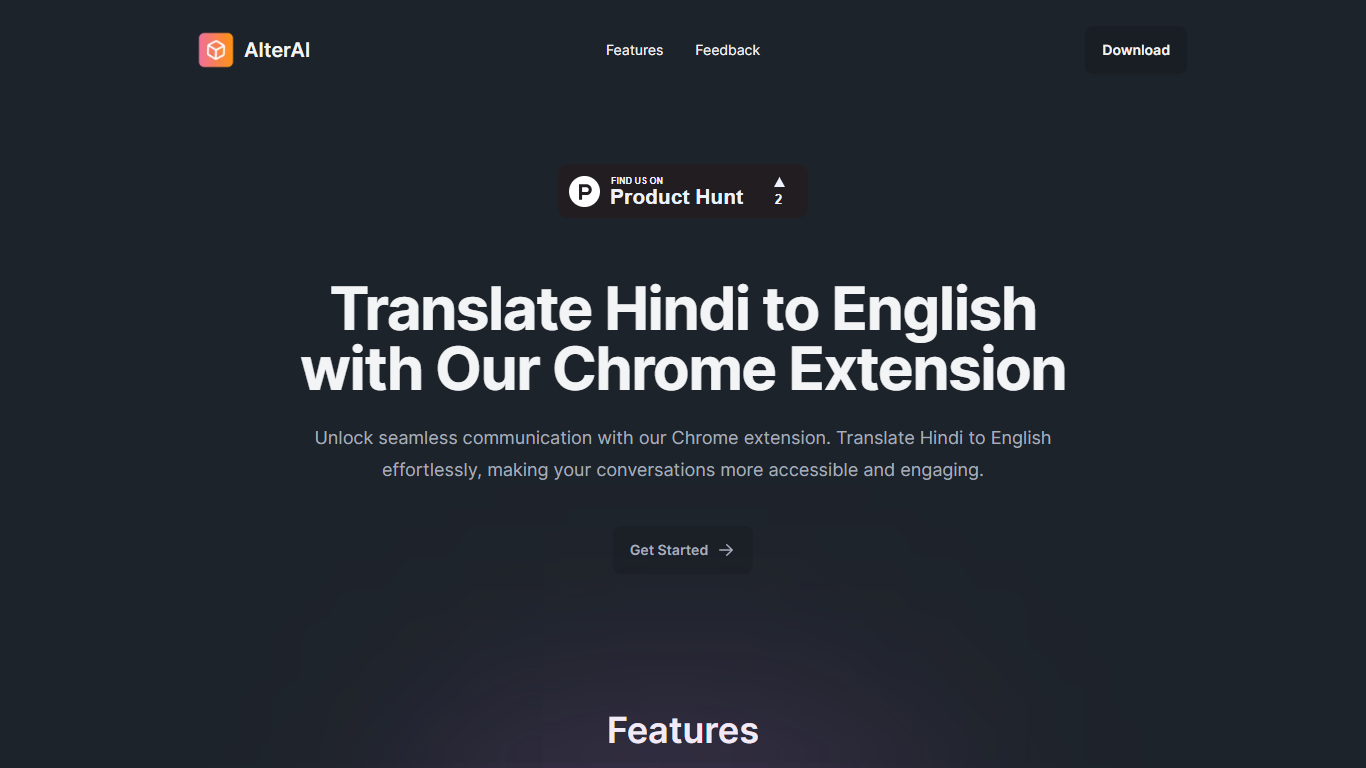
AlterAI is a Chrome extension from Secrin Labs that turns informal Hindi and English text into formal English with one click. It is built for anyone who reads or writes Hindi online and wants polished English output without leaving the page.
Most Chrome translators lean on Google Translate for dozens of language pairs. AlterAI does the opposite: it only handles Hindi and informal English input, and it rewrites the result into formal English rather than a literal word-for-word translation. That narrow scope is the whole point if you need business-ready phrasing from casual Hindi or Hinglish you found on a webpage.
The extension sits in your browser toolbar. Select text on any webpage, trigger translation, and get formal English back. It runs on Chrome and other Chromium browsers that support extensions.
It fits professionals, students, and bilingual readers who run into Hindi content during everyday browsing and need a fast path to clear, formal English.
Readable
What is Readable?
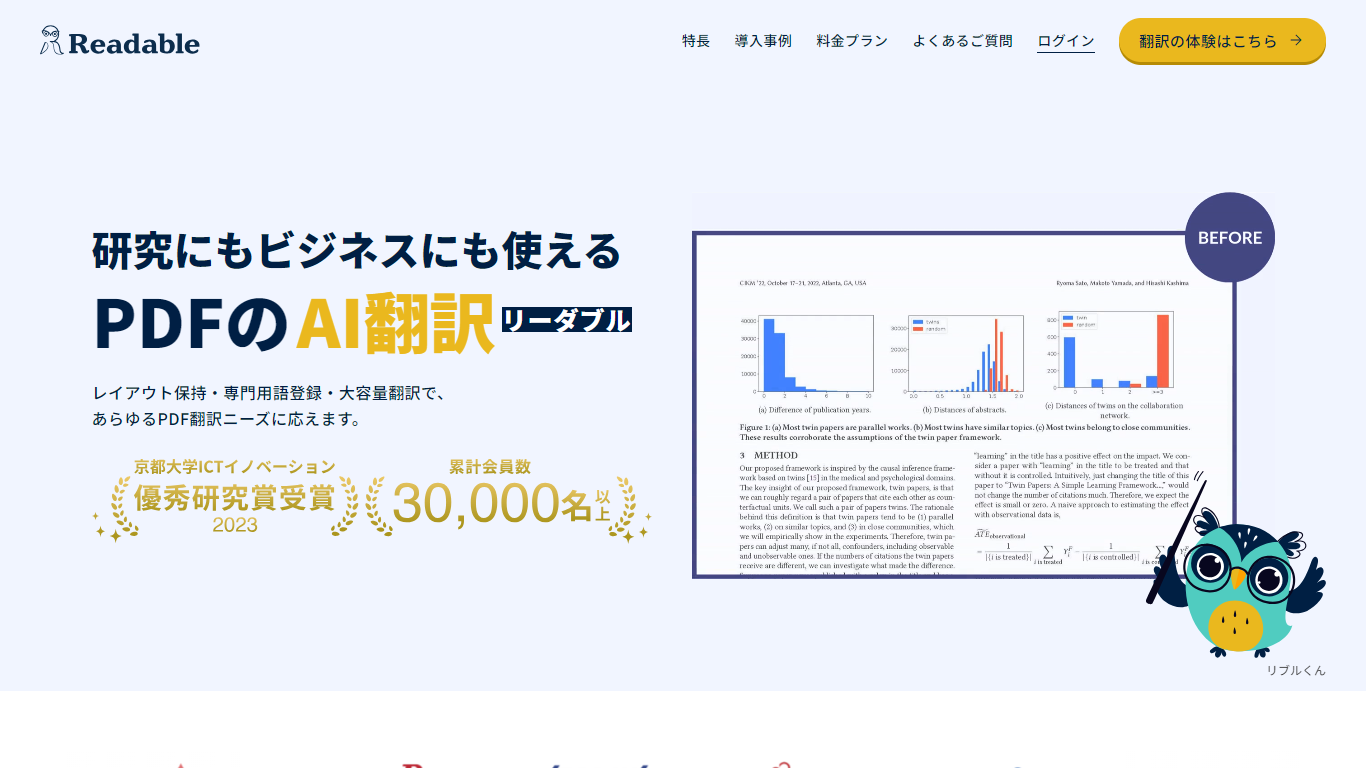
Readable translates PDF files into Japanese while keeping the original layout intact, including tables, figures, and images. Built by NextLab Inc., it targets researchers reading academic papers and business teams working through manuals, reports, and contracts without rebuilding documents by hand.
The reader shows original and translated text side by side so you can scan a translation and jump back to the source line when something needs a closer look. Premium users can register custom dictionaries so product names, abbreviations, and field-specific terms translate the same way every time.
Readable runs in the browser and through a Chrome extension for quick file translation. Pro Standard focuses on English-to-Japanese PDFs, while Pro Premium adds 200+ source languages, larger file limits, and optional ChatGPT-based translation engines.
AlterAI Upvotes
Readable Upvotes
AlterAI Top Features
Select Hindi or mixed Hindi-English text and get formal English in one click
Runs on Chrome and other Chromium browsers that support extensions
Version 1.0.3 on the Chrome Web Store, last updated April 26, 2024
Secrin Labs states the extension does not collect or use your data
Compact 198KiB install with an English-language interface
Readable Top Features
Tables, charts, and images stay in place in the translated PDF
Original and Japanese text sit side by side for faster research reading
Custom dictionaries pin product names and technical terms to your preferred wording
Premium translates up to 1,000 pages or 200 MB in a single upload
Chrome extension handles one-click translation for online files
AlterAI Category
- Translation
Readable Category
- Translation
AlterAI Pricing Type
- Free
Readable Pricing Type
- Freemium