Readable vs Vidby
In the face-off between Readable vs Vidby, which AI Translation tool takes the crown? We scrutinize features, alternatives, upvotes, reviews, pricing, and more.
When we put Readable and Vidby head to head, which one emerges as the victor?
If we were to analyze Readable and Vidby, both of which are AI-powered translation tools, what would we find? The users have made their preference clear, Vidby leads in upvotes. Vidby has garnered 16 upvotes, and Readable has garnered 6 upvotes.
Think we got it wrong? Cast your vote and show us who's boss!
Readable

What is Readable?
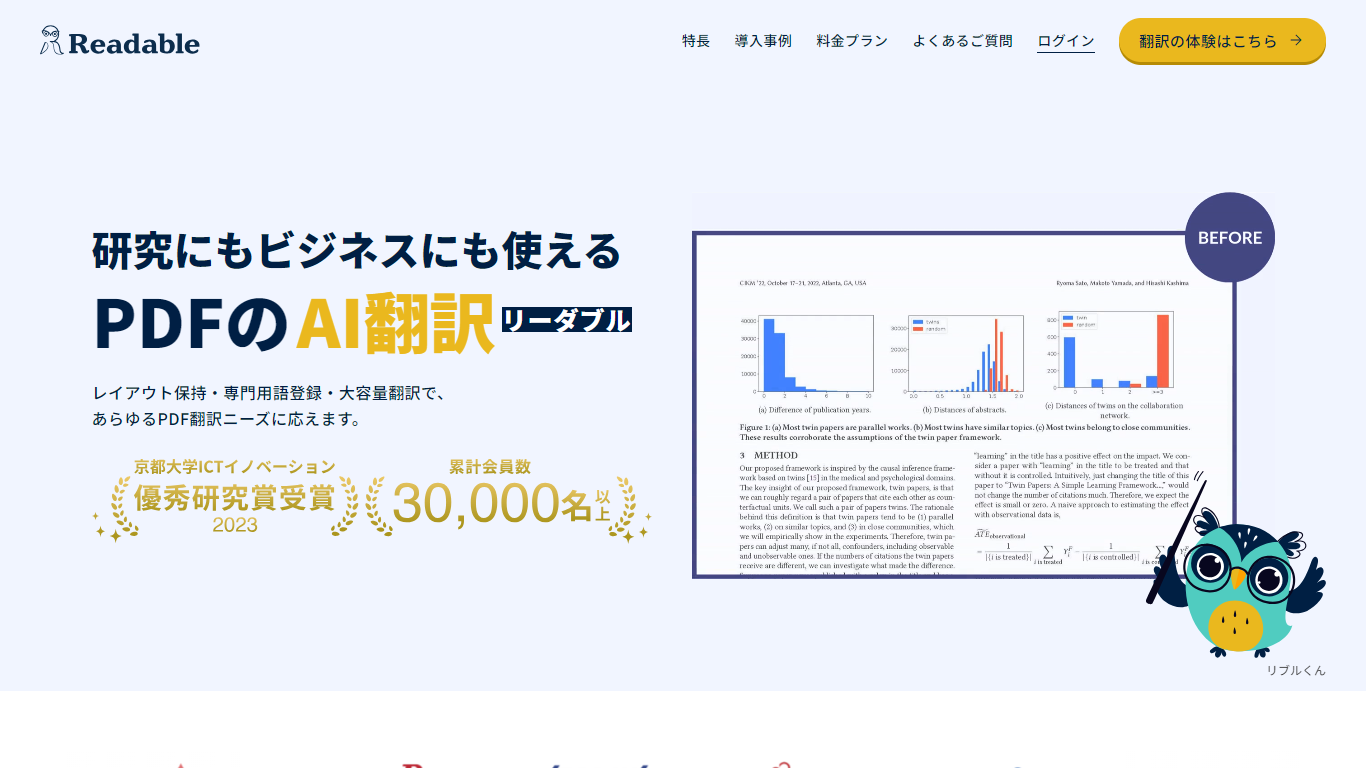
Readable translates PDF files into Japanese while keeping the original layout intact, including tables, figures, and images. Built by NextLab Inc., it targets researchers reading academic papers and business teams working through manuals, reports, and contracts without rebuilding documents by hand.
The reader shows original and translated text side by side so you can scan a translation and jump back to the source line when something needs a closer look. Premium users can register custom dictionaries so product names, abbreviations, and field-specific terms translate the same way every time.
Readable runs in the browser and through a Chrome extension for quick file translation. Pro Standard focuses on English-to-Japanese PDFs, while Pro Premium adds 200+ source languages, larger file limits, and optional ChatGPT-based translation engines.
Vidby
What is Vidby?
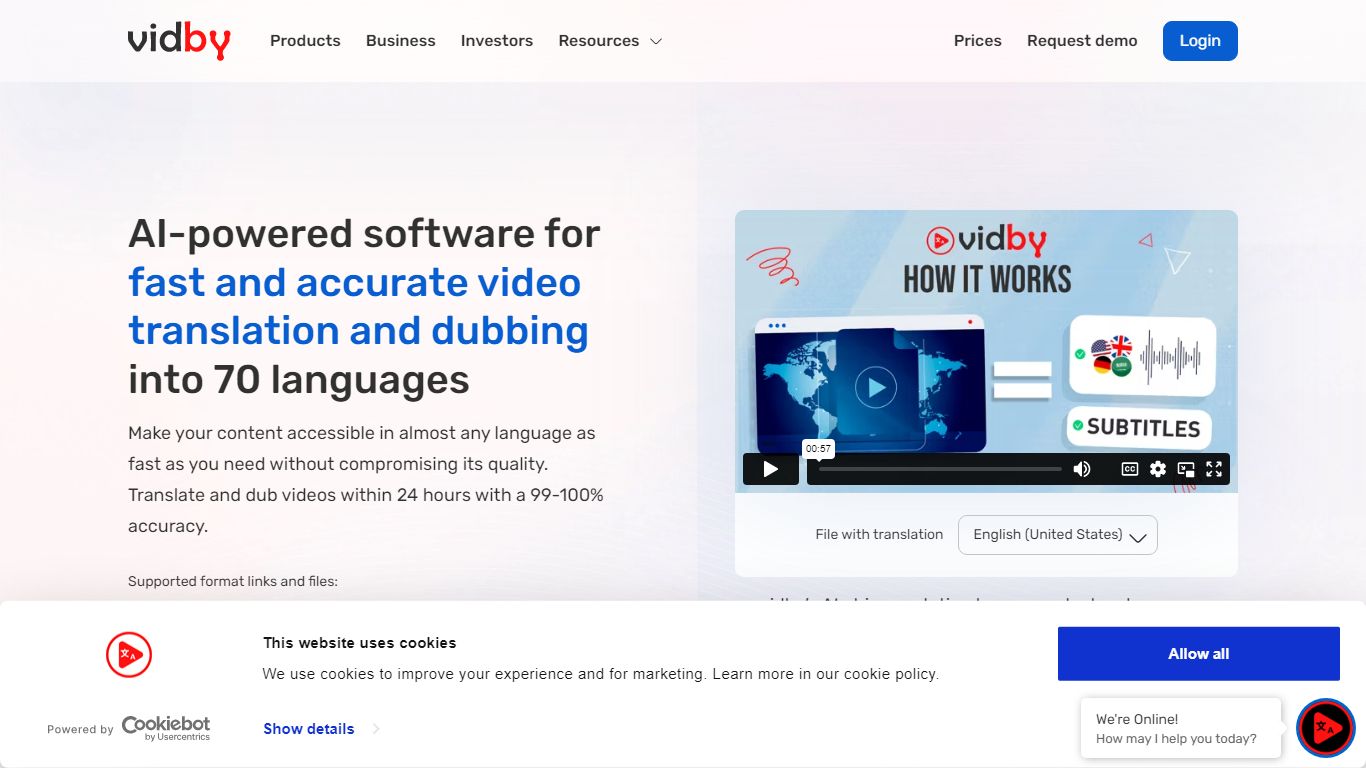
Vidby translates, dubs, and subtitles videos for teams that need to reach viewers in other languages without hiring a full localization studio. Upload a file or paste a link, pick one of four quality tiers from fully automated AI dubbing to human actor voiceover, and get a localized video in minutes instead of weeks.
Where most dubbing vendors quote opaque per-minute rates, Vidby publishes subscription plans with included credits and a checkout calculator for one-off orders. The platform covers 150+ languages and dialects, offers kid, teen, and elderly AI voices, and includes lip sync, voice cloning, and burnt-in subtitle options on paid tiers.
YouTube lists Vidby as a recommended vendor for multi-language audio tracks. Corporate customers include media brands registered with Disney and Warner Bros. supplier programs. A free tier exists with watermark exports, while Basic starts at $9.95 per month with 100 credits.
Readable Upvotes
Vidby Upvotes
Readable Top Features
Tables, charts, and images stay in place in the translated PDF
Original and Japanese text sit side by side for faster research reading
Custom dictionaries pin product names and technical terms to your preferred wording
Premium translates up to 1,000 pages or 200 MB in a single upload
Chrome extension handles one-click translation for online files
Vidby Top Features
Translates and dubs video into 150+ languages and dialects with four quality tiers from Full AI to human actor dubbing
Subscription plans include 100 credits at $9.95 per month, 300 at $35, and 700 at $75 on the Pro tier
Four dubbing modes: Full AI, manual transcript edit, professional human review, and human actor voiceover
Voice cloning, lip sync, and kid, teen, and elderly voice options for localized audio tracks
Built-in subtitle translation with burnt-in subtitles and a 14-day money-back guarantee on orders
Telegram bot and API let teams place translation orders outside the main web dashboard
Readable Category
- Translation
Vidby Category
- Translation
Readable Pricing Type
- Freemium
Vidby Pricing Type
- Freemium