OLOCR vs SearchGPT
In the clash of OLOCR vs SearchGPT, which AI Search Engine tool emerges victorious? We assess reviews, pricing, alternatives, features, upvotes, and more.
When we put OLOCR and SearchGPT head to head, which one emerges as the victor?
Let's take a closer look at OLOCR and SearchGPT, both of which are AI-driven search engine tools, and see what sets them apart. There's no clear winner in terms of upvotes, as both tools have received the same number. Be a part of the decision-making process. Your vote could determine the winner.
You don't agree with the result? Cast your vote to help us decide!
OLOCR
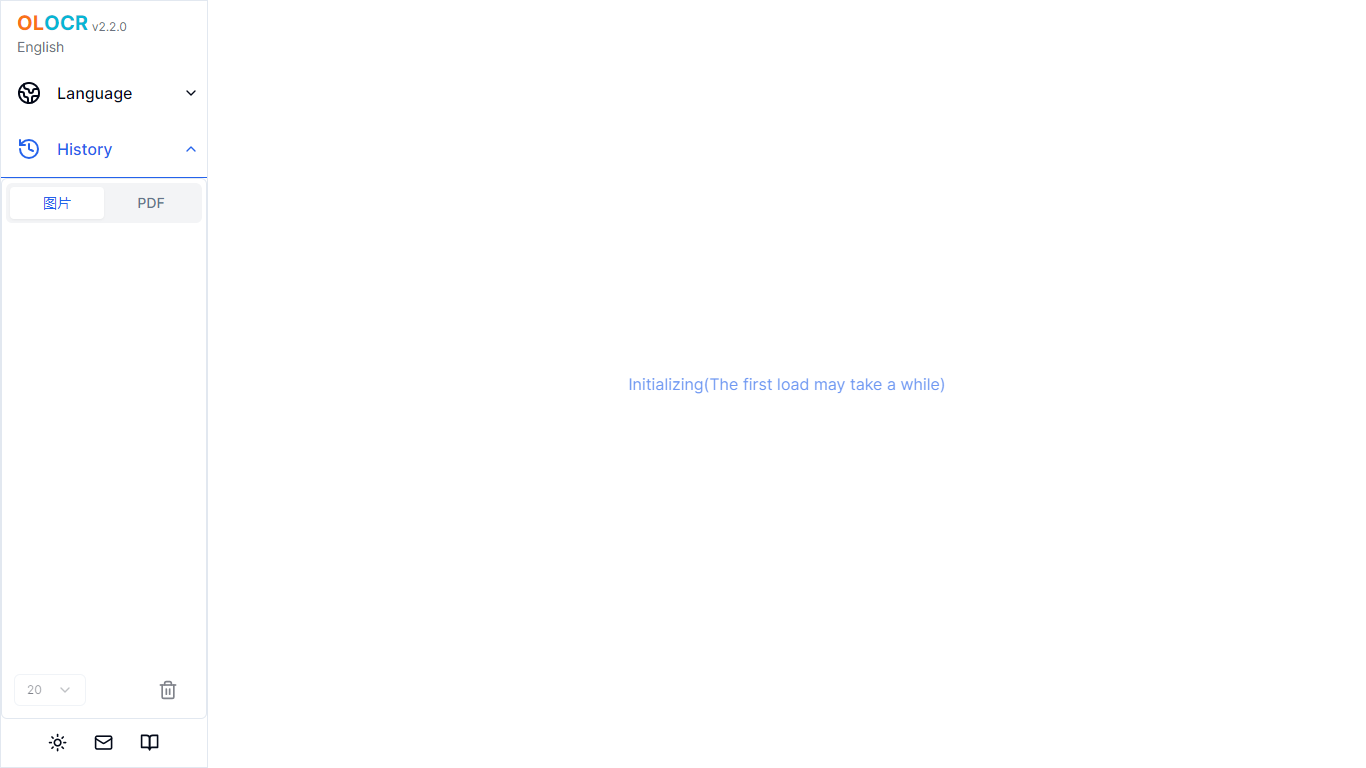

What is OLOCR?
OLOCR is a browser-based OCR service for pulling text out of images and PDFs. You upload a file, the recognition runs on your device, and you get editable text you can copy or export. No software install is required.
The site covers a full set of conversion tools: image to text, PDF to text, GIF to text, image and PDF to Word, searchable PDF creation, and image translation with on-image text replacement. It supports 111 languages and handles batch uploads with no file count or size caps on the free tier.
Optional AI Optimization can clean up messy OCR output by fixing character errors, restoring spaces, and rebuilding paragraphs. Core OCR stays local in the browser; only recognized text goes to a server when you opt into AI Optimization.
SearchGPT
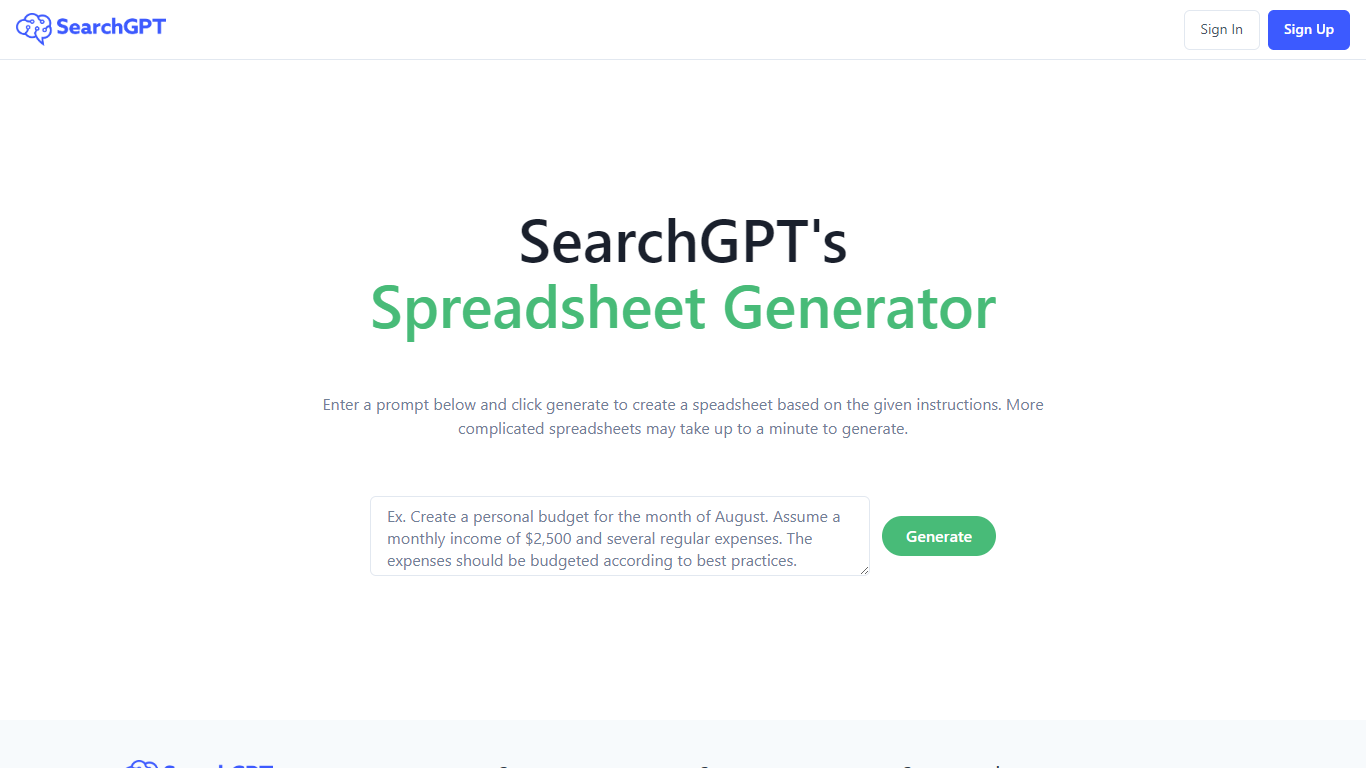
What is SearchGPT?
SearchGPT at searchgpt.ai is a spreadsheet generator from Owens Laboratories. You describe the table you want in a prompt, hit Generate, and the site builds a spreadsheet from your instructions instead of making you lay out rows and columns by hand.
The homepage workflow is built around that single prompt box. Simple requests return quickly, while more complicated spreadsheet layouts can take up to a minute to finish generating.
Sign in and sign up run through the site's auth pages, so you need an account before you can use the generator. The product is aimed at anyone who wants spreadsheet output from plain-language directions rather than manual setup in Excel or Google Sheets.
OLOCR Upvotes
SearchGPT Upvotes
OLOCR Top Features
Runs OCR entirely in the browser so images and PDFs never leave your device
Converts images, PDFs, GIFs, and animated WebP into text, Word files, or searchable PDFs
Recognizes text in 111 languages including CJK and Arabic scripts
Batch processing with unlimited files and no file size limits on the free plan
Optional AI Optimization fixes OCR errors and rebuilds readable paragraphs from extracted text
Image Translator erases original text and overlays translated copy directly on the image
SearchGPT Top Features
Type what you need in a prompt and get a spreadsheet built from your instructions
More complex spreadsheet requests can take up to a minute to generate
Single Generate button drives the whole homepage workflow
Sign in and sign up through the site auth system before generating
Light and dark theme options on the interface
OLOCR Category
- Search Engine
SearchGPT Category
- Search Engine
OLOCR Pricing Type
- Freemium
SearchGPT Pricing Type
- Freemium