
Last updated 07-16-2026
Category:
Reviews:
Join thousands of AI enthusiasts in the World of AI!
OLOCR
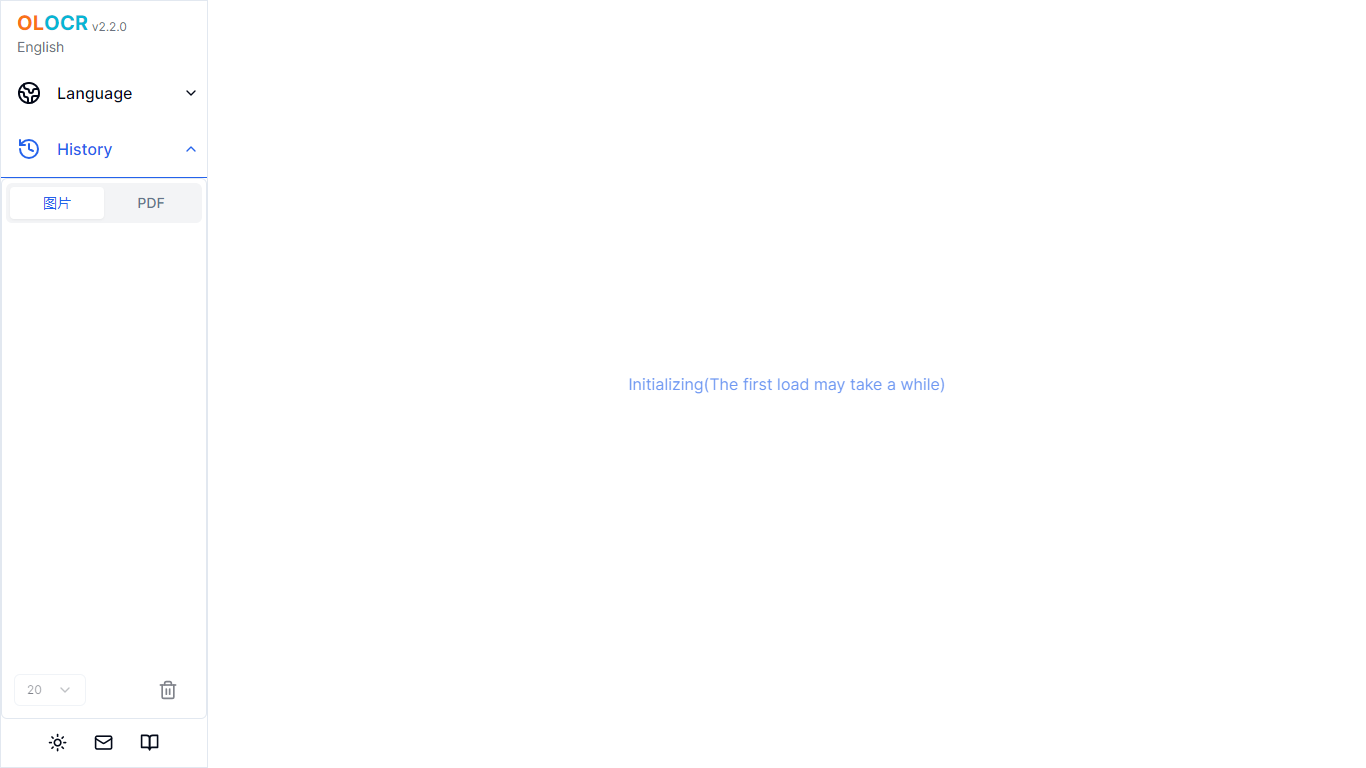
OLOCR is a browser-based OCR service for pulling text out of images and PDFs. You upload a file, the recognition runs on your device, and you get editable text you can copy or export. No software install is required.
The site covers a full set of conversion tools: image to text, PDF to text, GIF to text, image and PDF to Word, searchable PDF creation, and image translation with on-image text replacement. It supports 111 languages and handles batch uploads with no file count or size caps on the free tier.
Optional AI Optimization can clean up messy OCR output by fixing character errors, restoring spaces, and rebuilding paragraphs. Core OCR stays local in the browser; only recognized text goes to a server when you opt into AI Optimization.
Runs OCR entirely in the browser so images and PDFs never leave your device
Converts images, PDFs, GIFs, and animated WebP into text, Word files, or searchable PDFs
Recognizes text in 111 languages including CJK and Arabic scripts
Batch processing with unlimited files and no file size limits on the free plan
Optional AI Optimization fixes OCR errors and rebuilds readable paragraphs from extracted text
Image Translator erases original text and overlays translated copy directly on the image
Core OCR runs locally in the browser with no file uploads.
Free tier supports unlimited files, batch processing, and 111 languages.
Wide output options including Word, searchable PDF, and on-image translation.
No account required to start extracting text.
First-time AI model loading in the browser can take a while.
Free tier shows ads and shares a daily AI Optimization credit pool.
AI Optimization sends recognized text to a third-party AI service, not just local processing.
Is OLOCR free to use?
Yes. Core OCR is free with unlimited file processing, batch uploads, and exports to text, Word, or searchable PDF. Paid Member and Pro plans add dedicated monthly credits for AI Optimization and remove ads.
Are my files uploaded to OLOCR servers?
No for basic OCR. All recognition runs locally in your browser. If you use the optional AI Optimization feature, only the extracted text (not your original files) is sent through OLOCR servers to Google Gemini for correction.
What file formats does OLOCR support?
OLOCR accepts JPG, JPEG, PNG, WEBP, BMP, TIFF images, PDF documents, and animated GIF and WebP files.
Do I need an account to use OLOCR?
No account is required for core OCR. You can sign in with Google or GitHub to subscribe to paid plans or access AI Optimization through the shared free daily credit channel.
How much do paid plans cost?
The Member plan is .99 per month with 3,000 AI Optimization credits, and the Pro plan is .99 per month with 10,000 credits. One credit equals one AI Optimization run. Unused credits do not roll over.