Omnipilot vs Refraction
In the battle of Omnipilot vs Refraction, which AI Code Assistant tool comes out on top? We compare reviews, pricing, alternatives, upvotes, features, and more.
Between Omnipilot and Refraction, which one is superior?
Upon comparing Omnipilot with Refraction, which are both AI-powered code assistant tools, Omnipilot stands out as the clear frontrunner in terms of upvotes. Omnipilot has attracted 6 upvotes from aitools.fyi users, and Refraction has attracted 5 upvotes.
Feeling rebellious? Cast your vote and shake things up!
Omnipilot

What is Omnipilot?
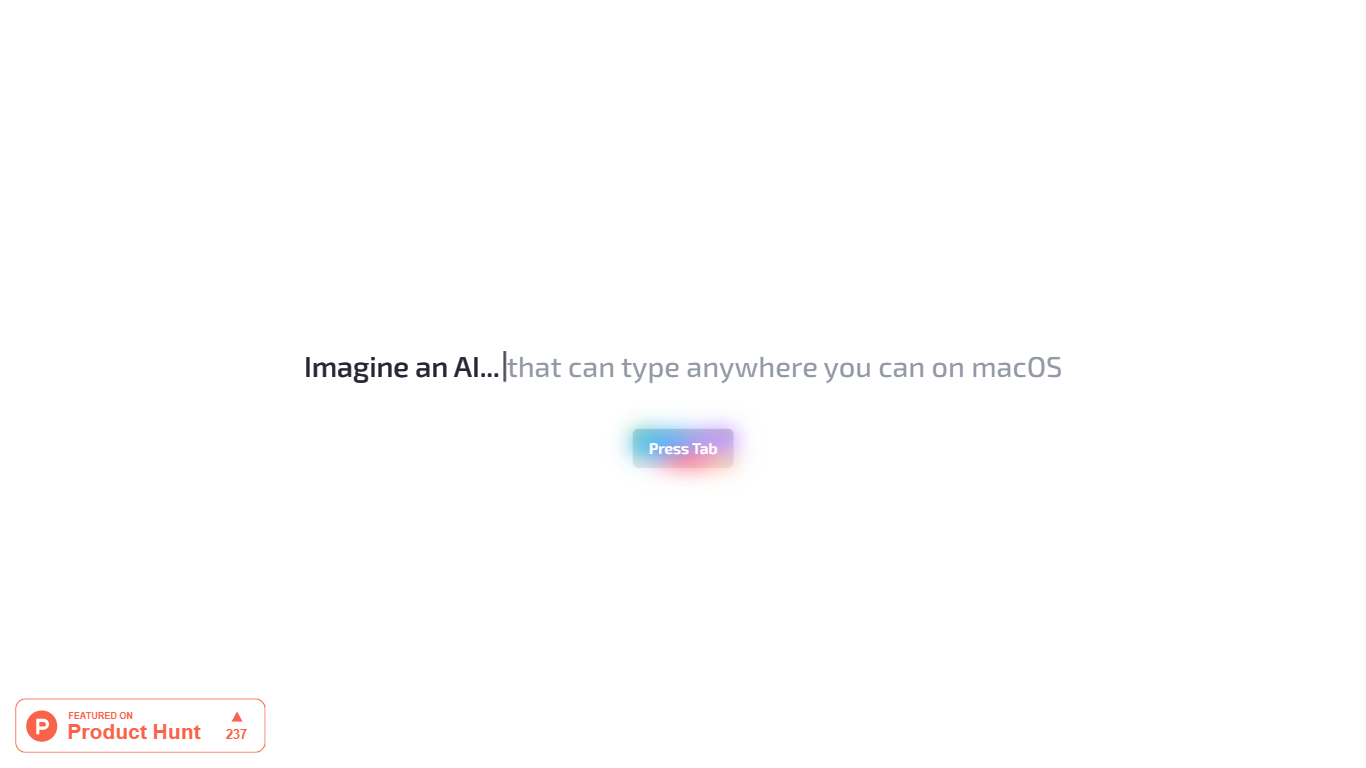
Omnipilot enables users to type and automate tasks across any application on macOS by understanding the full context of the screen. It assists with writing emails, generating code, and running terminal commands, reducing repetitive work through intelligent autocompletion and context-aware suggestions.
What distinguishes Omnipilot from other tools is its deep integration with macOS and its ability to adapt suggestions based on visible screen content. Unlike simpler text completion tools, it offers automation capabilities such as terminal command generation and execution, making it valuable for developers and professionals.
Omnipilot is available for immediate download without a waitlist, emphasizing quick access and ease of use. While it focuses exclusively on macOS, its versatility spans from simple text generation to complex automation tasks. The tool has joined Highlight, another AI desktop assistant, which continues to provide AI assistance to its users.
Refraction
What is Refraction?
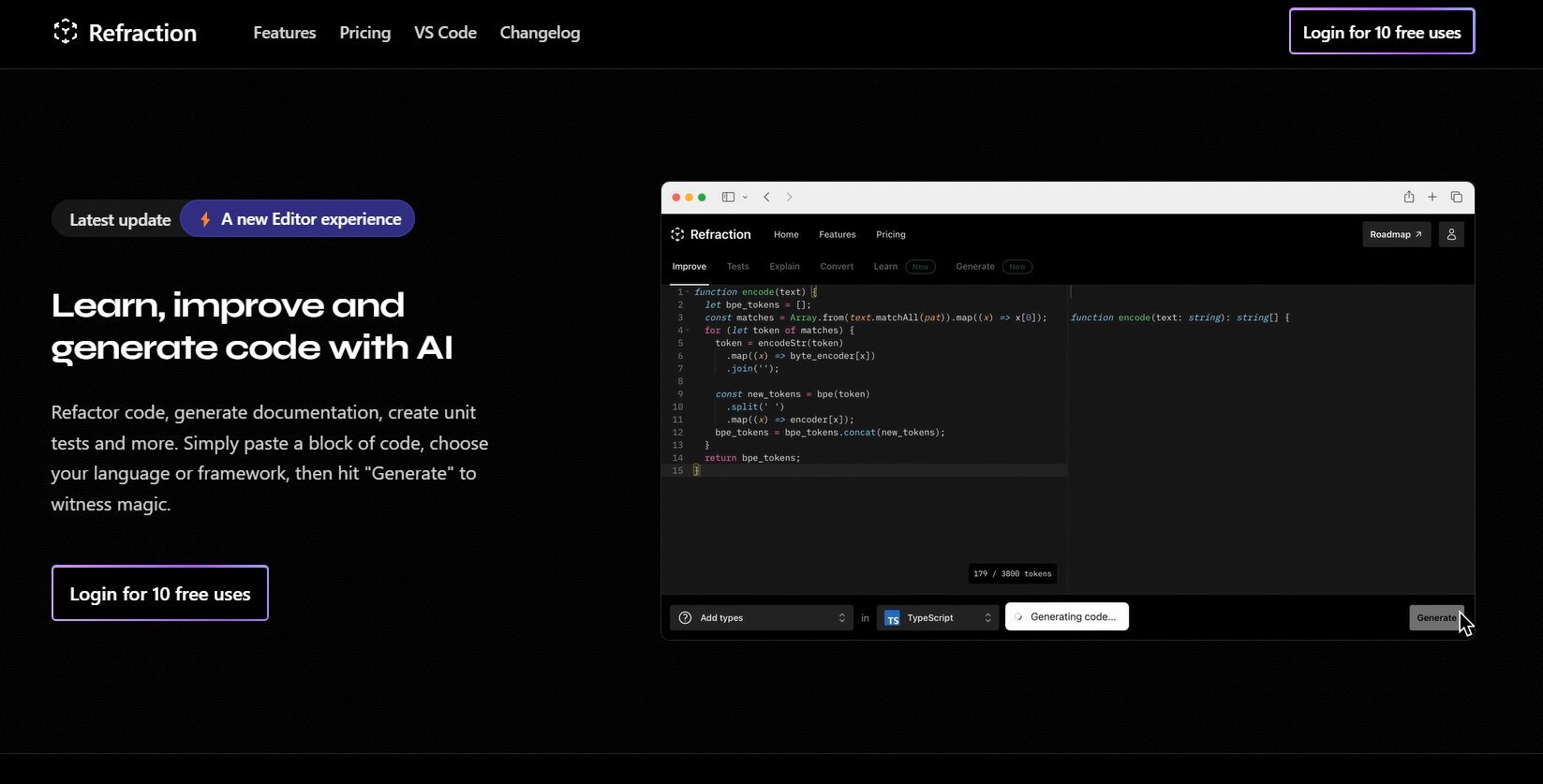
Improve and generate code with AI. Refactor code, create documentation, and write unit tests automatically. Simply paste your code, select a language or framework, and click "Generate" to see the magic happen. Refraction is a code generation tool for developers. It harnesses AI to generate code for you. Use it to produce unit tests, documentation, and refactor code.
Omnipilot Upvotes
Refraction Upvotes
Omnipilot Top Features
Context-aware typing assistance anywhere on macOS 🖥️ helps you write and automate tasks in any app.
Automated email drafting 📧 speeds up communication by generating relevant responses and messages.
Terminal command generation and execution 🖥️ simplifies complex Bash commands for developers.
Instant access with no waitlist ⏱️ download and start using immediately without delays.
Screen context understanding 👀 adapts suggestions based on what’s visible on your screen for smarter help.
Refraction Top Features
No top features listedOmnipilot Category
- Code Assistant
Refraction Category
- Code Assistant
Omnipilot Pricing Type
- Freemium
Refraction Pricing Type
- Freemium