
Last updated 07-27-2026
Category:
Reviews:
Join thousands of AI enthusiasts in the World of AI!
Omnipilot
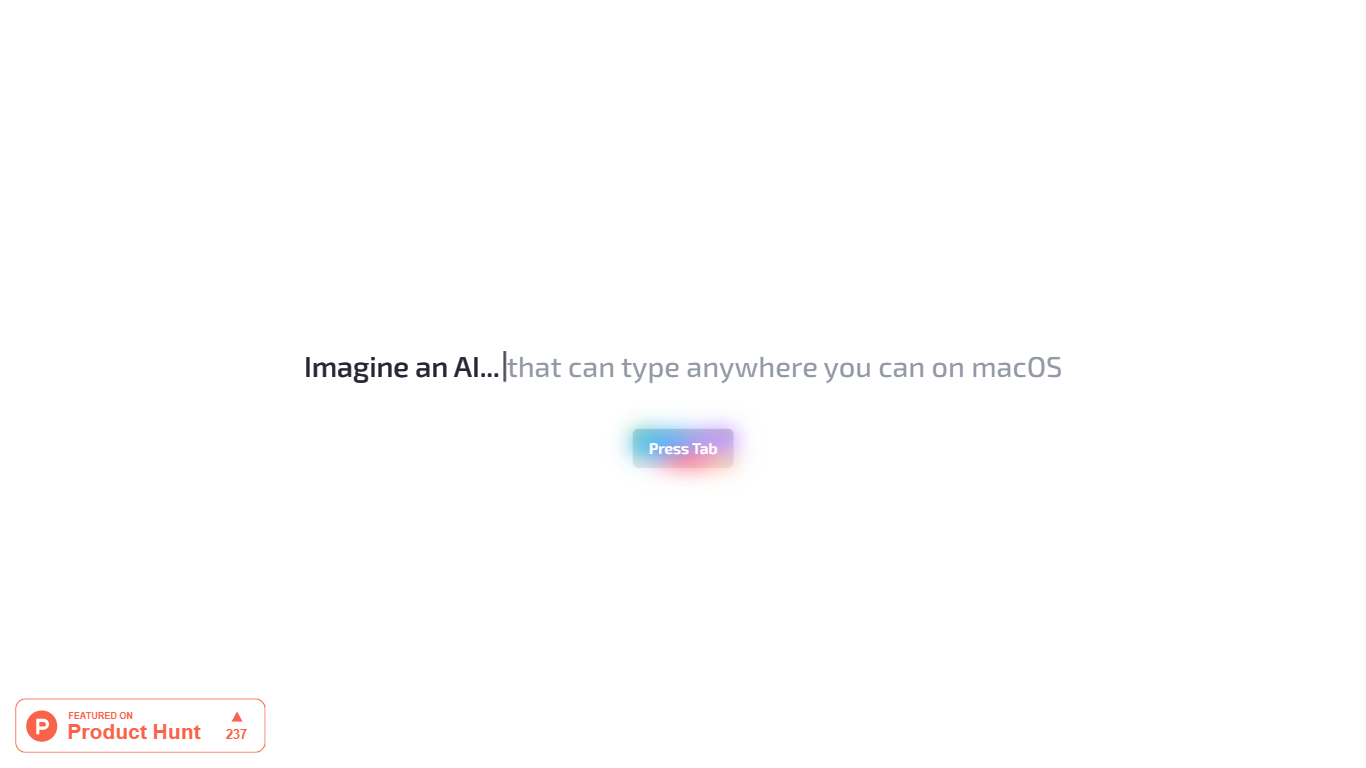
Omnipilot enables users to type and automate tasks across any application on macOS by understanding the full context of the screen. It assists with writing emails, generating code, and running terminal commands, reducing repetitive work through intelligent autocompletion and context-aware suggestions.
What distinguishes Omnipilot from other tools is its deep integration with macOS and its ability to adapt suggestions based on visible screen content. Unlike simpler text completion tools, it offers automation capabilities such as terminal command generation and execution, making it valuable for developers and professionals.
Omnipilot is available for immediate download without a waitlist, emphasizing quick access and ease of use. While it focuses exclusively on macOS, its versatility spans from simple text generation to complex automation tasks. The tool has joined Highlight, another AI desktop assistant, which continues to provide AI assistance to its users.
Context-aware typing assistance anywhere on macOS 🖥️ helps you write and automate tasks in any app.
Automated email drafting 📧 speeds up communication by generating relevant responses and messages.
Terminal command generation and execution 🖥️ simplifies complex Bash commands for developers.
Instant access with no waitlist ⏱️ download and start using immediately without delays.
Screen context understanding 👀 adapts suggestions based on what’s visible on your screen for smarter help.
Works across all macOS applications where typing is possible, providing broad utility.
Offers context-sensitive suggestions that adapt to the current screen content.
No waitlist or signup delays; users can download and start using immediately.
Supports both simple text completion and complex automation like terminal commands.
Integrates AI assistance directly into the macOS environment for seamless workflow enhancement.
Omnipilot is macOS-only, limiting use for users on other operating systems.
Transitioning to Highlight may affect continuity or support for existing users.
Limited detailed public information on pricing tiers and feature differences.
Can Omnipilot be used in any macOS application?
Yes, Omnipilot can be used wherever you can type on macOS, providing AI assistance across all applications.
Does Omnipilot require a waitlist to start using?
No, Omnipilot can be downloaded immediately without any waitlist or signup delays.
What kind of tasks can Omnipilot automate?
Omnipilot can automate tasks such as drafting emails, generating terminal commands, and providing contextual text completions.
Is Omnipilot available on platforms other than macOS?
Omnipilot is designed exclusively for macOS users and is not available on other platforms.
How does Omnipilot understand what to suggest?
Omnipilot reads the full context of your screen to provide relevant and context-aware suggestions.
What happens to Omnipilot now that it has joined Highlight?
Omnipilot has joined Highlight, another AI desktop assistant, and users are redirected to Highlight for continued AI assistance.
Is there a free version of Omnipilot?
Yes, Omnipilot offers a free tier with basic AI assistance features.