TableSprint vs Omnipilot
In the clash of TableSprint vs Omnipilot, which AI Code Assistant tool emerges victorious? We assess reviews, pricing, alternatives, features, upvotes, and more.
When we put TableSprint and Omnipilot head to head, which one emerges as the victor?
Let's take a closer look at TableSprint and Omnipilot, both of which are AI-driven code assistant tools, and see what sets them apart. Interestingly, both tools have managed to secure the same number of upvotes. Be a part of the decision-making process. Your vote could determine the winner.
Think we got it wrong? Cast your vote and show us who's boss!
TableSprint
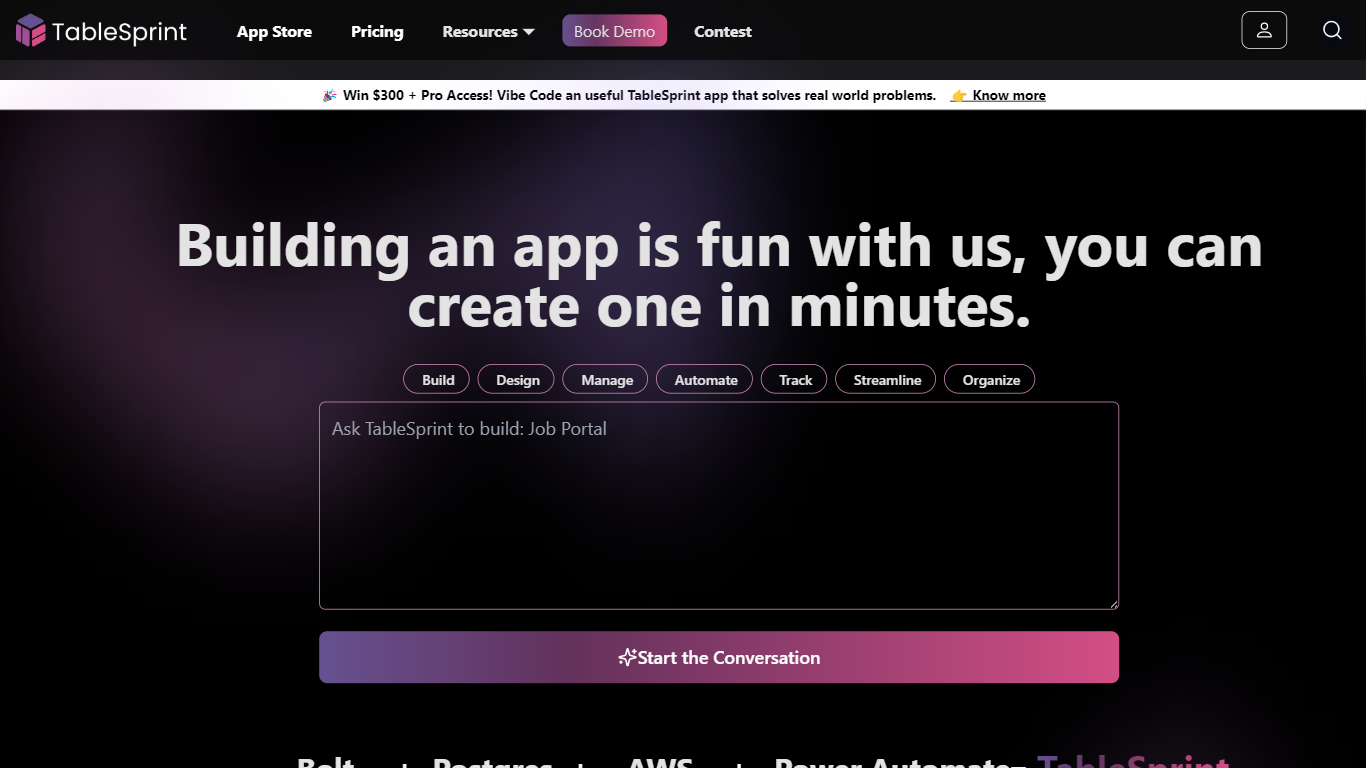

What is TableSprint?
TableSprint lets founders, sales, ops, and enterprise teams deploy voice, chat, email, and workflow agents without engineering bandwidth. The workspace also includes worksheets, forms, live dashboards, admin panels, and mobile views so custom internal apps and agents share one database. The app store ships ready-made agents for outbound SDR calls, chat support, invoicing, and media editing, each tagged free or premium.
Most teams buy a low-code builder and bolt on agent tools later. TableSprint merges agent deployment with worksheets, forms, permissions, and instant deploy in the same stack. Docs pitch replacing five tools and building an operations platform in two weeks instead of six months, with one chat agent claiming up to 60% fewer support tickets.
Founders, sales, ops, and enterprise teams that need agents in production fast fit TableSprint best. It targets teams without spare engineering bandwidth who still want voice and chat automation beside internal apps and live dashboards.
Omnipilot
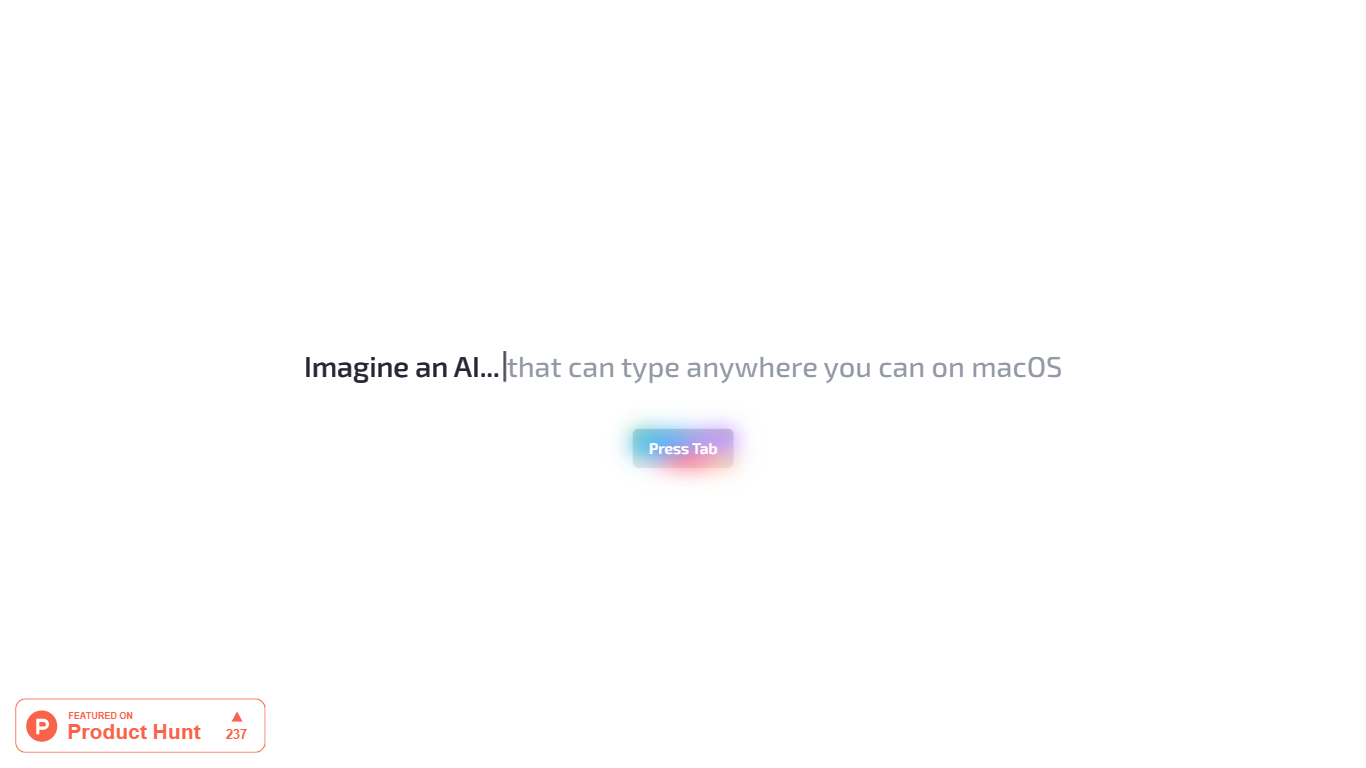
What is Omnipilot?
Omnipilot enables users to type and automate tasks across any application on macOS by understanding the full context of the screen. It assists with writing emails, generating code, and running terminal commands, reducing repetitive work through intelligent autocompletion and context-aware suggestions.
What distinguishes Omnipilot from other tools is its deep integration with macOS and its ability to adapt suggestions based on visible screen content. Unlike simpler text completion tools, it offers automation capabilities such as terminal command generation and execution, making it valuable for developers and professionals.
Omnipilot is available for immediate download without a waitlist, emphasizing quick access and ease of use. While it focuses exclusively on macOS, its versatility spans from simple text generation to complex automation tasks. The tool has joined Highlight, another AI desktop assistant, which continues to provide AI assistance to its users.
TableSprint Upvotes
Omnipilot Upvotes
TableSprint Top Features
App store lists free and premium agents for sales calls, support, and media editing
Chat Support Agent claims up to 60% fewer support tickets with 24/7 FAQ handling
Customer testimonial cites replacing 5 tools and shipping an ops platform in 2 weeks
Funding data lists $1 million raised, founded 2024, and about 10 employees
Outbound Calling SDR agent runs proactive sales calls and books demos into your calendar
Omnipilot Top Features
Context-aware typing assistance anywhere on macOS 🖥️ helps you write and automate tasks in any app.
Automated email drafting 📧 speeds up communication by generating relevant responses and messages.
Terminal command generation and execution 🖥️ simplifies complex Bash commands for developers.
Instant access with no waitlist ⏱️ download and start using immediately without delays.
Screen context understanding 👀 adapts suggestions based on what’s visible on your screen for smarter help.
TableSprint Category
- Code Assistant
Omnipilot Category
- Code Assistant
TableSprint Pricing Type
- Freemium
Omnipilot Pricing Type
- Freemium