Pixelcode vs Omnipilot
When comparing Pixelcode vs Omnipilot, which AI Code Assistant tool shines brighter? We look at pricing, alternatives, upvotes, features, reviews, and more.
In a comparison between Pixelcode and Omnipilot, which one comes out on top?
When we put Pixelcode and Omnipilot side by side, both being AI-powered code assistant tools, The upvote count is neck and neck for both Pixelcode and Omnipilot. You can help us determine the winner by casting your vote and tipping the scales in favor of one of the tools.
Not your cup of tea? Upvote your preferred tool and stir things up!
Pixelcode


What is Pixelcode?
Pixelcode turns code screenshots, YouTube frames, images, and PDFs into editable source text through a Chrome extension. Click the extension, crop the snippet you need, and the extracted code lands on your clipboard formatted for your IDE instead of forcing a manual retype.
Generic OCR tools flatten indentation and miss language syntax. Pixelcode targets developer workflows with automatic language detection across 30 plus languages, precision cropping from a few lines to long blocks, and optional unlimited extraction when you connect your own ChatGPT API key on the $35 lifetime tier instead of buying screenshot credits.
Developers learning from video tutorials, reviewing legacy PDF docs, or capturing snippets from blog images use Pixelcode when they want paste-ready code without rebuilding formatting by hand.
Omnipilot
What is Omnipilot?
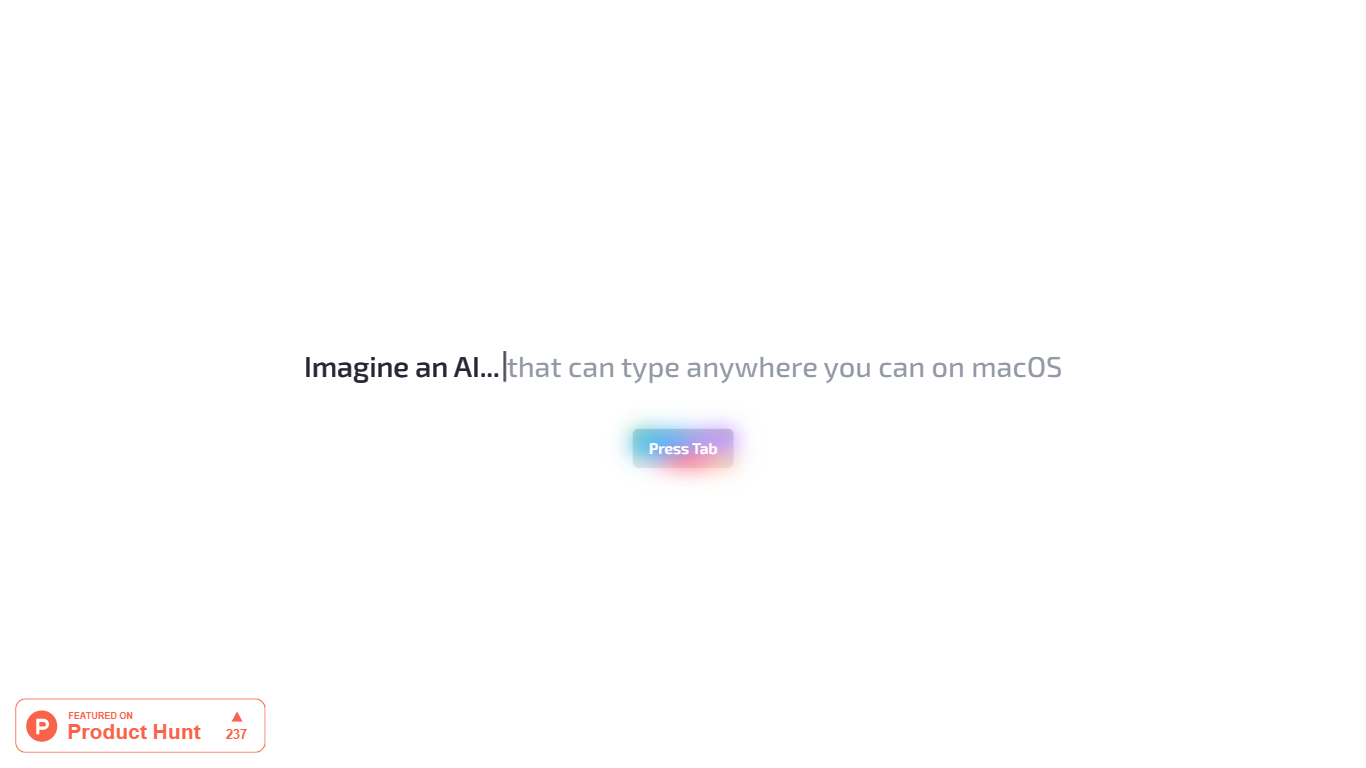
Omnipilot enables users to type and automate tasks across any application on macOS by understanding the full context of the screen. It assists with writing emails, generating code, and running terminal commands, reducing repetitive work through intelligent autocompletion and context-aware suggestions.
What distinguishes Omnipilot from other tools is its deep integration with macOS and its ability to adapt suggestions based on visible screen content. Unlike simpler text completion tools, it offers automation capabilities such as terminal command generation and execution, making it valuable for developers and professionals.
Omnipilot is available for immediate download without a waitlist, emphasizing quick access and ease of use. While it focuses exclusively on macOS, its versatility spans from simple text generation to complex automation tasks. The tool has joined Highlight, another AI desktop assistant, which continues to provide AI assistance to its users.
Pixelcode Upvotes
Omnipilot Upvotes
Pixelcode Top Features
Chrome extension captures and crops code directly in the browser with clipboard output
Recognizes 30+ programming languages including JavaScript, Python, Java, Swift, and Ruby
Pay-per-use lifetime plan costs $15 with 20 free screenshots and $8 per 100 additional captures
Unlimited lifetime tier at $35 routes extraction through your own ChatGPT API key
Processes code from YouTube video frames, static images, and PDF documents
API keys stay on your device and are not stored on Pixelcode servers per the FAQ
Omnipilot Top Features
Context-aware typing assistance anywhere on macOS 🖥️ helps you write and automate tasks in any app.
Automated email drafting 📧 speeds up communication by generating relevant responses and messages.
Terminal command generation and execution 🖥️ simplifies complex Bash commands for developers.
Instant access with no waitlist ⏱️ download and start using immediately without delays.
Screen context understanding 👀 adapts suggestions based on what’s visible on your screen for smarter help.
Pixelcode Category
- Code Assistant
Omnipilot Category
- Code Assistant
Pixelcode Pricing Type
- Paid
Omnipilot Pricing Type
- Freemium