Open Art vs Befront
Dive into the comparison of Open Art vs Befront and discover which AI Design tool stands out. We examine alternatives, upvotes, features, reviews, pricing, and beyond.
In a comparison between Open Art and Befront, which one comes out on top?
When we compare Open Art and Befront, two exceptional design tools powered by artificial intelligence, and place them side by side, several key similarities and differences come to light. Both tools have received the same number of upvotes from aitools.fyi users. Since other aitools.fyi users could decide the winner, the ball is in your court now to cast your vote and help us determine the winner.
Feeling rebellious? Cast your vote and shake things up!
Open Art

What is Open Art?
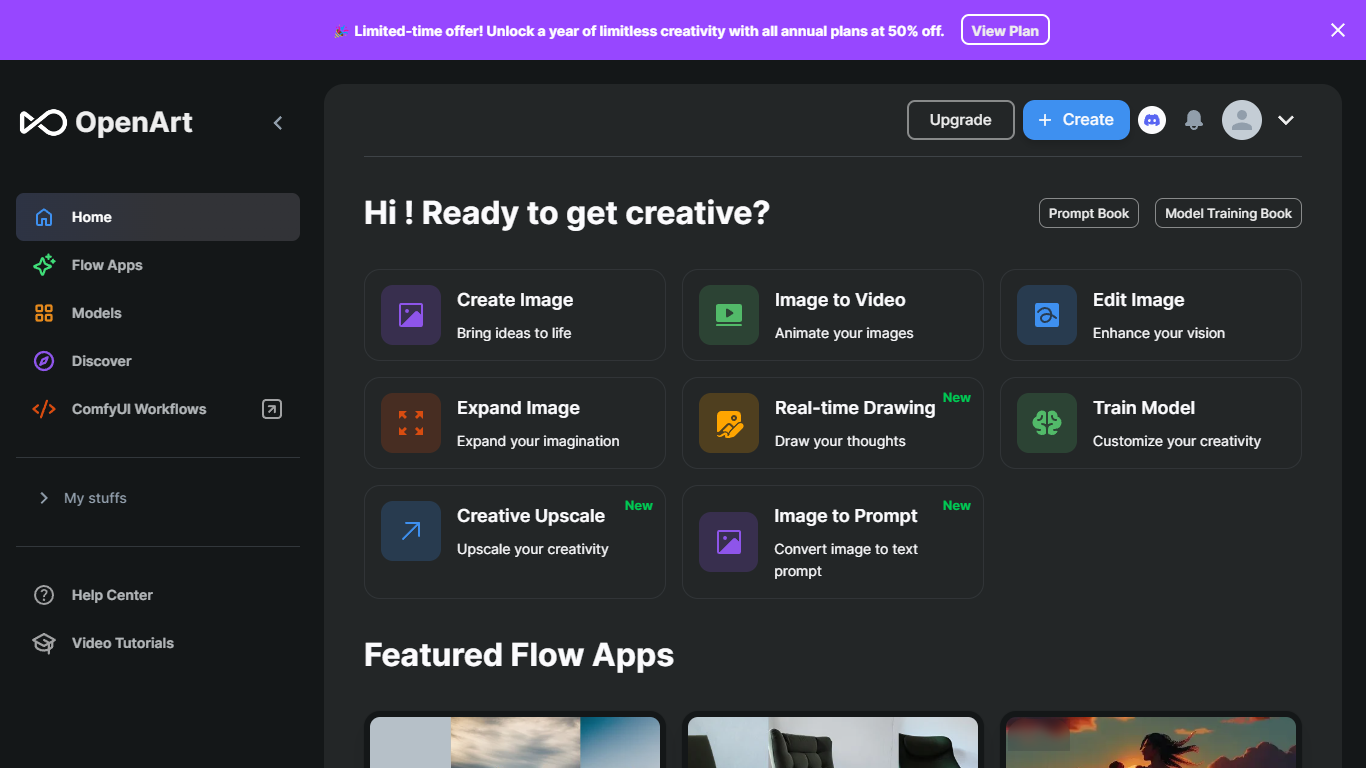
OpenArt Suite is an all-in-one creator studio for images, video, characters, worlds, and audio. You get access to 100+ premium models from providers like Google Veo, Kling, Seedance, and GPT Image in one workspace, with tools to keep characters and style consistent across projects.
The standout piece is Director, where you create videos by chatting with AI. Pick a format like short film, product ad, or music video and guide the output through conversation. Beyond that, the suite covers text-to-image, frame-to-video, lip-sync, motion sync, image editing, and an MCP server that plugs OpenArt into agents like Claude, ChatGPT, and Cursor.
Built by ex-Googlers in San Francisco, OpenArt targets creators who want a single hub for generative media instead of juggling separate tools for each model.
Befront
What is Befront?
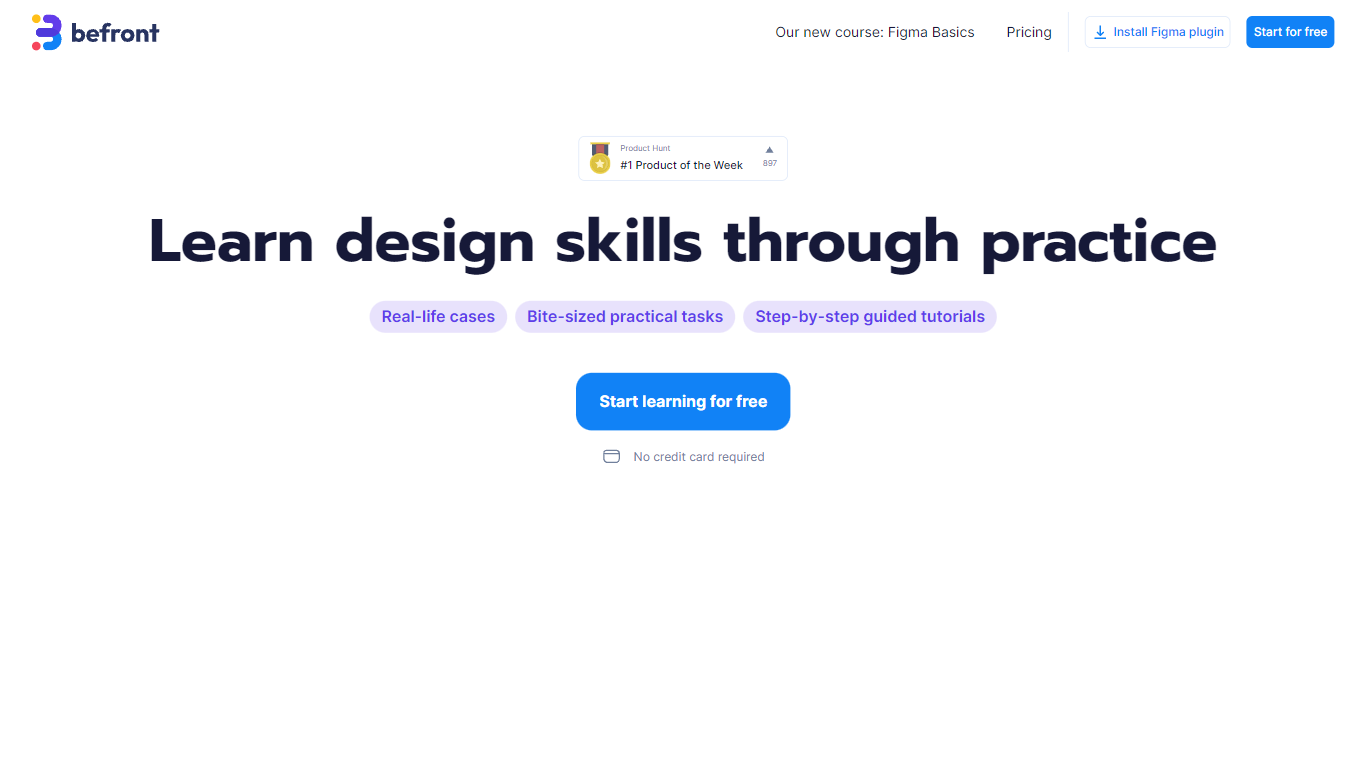
Befront is a Figma Community plugin that works as a hands-on design trainer. You install it in Figma, pick a skill to train, and complete short UI tasks on real interfaces with instant feedback as you work. It focuses on practical layout and component work rather than passive theory.
Most design courses lean on video lectures that are easy to watch and hard to retain. Befront runs short drills you can finish in about five minutes, with topic picks like Auto Layout and components instead of a fixed syllabus. That makes it closer to a daily gym routine than a semester-long course.
The homepage positions Befront for designers who feel stuck in Figma, working designers who want more speed, and career switchers learning UX/UI from scratch. Developers, product managers, founders, and marketers who need to work confidently in Figma are also called out in the FAQ.
You track progress over time, compete with other designers, and can try design mini-games for quick interactive practice. A free trial offers access to trial lessons, while paid plans start at $11 per week or $30 per month for full access.
Open Art Upvotes
Befront Upvotes
Open Art Top Features
Director lets you build short films, ads, and music videos by chatting with AI instead of clicking through a dozen settings
One subscription unlocks 100+ image, video, and audio models, from Seedance and Kling to GPT Image and Nano Banana
Character and world builders keep faces, outfits, and scenes consistent from stills through finished video
OpenArt MCP connects your Claude, ChatGPT, or Cursor agent so you can generate images and video without leaving chat
Smart Shot turns a storyboard sheet into a cinematic clip, with lip-sync, motion sync, and VFX tools for post work
Befront Top Features
Daily drills you can finish in about five minutes with instant feedback inside Figma
Monthly plan at $30 per month or Weekly plan at $11 per week for full access to all content
Topic-specific training for Auto Layout, components, and other job-ready Figma skills
Design mini-games for quick interactive practice on real interfaces
Free Trial at $0 with access to trial lessons inside the Figma plugin
Open Art Category
- Design
Befront Category
- Design
Open Art Pricing Type
- Freemium
Befront Pricing Type
- Freemium