Open Interpreter vs HuggingChat
Dive into the comparison of Open Interpreter vs HuggingChat and discover which AI Code Assistant tool stands out. We examine alternatives, upvotes, features, reviews, pricing, and beyond.
In a comparison between Open Interpreter and HuggingChat, which one comes out on top?
When we compare Open Interpreter and HuggingChat, two exceptional code assistant tools powered by artificial intelligence, and place them side by side, several key similarities and differences come to light. Neither tool takes the lead, as they both have the same upvote count. Join the aitools.fyi users in deciding the winner by casting your vote.
Think we got it wrong? Cast your vote and show us who's boss!
Open Interpreter
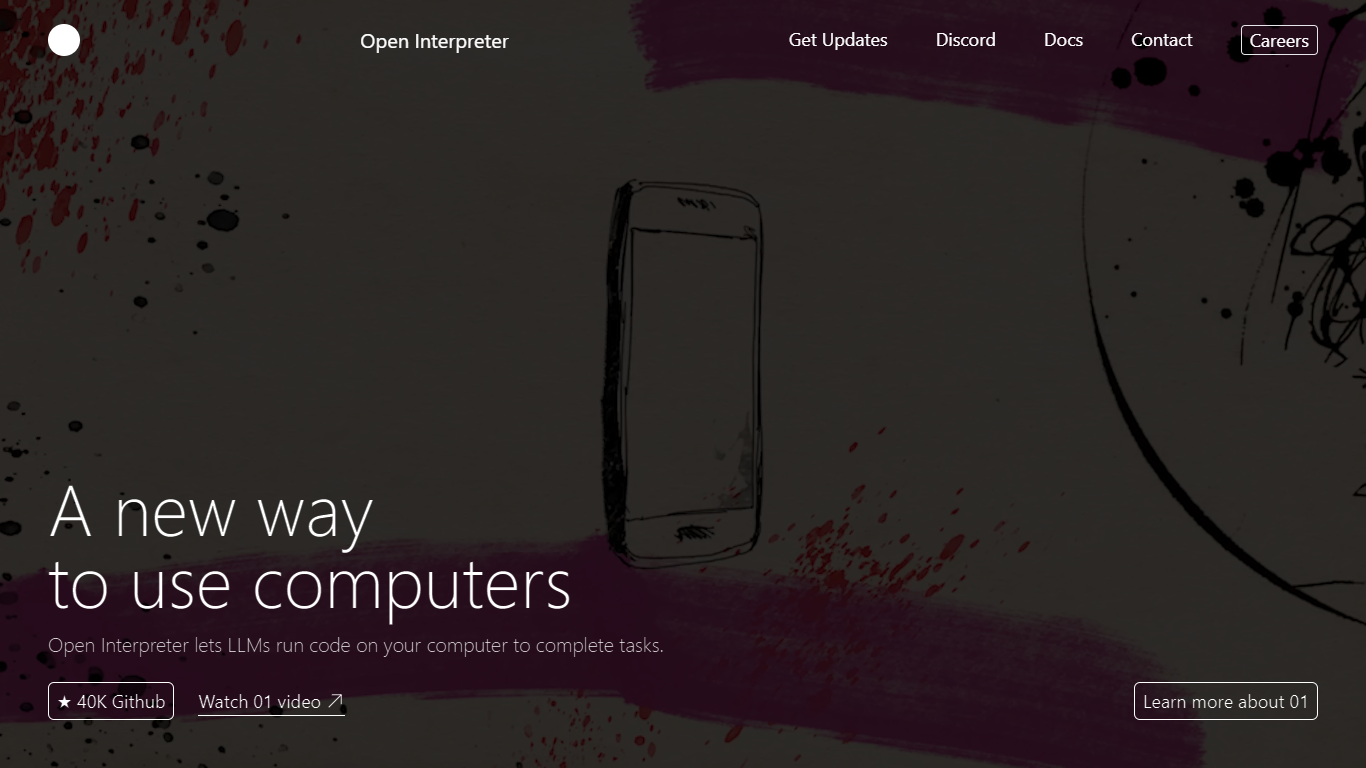

What is Open Interpreter ?
Open Interpreter is an open-source coding agent that runs in your terminal or as a desktop app. Open a project, type interpreter, and it reads your files, edits code, and runs commands with sandbox guardrails. It is built on a fork of OpenAI's Codex CLI and stays provider agnostic, so you can plug in OpenAI, Anthropic, Kimi, Qwen, DeepSeek, or local models.
The project targets low-cost and open-weight models rather than frontier-only agents. Model-specific harnesses emulate the tool interfaces each provider trained on, which the team reports improves benchmark scores on models like Kimi K2.5 and DeepSeek V4 Flash compared to generic agent loops.
Developers get a familiar Codex-style terminal with AGENTS.md support, skills, MCP servers, and session management. The separate desktop app brings the same agent workflow to Word, Excel, PDFs, and the browser for knowledge workers who do not live in a code editor.
HuggingChat
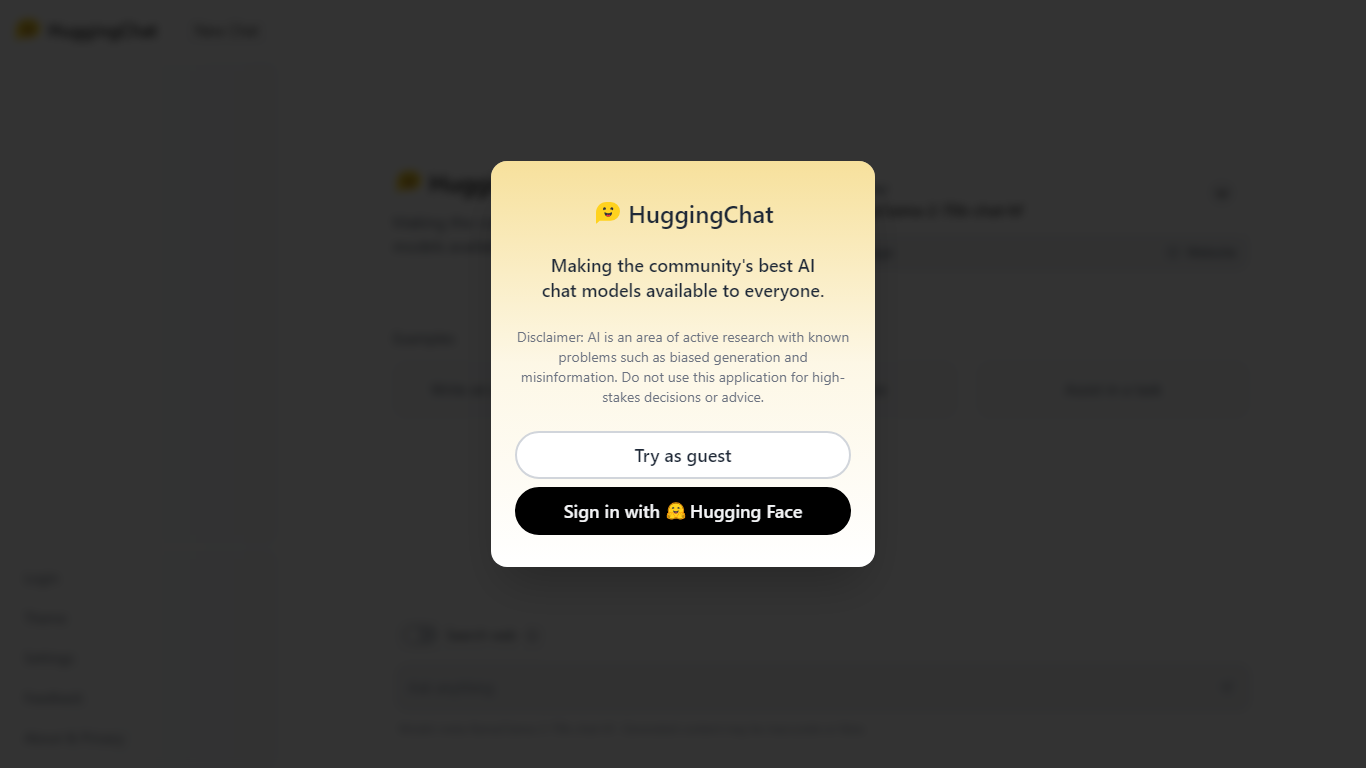
What is HuggingChat?
HuggingChat is a free chat assistant that runs open source AI models from the Hugging Face community. Pick a model directly or let Omni route your prompt to the best available option. The interface supports image generation, web tasks, dataset search, and MCP tool connections alongside standard text chat.
Closed chatbots lock you into one vendor model. HuggingChat exposes 137 open source models you can switch between mid-conversation, including newcomers like DeepSeek V4 Flash with a 1M-token context window. The trade-off is variable quality across models and a Hugging Face account requirement to save chats.
Developers, researchers, and curious users reach for it to test Llama, DeepSeek, and other community models without API keys or local GPU setup. Hugging Face positions it as making the community's best chat models available to everyone.
Open Interpreter Upvotes
HuggingChat Upvotes
Open Interpreter Top Features
Model-specific harnesses tuned for Kimi, Qwen, DeepSeek, and other open models
OS-level sandbox on macOS, Linux, and Windows with approval gates before network access
Swap providers and models from the terminal with
/modelwithout reinstalling anythingKeeps Codex skills, MCP servers, AGENTS.md, and slash commands from the upstream fork
Desktop app fills PDF forms, edits Word docs, and builds Excel sheets with built-in editors
HuggingChat Top Features
Choose from 137 open source chat models or let Omni auto-select the best fit
DeepSeek V4 Flash offers a 1M-token context window and adjustable thinking modes
MCP (Model Context Protocol) connections extend chat with external tools
Built-in prompts cover image generation, website building, and dataset search
Free to use with a Hugging Face account for chat history and settings
New Chat shortcut and per-model settings pages for application and Omni routing
Powered by Hugging Face with DR 91 on the parent domain
Open Interpreter Category
- Code Assistant
HuggingChat Category
- Code Assistant
Open Interpreter Pricing Type
- Freemium
HuggingChat Pricing Type
- Free