OptimizerAI vs SpeechGPT
Compare OptimizerAI vs SpeechGPT and see which AI Audio Generation tool is better when we compare features, reviews, pricing, alternatives, upvotes, etc.
Which one is better? OptimizerAI or SpeechGPT?
When we compare OptimizerAI with SpeechGPT, which are both AI-powered audio generation tools, Both tools are equally favored, as indicated by the identical upvote count. Your vote matters! Help us decide the winner among aitools.fyi users by casting your vote.
Don't agree with the result? Cast your vote and be a part of the decision-making process!
OptimizerAI

What is OptimizerAI?
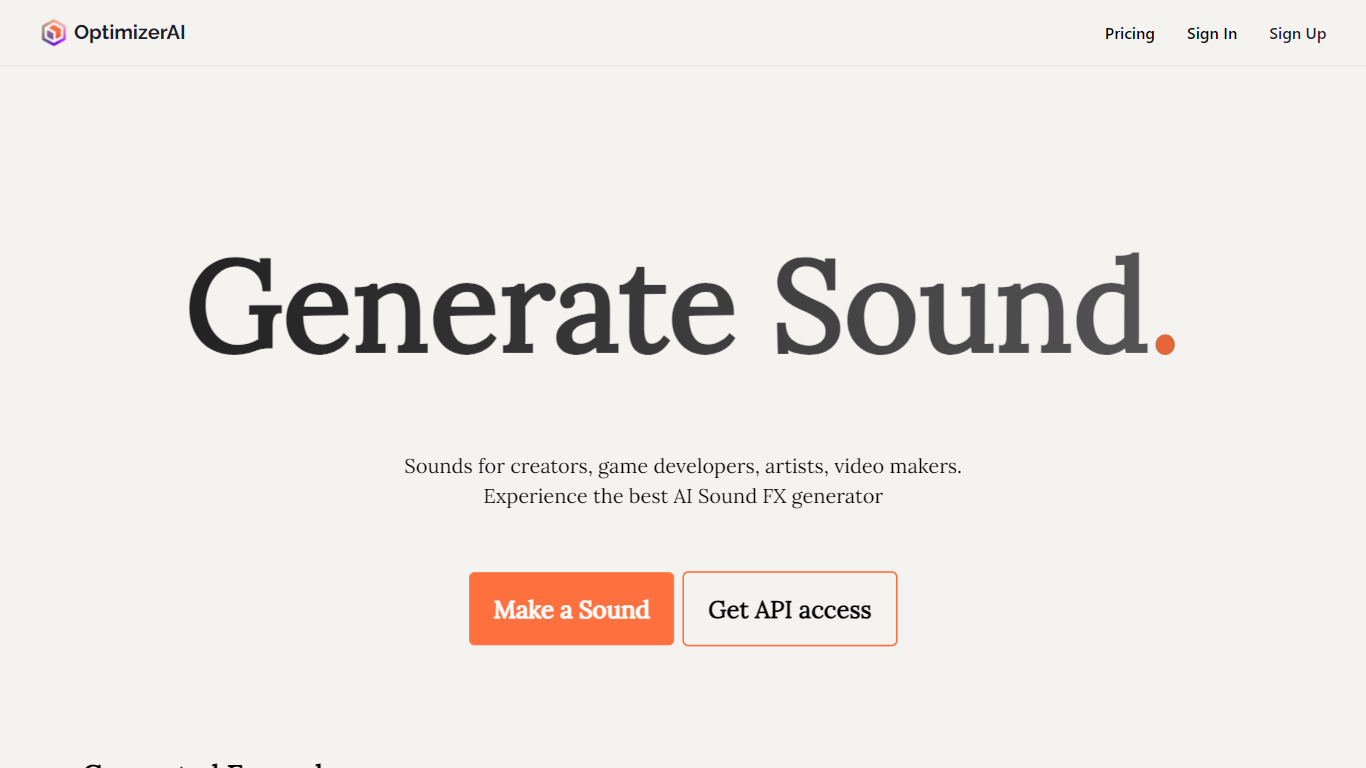
OptimizerAI turns text prompts into custom sound effects for games, videos, animation, and ads. Describe the sound you need, from an 8-bit jump to a ghost whisper, and the platform generates audio you can drop straight into a project.
The team builds its own foundational audio models and positions the product as a research-driven sound generator rather than a stock library search tool. You can start from scratch with text, upload an existing clip to spin out variations, or lean on Magic prompt when you only have a scene description instead of technical audio language.
It is aimed at creators who need unique effects without hunting through libraries: game developers prototyping SFX, video editors filling gaps in a timeline, and animators matching sound to mood. OptimizerAI was started by AI researchers who got tired of the slow workflow of adding sound while building mobile games as a side project.
SpeechGPT

What is SpeechGPT?
SpeechGPT lets you hold voice conversations in the browser using your own OpenAI API key. You type or record messages, send them through a chat interface, and hear spoken replies without installing desktop software.
Unlike hosted TTS services that bundle model costs into a subscription, SpeechGPT runs in the browser and bills you only through the OpenAI, Azure Speech Services, or Amazon Polly accounts you connect. That makes it a lightweight option for developers and language learners who already have API access and want a simple voice chat front end.
The interface supports English, Spanish, and Chinese UI labels, includes a record button for speech input, and stores session data locally in the browser. It suits developers testing voice chat flows, language learners practicing spoken prompts, and anyone who wants a minimal ChatGPT voice client on mobile or desktop.
OptimizerAI Upvotes
SpeechGPT Upvotes
OptimizerAI Top Features
Type a prompt and get stereo sound effects at 44.1 kHz, up to 60 seconds long
Upload an audio file to generate multiple modified variations
Magic prompt turns a short scene description into a detailed sound request
Pick a style preset when you do not want to write technical audio prompts
Homepage demos cover game, animation, and video sound use cases
SpeechGPT Top Features
Chat interface accepts typed messages or recorded speech input with Enter to send
Requires your OpenAI API key in settings before the app will run conversations
Optional Azure Speech Services or Amazon Polly access keys for alternate text-to-speech backends
UI available in English, Spanish, and Chinese from the in-app language selector
Shift plus Enter inserts a newline without sending the message
Runs as a web app on Vercel with no separate desktop install required
OptimizerAI Category
- Audio Generation
SpeechGPT Category
- Audio Generation
OptimizerAI Pricing Type
- Freemium
SpeechGPT Pricing Type
- Free