Opus Clip vs Gling
When comparing Opus Clip vs Gling, which AI Video Editing tool shines brighter? We look at pricing, alternatives, upvotes, features, reviews, and more.
Between Opus Clip and Gling, which one is superior?
When we put Opus Clip and Gling side by side, both being AI-powered video editing tools, Opus Clip is the clear winner in terms of upvotes. Opus Clip has received 6 upvotes from aitools.fyi users, while Gling has received 4 upvotes.
Feeling rebellious? Cast your vote and shake things up!
Opus Clip

What is Opus Clip?
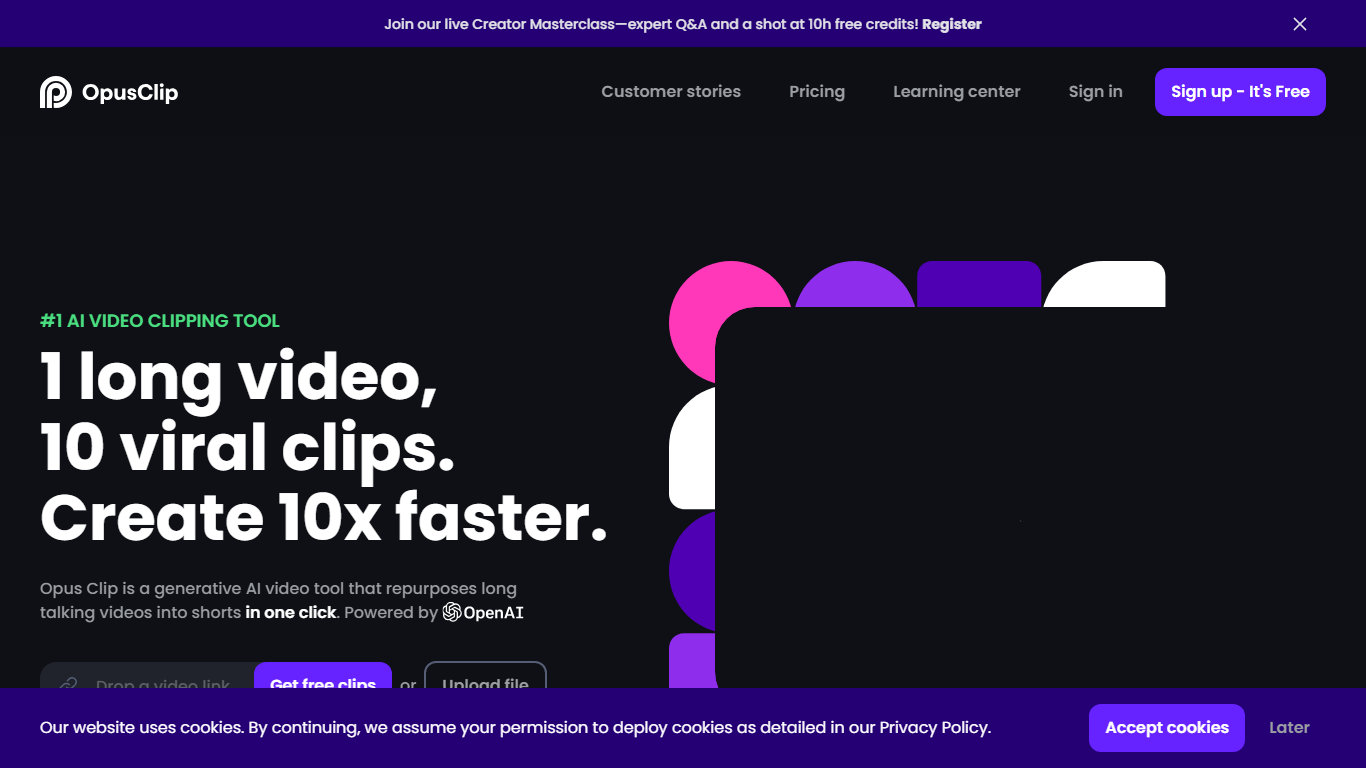
OpusClip turns long-form footage into short clips you can post on TikTok, YouTube Shorts, and Instagram Reels. Drop a YouTube link, upload a file, or pull from Zoom, Google Drive, Vimeo, and several other sources, and the platform returns multiple vertical clips with captions, reframing, and layout adjustments already applied.
Most clipping tools focus on podcast-style talking-head footage. OpusClip's ClipAnything model reads visual, audio, and sentiment cues across vlogs, sports, gaming, interviews, and low-dialogue footage, so you are not locked into one video format. The social scheduler and direct publishing options push finished clips to multiple platforms without leaving the dashboard.
Podcasters, marketers, agencies, and solo creators who publish shorts regularly use OpusClip to batch-produce clips from webinars, livestreams, and long YouTube uploads. The free tier refreshes 60 minutes of processing time each month, and paid plans add watermark-free exports, virality scoring, and imports from more sources.
Gling

What is Gling?
Gling is desktop video editing software that uses transcription to cut bad takes, silences, and filler words from raw recordings before you export to Premiere, Final Cut Pro, or DaVinci Resolve. Upload a talking-head or voiceover file, review an AI-trimmed timeline, tweak cuts in text form, and download MP4, MP3, or SRT captions. It also generates YouTube titles, chapters, and short viral clips from links.
Manual timeline scrubbing eats hours on repetitive cleanup, while Gling automates the boring first pass and leaves creative decisions to you. That trade-off suits creators who record long sessions but do not want a fully automated publish pipeline. Desktop-only delivery keeps processing local-friendly, though you need a Mac or PC rather than a browser tab.
YouTube creators and podcast-style video makers use Gling to shrink edit time on tutorials, vlogs, and multicam sessions. The free plan includes 1 hour of AI-edited media per month with watermarked exports, Plus costs $20 per month with 10 hours, and Pro adds 30 hours without watermarks plus premium support.
Opus Clip Upvotes
Gling Upvotes
Opus Clip Top Features
ClipAnything finds highlight moments across podcasts, vlogs, sports, gaming, and interview footage, not just spoken-word video
ReframeAnything resizes clips to 9:16 and tracks moving subjects so speakers stay centered on vertical platforms
Animated captions ship with 97%+ transcription accuracy and support 20+ languages including English, German, Spanish, and French
Pro plan imports from YouTube, Google Drive, Dropbox, Vimeo, Zoom, Rumble, and StreamYard with uploads up to 30GB per file
Social scheduler posts finished clips to YouTube Shorts, TikTok, and Instagram without switching tools
Brand templates store fonts, colors, logos, and intro or outro cards for consistent clip styling across a team
Gling Top Features
Automatically remove bad takes, silences, and filler words from uploaded recordings
Edit cuts through a text-based transcript instead of scrubbing the timeline manually
Export XML projects to Adobe Premiere, Final Cut Pro, or DaVinci Resolve
Generate AI captions, YouTube titles, chapters, and viral clips from links
Plus plan includes 10 hours of AI-edited media per month for $20
Opus Clip Category
- Video Editing
Gling Category
- Video Editing
Opus Clip Pricing Type
- Freemium
Gling Pricing Type
- Freemium