
Last updated 08-15-2026
Category:
Reviews:
Join thousands of AI enthusiasts in the World of AI!
Opus Clip
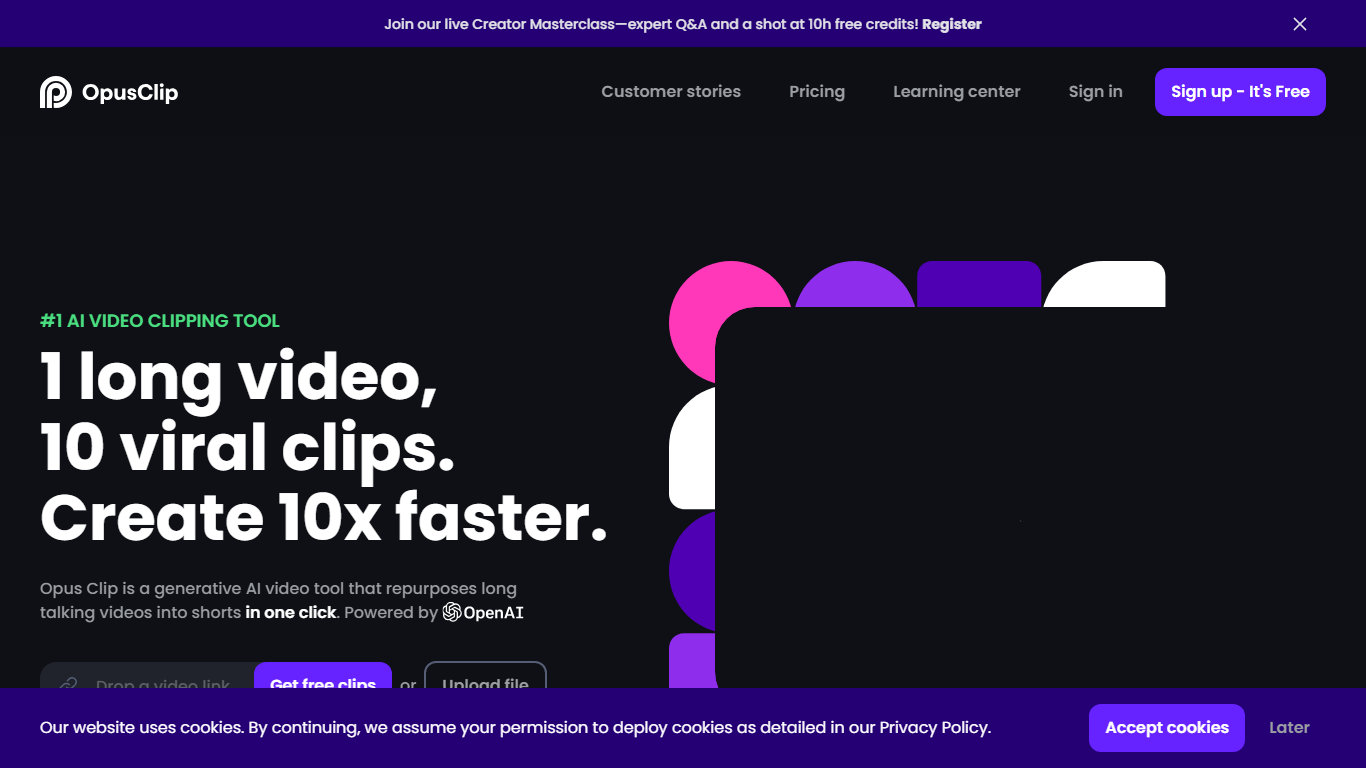
OpusClip turns long-form footage into short clips you can post on TikTok, YouTube Shorts, and Instagram Reels. Drop a YouTube link, upload a file, or pull from Zoom, Google Drive, Vimeo, and several other sources, and the platform returns multiple vertical clips with captions, reframing, and layout adjustments already applied.
Most clipping tools focus on podcast-style talking-head footage. OpusClip's ClipAnything model reads visual, audio, and sentiment cues across vlogs, sports, gaming, interviews, and low-dialogue footage, so you are not locked into one video format. The social scheduler and direct publishing options push finished clips to multiple platforms without leaving the dashboard.
Podcasters, marketers, agencies, and solo creators who publish shorts regularly use OpusClip to batch-produce clips from webinars, livestreams, and long YouTube uploads. The free tier refreshes 60 minutes of processing time each month, and paid plans add watermark-free exports, virality scoring, and imports from more sources.
ClipAnything finds highlight moments across podcasts, vlogs, sports, gaming, and interview footage, not just spoken-word video
ReframeAnything resizes clips to 9:16 and tracks moving subjects so speakers stay centered on vertical platforms
Animated captions ship with 97%+ transcription accuracy and support 20+ languages including English, German, Spanish, and French
Pro plan imports from YouTube, Google Drive, Dropbox, Vimeo, Zoom, Rumble, and StreamYard with uploads up to 30GB per file
Social scheduler posts finished clips to YouTube Shorts, TikTok, and Instagram without switching tools
Brand templates store fonts, colors, logos, and intro or outro cards for consistent clip styling across a team
ClipAnything handles podcasts, vlogs, sports, and gaming without separate workflows
One dashboard covers clipping, captions, reframing, scheduling, and direct social publishing
Free tier includes 60 monthly processing minutes, enough to test a regular posting cadence
Imports from 10+ platforms on Pro, including YouTube, Zoom, and Google Drive
Animated captions support 20+ languages with high reported transcription accuracy
Free plan exports carry a caption watermark and expire after three days
Business-tier API, SSO, and team seats require a custom sales conversation
Heavy users on long 4K source files may hit the 30GB per-upload cap on Pro
Is OpusClip free to use?
OpusClip offers a free plan with 60 minutes of video processing refreshed each month. New users also get a 7-day Pro trial with 90 minutes of processing, roughly 30 downloadable clips. Paid Starter and Pro plans start at $15 and $29 per month.
What video sources does OpusClip support?
OpusClip accepts local uploads on every plan and adds cloud imports on paid tiers. Pro supports YouTube, Google Drive, Dropbox, Vimeo, Zoom, Rumble, Twitch, Facebook, LinkedIn, Twitter, Loom, Riverside, and StreamYard links.
Which languages does OpusClip transcribe?
OpusClip transcribes and captions videos in English, German, Spanish, French, Portuguese, Italian, Dutch, Russian, Polish, Japanese, Korean, Vietnamese, and more than a dozen additional languages listed on the site.
Can OpusClip post clips to social media?
Yes. OpusClip includes a social scheduler on paid plans that publishes clips directly to YouTube Shorts, TikTok, and Instagram. The Pro plan also generates clip titles, descriptions, and hashtags before posting.
How does OpusClip differ from manual editing?
OpusClip analyzes an entire long video, picks multiple highlight segments, adds animated captions, reframes to vertical aspect ratios, and exports ready-to-post clips in one workflow. Manual editors still need to scrub footage, cut timelines, and caption each short by hand.
Does OpusClip work for non-podcast videos?
Yes. OpusClip's ClipAnything model clips vlogs, sports highlights, gaming footage, and low-dialogue content by reading visual and audio cues, not just spoken words. You can also prompt it to find a specific moment inside a longer file.