Movavi vs Opus Clip
Explore the showdown between Movavi vs Opus Clip and find out which AI Video Editing tool wins. We analyze upvotes, features, reviews, pricing, alternatives, and more.
In a face-off between Movavi and Opus Clip, which one takes the crown?
When we contrast Movavi with Opus Clip, both of which are exceptional AI-operated video editing tools, and place them side by side, we can spot several crucial similarities and divergences. The upvote count reveals a draw, with both tools earning the same number of upvotes. Since other aitools.fyi users could decide the winner, the ball is in your court now to cast your vote and help us determine the winner.
Feeling rebellious? Cast your vote and shake things up!
Movavi


What is Movavi ?
Movavi Video Editor 2024 enables users to create and edit videos with a variety of tools designed for both beginners and experienced creators. It provides features such as background removal, motion tracking, noise reduction, color correction, and video stabilization to enhance video projects.
What sets Movavi apart is its combination of over 6,000 effects and transitions with AI-powered tools that speed up editing tasks like cutting and overlay effects. This balance of extensive creative options and intelligent automation helps users produce polished videos efficiently.
The software supports a wide range of video formats and offers a drag-and-drop interface that simplifies applying filters, titles, and effects. Movavi also includes a free music library and tutorials to assist users in mastering video editing techniques.
Movavi Video Editor 2024 is designed primarily for Windows users who want to create engaging content such as travel videos, vlogs, or family memories without a steep learning curve. Its value lies in making powerful editing accessible while maintaining quality results.
Overall, Movavi stands out for its extensive effects, AI enhancements, and approachable design that help users bring their video ideas to life quickly and effectively.
Opus Clip
What is Opus Clip?
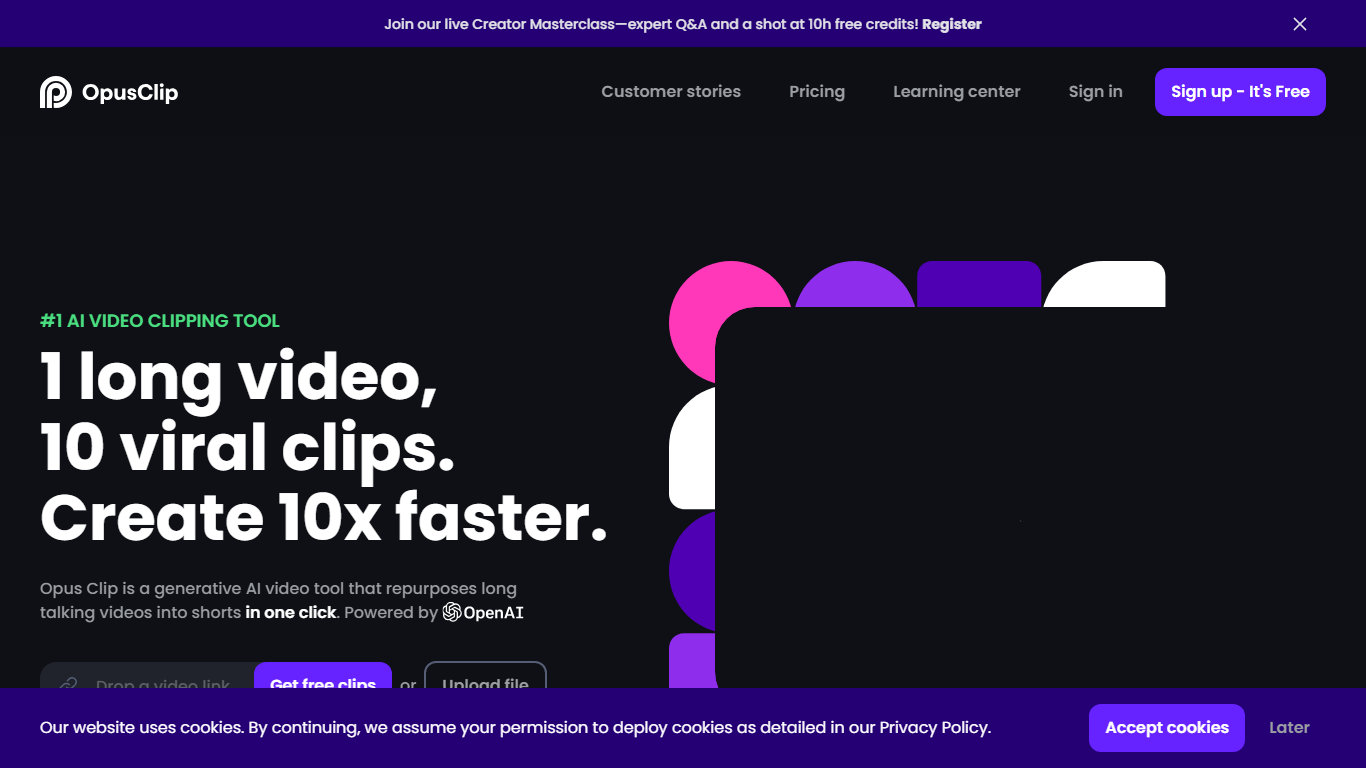
OpusClip turns long-form footage into short clips you can post on TikTok, YouTube Shorts, and Instagram Reels. Drop a YouTube link, upload a file, or pull from Zoom, Google Drive, Vimeo, and several other sources, and the platform returns multiple vertical clips with captions, reframing, and layout adjustments already applied.
Most clipping tools focus on podcast-style talking-head footage. OpusClip's ClipAnything model reads visual, audio, and sentiment cues across vlogs, sports, gaming, interviews, and low-dialogue footage, so you are not locked into one video format. The social scheduler and direct publishing options push finished clips to multiple platforms without leaving the dashboard.
Podcasters, marketers, agencies, and solo creators who publish shorts regularly use OpusClip to batch-produce clips from webinars, livestreams, and long YouTube uploads. The free tier refreshes 60 minutes of processing time each month, and paid plans add watermark-free exports, virality scoring, and imports from more sources.
Movavi Upvotes
Opus Clip Upvotes
Movavi Top Features
AI-powered video cutting speeds up editing tasks
Background removal tool for clean subject isolation
Motion tracking to follow objects smoothly in videos
Free music library included for adding soundtracks
Over 6,000 effects and transitions to customize videos
Opus Clip Top Features
ClipAnything finds highlight moments across podcasts, vlogs, sports, gaming, and interview footage, not just spoken-word video
ReframeAnything resizes clips to 9:16 and tracks moving subjects so speakers stay centered on vertical platforms
Animated captions ship with 97%+ transcription accuracy and support 20+ languages including English, German, Spanish, and French
Pro plan imports from YouTube, Google Drive, Dropbox, Vimeo, Zoom, Rumble, and StreamYard with uploads up to 30GB per file
Social scheduler posts finished clips to YouTube Shorts, TikTok, and Instagram without switching tools
Brand templates store fonts, colors, logos, and intro or outro cards for consistent clip styling across a team
Movavi Category
- Video Editing
Opus Clip Category
- Video Editing
Movavi Pricing Type
- Freemium
Opus Clip Pricing Type
- Freemium