Organiser vs PimEyes
In the battle of Organiser vs PimEyes, which AI Search Engine tool comes out on top? We compare reviews, pricing, alternatives, upvotes, features, and more.
Between Organiser and PimEyes, which one is superior?
Upon comparing Organiser with PimEyes, which are both AI-powered search engine tools, The upvote count shows a clear preference for PimEyes. PimEyes has attracted 7 upvotes from aitools.fyi users, and Organiser has attracted 6 upvotes.
Don't agree with the result? Cast your vote and be a part of the decision-making process!
Organiser
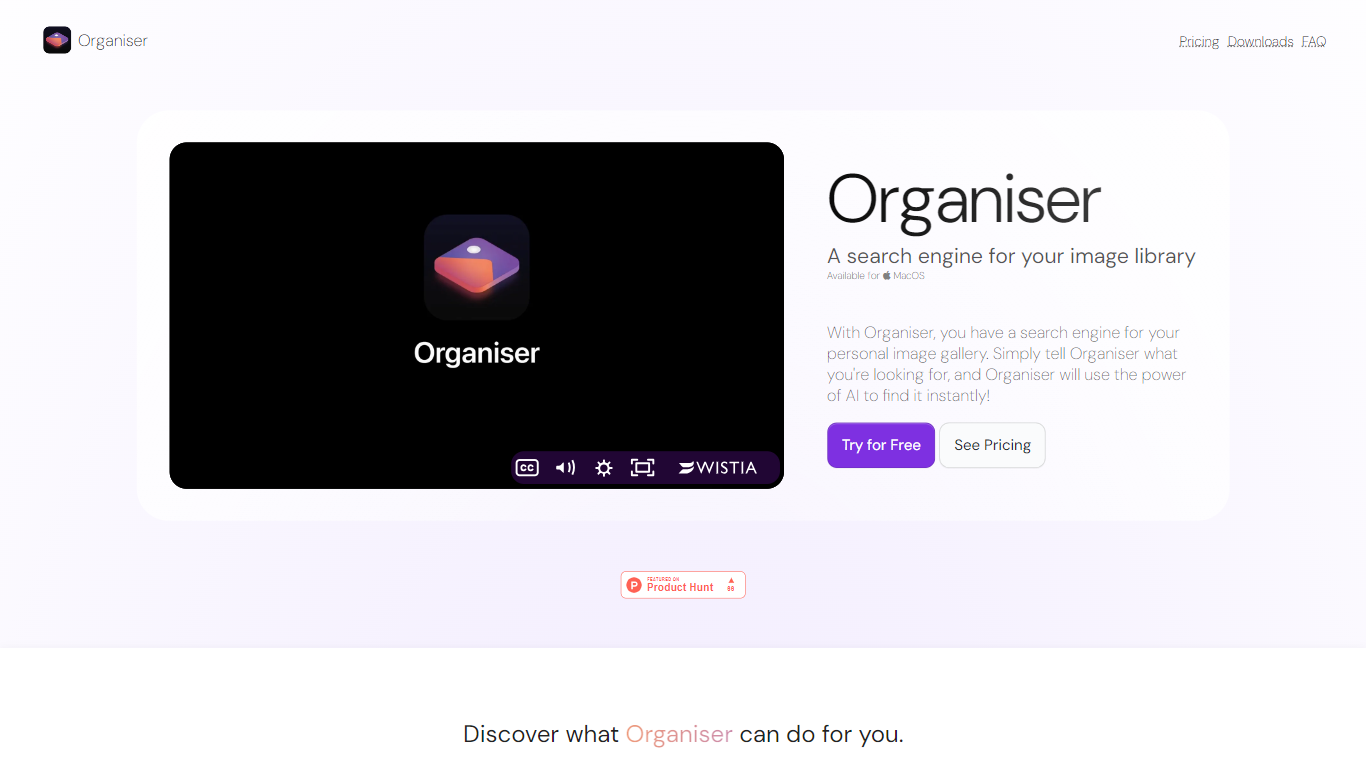

What is Organiser?
Organiser helps you quickly find and organize photos on your Mac using AI-powered keyword searches. It enables searching through your personal photo library by analyzing both photo content and metadata. This tool supports locating general photos, screenshots, and specific objects or text within images.
What sets Organiser apart is its ability to separate screenshots from other photos automatically, making it easier to manage different types of images. Its clean and simple interface is designed specifically for Mac users, providing fast retrieval even with large photo libraries. Organiser processes all data locally on your Mac, ensuring your photos remain private without uploading to external servers.
The app continuously refines its AI models by analyzing your photo metadata and content, improving search accuracy over time. Organiser supports common photo formats such as JPEG, PNG, HEIC, and screenshots. It offers a free plan with basic features and a Pro subscription for advanced capabilities.
Organiser is suitable for anyone looking to efficiently manage and search their photo collections, from casual users to professionals handling large image libraries.
PimEyes
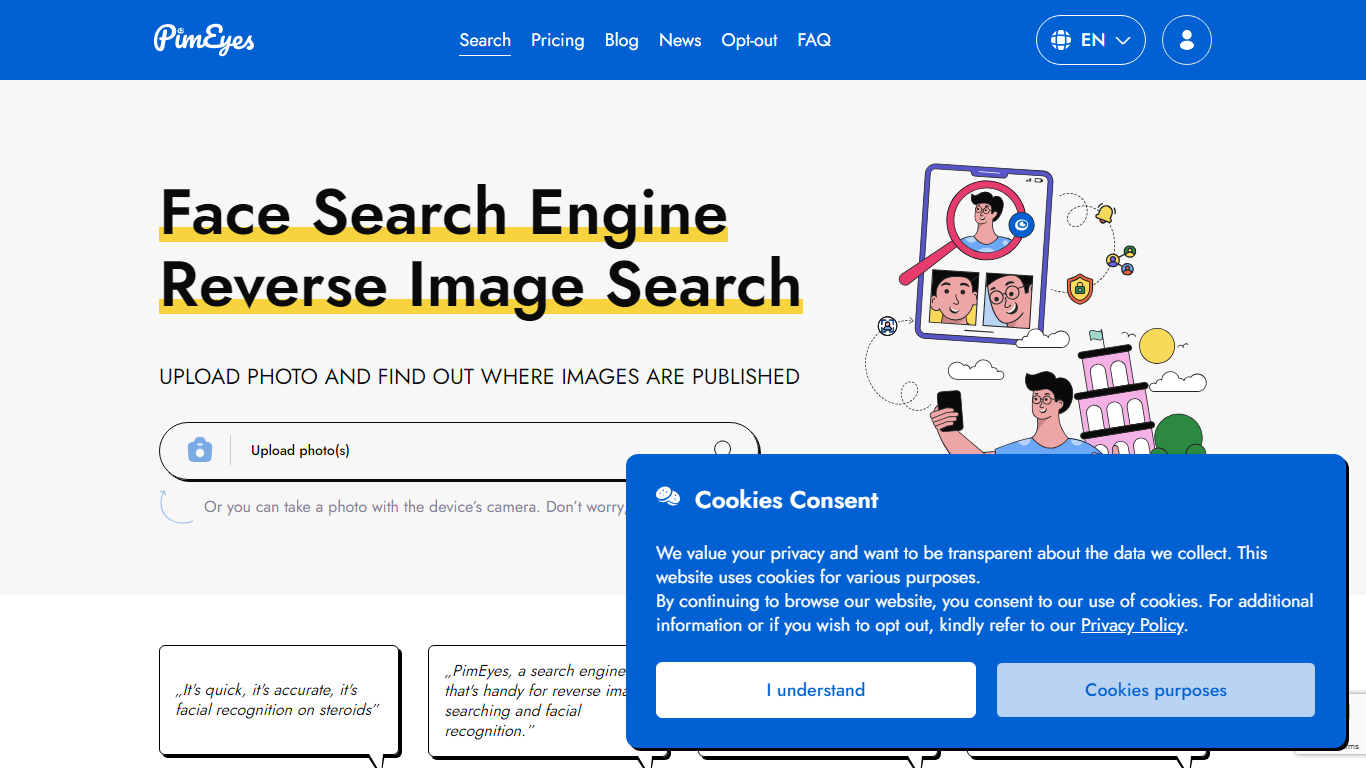
What is PimEyes?
Upload a photo and PimEyes scans the open web for matching faces in seconds. The reverse image search engine compares your picture against billions of indexed images, then returns source links so you can see where your face appears online. You can upload up to 5 photos at 8 MB each, use the camera capture option, and start with a free search from the homepage.
Generic reverse image search matches pixels and logos. PimEyes focuses on facial recognition across the open web, with monitoring alerts, optional takedown guidance, and an opt-out flow if you do not want your face indexed. Paid tiers add blur-free results, higher daily search limits, and AI-generated reports, which matters when you are tracking unauthorized reuse rather than hunting for a similar stock photo.
Creators audit copyright on photos and designs. Everyday users check their digital footprint. Public figures and PR teams set alerts for new appearances. Legal and security teams run higher-volume investigations through Advanced and OSINT offerings.
PimEyes advertises 99.5% search accuracy, GDPR compliance, SSL encryption, and more than 500,000 users on the pricing page.
Organiser Upvotes
PimEyes Upvotes
Organiser Top Features
AI-powered keyword search finds photos instantly
Separates screenshots from general photos for easier access
Supports searching by photo content and metadata including objects and text
Clean and user-friendly interface designed for Mac users
Processes data locally to ensure photo privacy
Supports common photo formats: JPEG, PNG, HEIC, and screenshots
Offers a free plan with basic features and a Pro subscription
PimEyes Top Features
Searches more than 10 billion images with a marketed 99.5% accuracy rate
Returns face matches in under 5 seconds with up to 5 photos per upload at 8 MB each
Open Plus unlocks up to 75 daily searches and 10 PimEyes Alerts
PROtect tier raises limits to 125 daily searches and 20 alerts with AI reports
Advanced plan offers unlimited daily searches and 500 active PimEyes Alerts
Opt-out page lets you exclude your face from PimEyes search results
Optional takedown agent support on PROtect for removal guidance on external sites
Organiser Category
- Search Engine
PimEyes Category
- Search Engine
Organiser Pricing Type
- Freemium
PimEyes Pricing Type
- Freemium