
Last updated 07-27-2026
Category:
Reviews:
Join thousands of AI enthusiasts in the World of AI!
Organiser
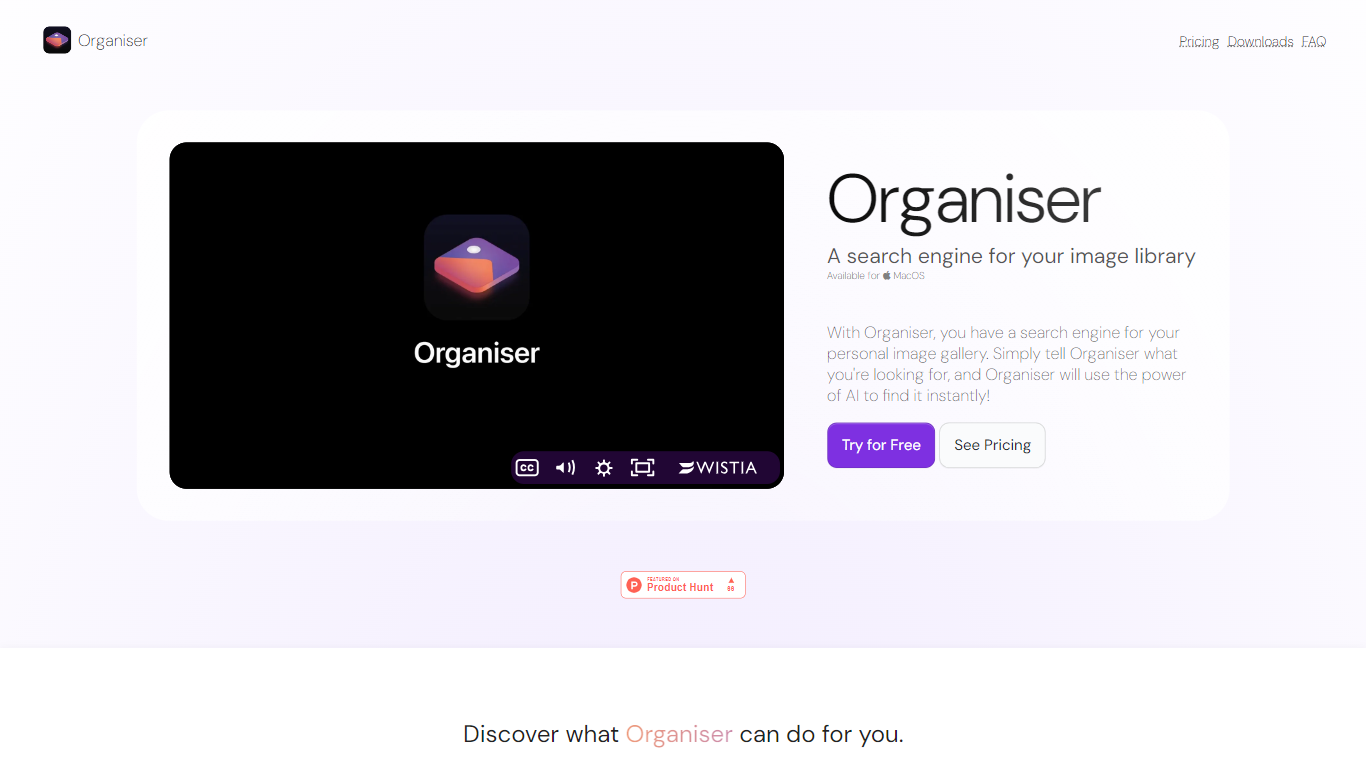
Organiser helps you quickly find and organize photos on your Mac using AI-powered keyword searches. It enables searching through your personal photo library by analyzing both photo content and metadata. This tool supports locating general photos, screenshots, and specific objects or text within images.
What sets Organiser apart is its ability to separate screenshots from other photos automatically, making it easier to manage different types of images. Its clean and simple interface is designed specifically for Mac users, providing fast retrieval even with large photo libraries. Organiser processes all data locally on your Mac, ensuring your photos remain private without uploading to external servers.
The app continuously refines its AI models by analyzing your photo metadata and content, improving search accuracy over time. Organiser supports common photo formats such as JPEG, PNG, HEIC, and screenshots. It offers a free plan with basic features and a Pro subscription for advanced capabilities.
Organiser is suitable for anyone looking to efficiently manage and search their photo collections, from casual users to professionals handling large image libraries.
AI-powered keyword search finds photos instantly
Separates screenshots from general photos for easier access
Supports searching by photo content and metadata including objects and text
Clean and user-friendly interface designed for Mac users
Processes data locally to ensure photo privacy
Supports common photo formats: JPEG, PNG, HEIC, and screenshots
Offers a free plan with basic features and a Pro subscription
Quickly locates photos using natural language keywords
Supports both general photos and screenshots distinctly
Simple and user-friendly interface tailored for Mac users
Improves search accuracy by analyzing photo content
Helps manage large image collections efficiently
Available only on MacOS, limiting cross-platform use
Free version has limited features compared to paid plans
Can Organiser find photos based on what's inside the image?
Yes, Organiser uses AI to analyze photo content and metadata, allowing you to search for images by objects, scenes, or text within the photo.
Is Organiser available on platforms other than MacOS?
Organiser is exclusively available for MacOS and does not support Windows or mobile platforms.
Does Organiser separate screenshots from other photos?
Yes, Organiser can identify and organize screenshots separately, making it easier to find them quickly.
Can I try Organiser before buying a subscription?
Organiser offers a free plan with basic features so you can try the app before deciding to upgrade to Pro.
How does Organiser improve search accuracy over time?
Organiser analyzes your photo metadata and content continuously, refining its AI models to provide more accurate search results.
Is my photo data stored in the cloud when using Organiser?
Organiser works locally on your Mac, so your photos and data remain private and are not uploaded to external servers.
What types of photos can Organiser handle?
Organiser supports all common photo formats stored on your Mac, including JPEG, PNG, HEIC, and screenshots.