Osum vs Browse AI
In the battle of Osum vs Browse AI, which AI Research tool comes out on top? We compare reviews, pricing, alternatives, upvotes, features, and more.
Between Osum and Browse AI, which one is superior?
Upon comparing Osum with Browse AI, which are both AI-powered research tools, The community has spoken, Osum leads with more upvotes. Osum has 109 upvotes, and Browse AI has 25 upvotes.
You don't agree with the result? Cast your vote to help us decide!
Osum
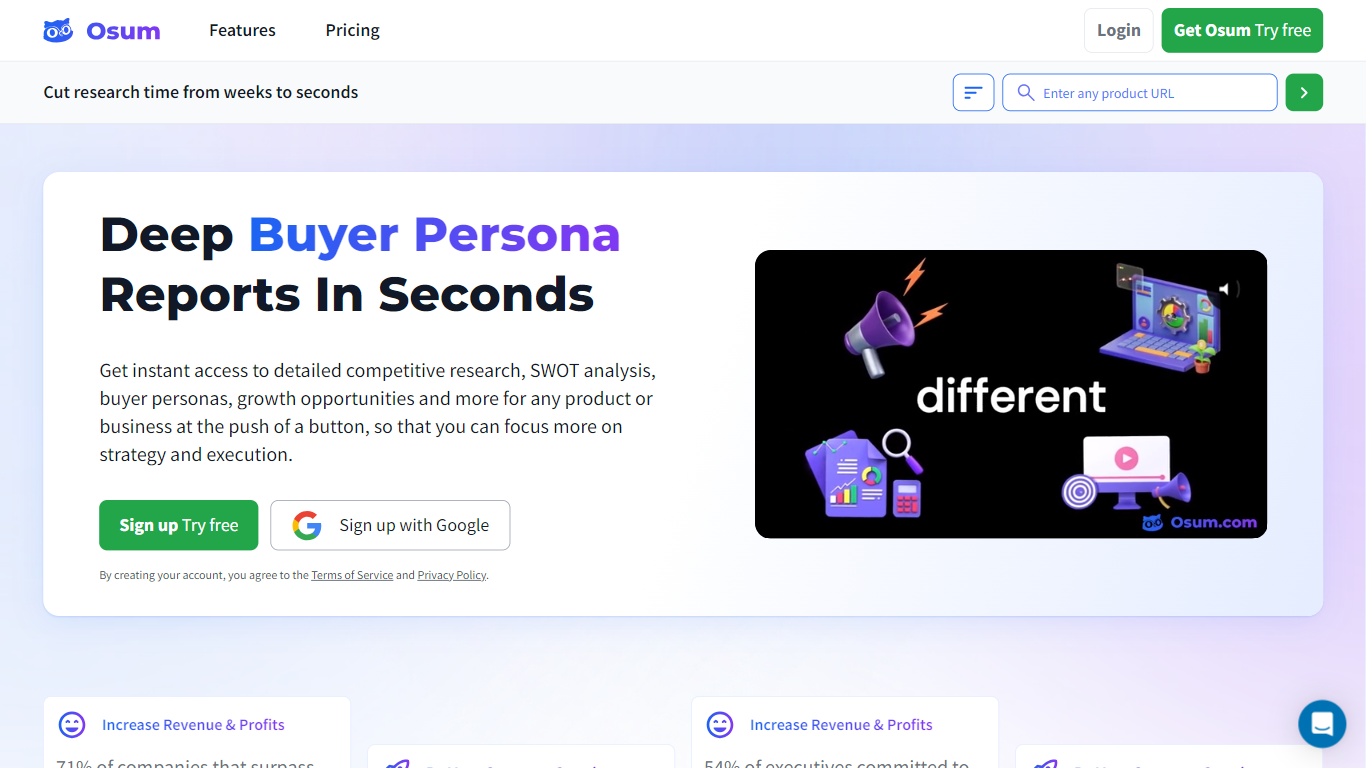

What is Osum?
Osum turns a product or business URL into a structured market research report in seconds. Each workspace covers competitive analysis, SWOT breakdowns, buyer personas, sales prospect profiles, growth strategies, and product-market fit sections you can export as PDF. You enter a company or product name, and Osum assembles findings into labeled sections rather than a loose data dump.
Where survey tools collect responses and data vendors sell raw feeds, Osum ships finished strategy artifacts in one pass. A single search can surface pitch deck drafts, departmental OKR suggestions, regulatory landscape notes, and investment objection handling alongside the SWOT and persona blocks. That breadth targets consultants and founders who need client-ready deliverables, not teams running field studies.
The platform suits investors sizing a category, founders validating an idea, marketers refining positioning, and agencies preparing client recommendations. Osum says more than 80,000 professionals use it, including teams at firms like McKinsey, Deloitte, Microsoft, and Google. Plans scale from solo consultants to enterprise teams with SAML SSO and invoice billing.
Browse AI
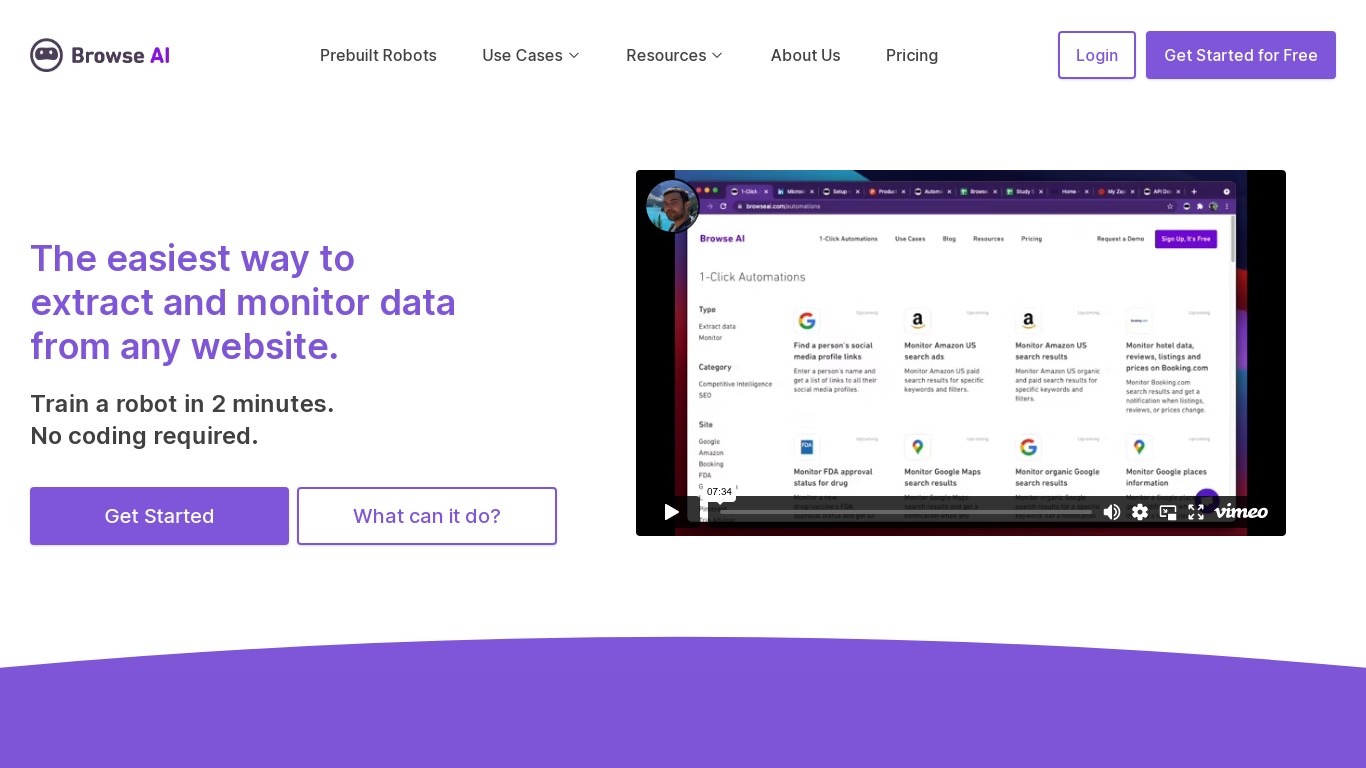
What is Browse AI?
Browse AI is a no-code web scraping and website monitoring platform built for research teams that need structured data from sites they do not control. You train robots with point-and-click actions to extract lists, details, and screenshots, then schedule runs or set change alerts without writing scripts. The platform reports over 770,000 users and has delivered more than 10 billion rows of extracted data.
Where most scrapers break the moment a target site redesigns, Browse AI leans on adaptive change detection that adjusts robot selectors when layouts shift. That trade-off favors operators who monitor competitor pricing or job boards on a schedule and cannot babysit Python scripts every time a CSS class changes. You still get deep scraping workflows, bulk runs across up to 500,000 pages, and exports to Google Sheets, Airtable, Zapier, Make, webhooks, or a REST API.
Browse AI fits ecommerce analysts tracking catalogs, real estate teams pulling listings from Airbnb or Redfin, and growth operators building lead lists from directories. Over 250 prebuilt robots cover Amazon, Indeed, Google Maps, and other high-traffic sites. A Premium tier adds fully managed scraping with custom delivery for high-volume or complex pipelines.
Osum Upvotes
Browse AI Upvotes
Osum Top Features
Enter any product or business URL and receive a structured market research report in seconds
Reports include 60+ sections such as SWOT, buyer personas, sales prospect profiles, pitch drafts, and departmental OKRs
Pro plan costs $39.99 per month billed annually and includes 5 industry, market, company, and product reports for 1 user
Expert plan supports 3 users with 10 monthly reports at $99.99 per month billed annually
All paid tiers include unlimited PDF exports and Google sign-in on the homepage
Trusted by 80,000+ professionals, including teams at McKinsey, Deloitte, and Microsoft
Browse AI Top Features
Point-and-click robot builder trains on any page with no code required
Adaptive change detection adjusts robots when target sites redesign layouts
250+ prebuilt robots for Amazon, Indeed, Google Maps, and other popular sites
Bulk extraction runs across up to 500,000 pages in a single operation
Paid plans monitor sites every 5 minutes; free plans allow hourly checks at minimum
Syncs to Google Sheets, Airtable, Zapier, Make, REST API, webhooks, or Amazon S3
Osum Category
- Research
Browse AI Category
- Research
Osum Pricing Type
- Paid
Browse AI Pricing Type
- Freemium