Outfits AI vs Flair
When comparing Outfits AI vs Flair, which AI E-commerce tool shines brighter? We look at pricing, alternatives, upvotes, features, reviews, and more.
Between Outfits AI and Flair, which one is superior?
When we put Outfits AI and Flair side by side, both being AI-powered e-commerce tools, Outfits AI stands out as the clear frontrunner in terms of upvotes. Outfits AI has garnered 7 upvotes, and Flair has garnered 4 upvotes.
Don't agree with the result? Cast your vote and be a part of the decision-making process!
Outfits AI

What is Outfits AI?
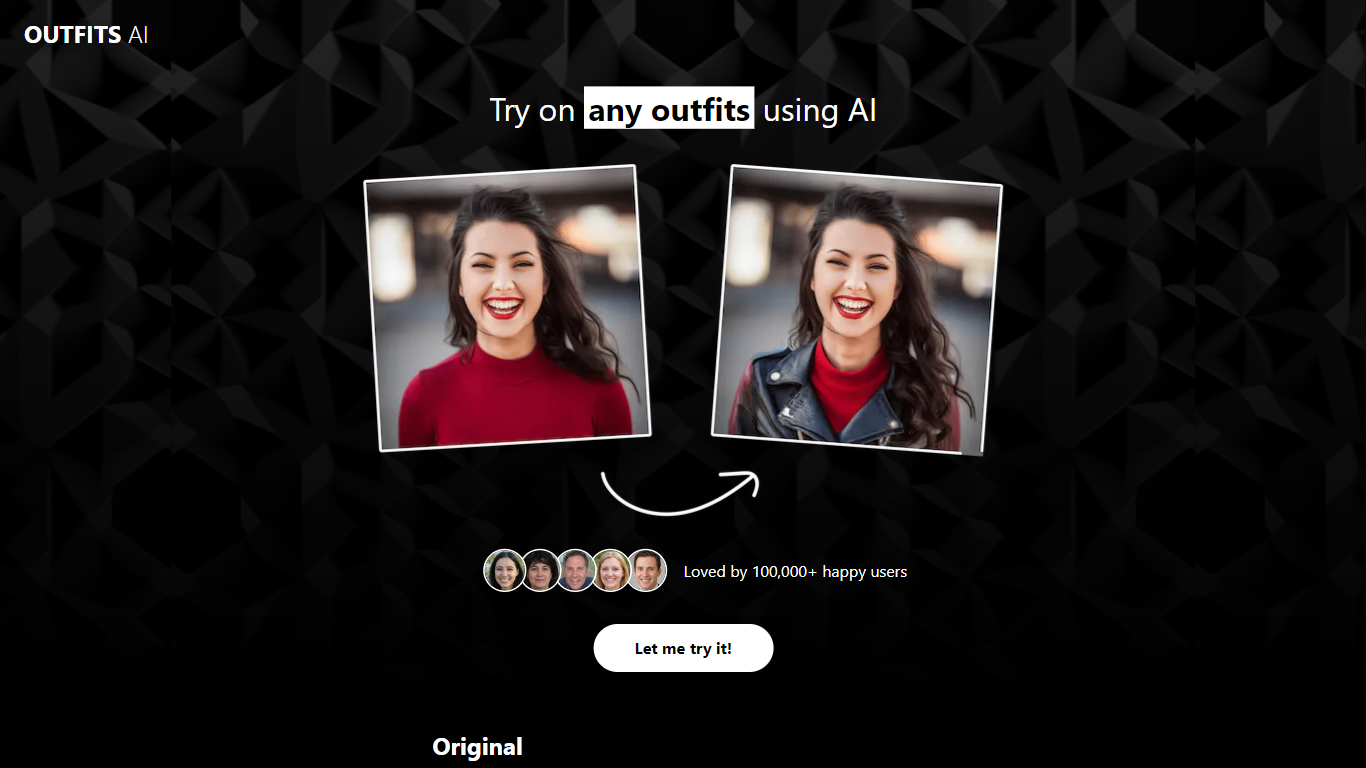
Outfits AI lets e-commerce shoppers and Shopify store owners preview clothing on a real person before buying or publishing product photos. You upload a selfie once, then add a screenshot or saved image of any outfit from retailers like Zara or Shein and tap Try On Clothes to see the garment on your body. The site claims more than 100,000 users and positions the workflow around faster online shopping with fewer returns.
Unlike catalog-only fitting rooms that limit you to items already in their database, Outfits AI accepts clothing images from any online store you can capture. The updated try-on model also handles patterns and prints, which many early virtual try-on tools struggled with. Shopify merchants get a separate angle: generating photos of real people wearing their products without staging a physical shoot.
Casual shoppers can test fits from home instead of visiting a fitting room, while boutique owners on Shopify can produce on-model previews for listings. Upload your photo, swap outfits in seconds, and compare how different styles sit on your frame before you commit to a purchase.
Flair
What is Flair?
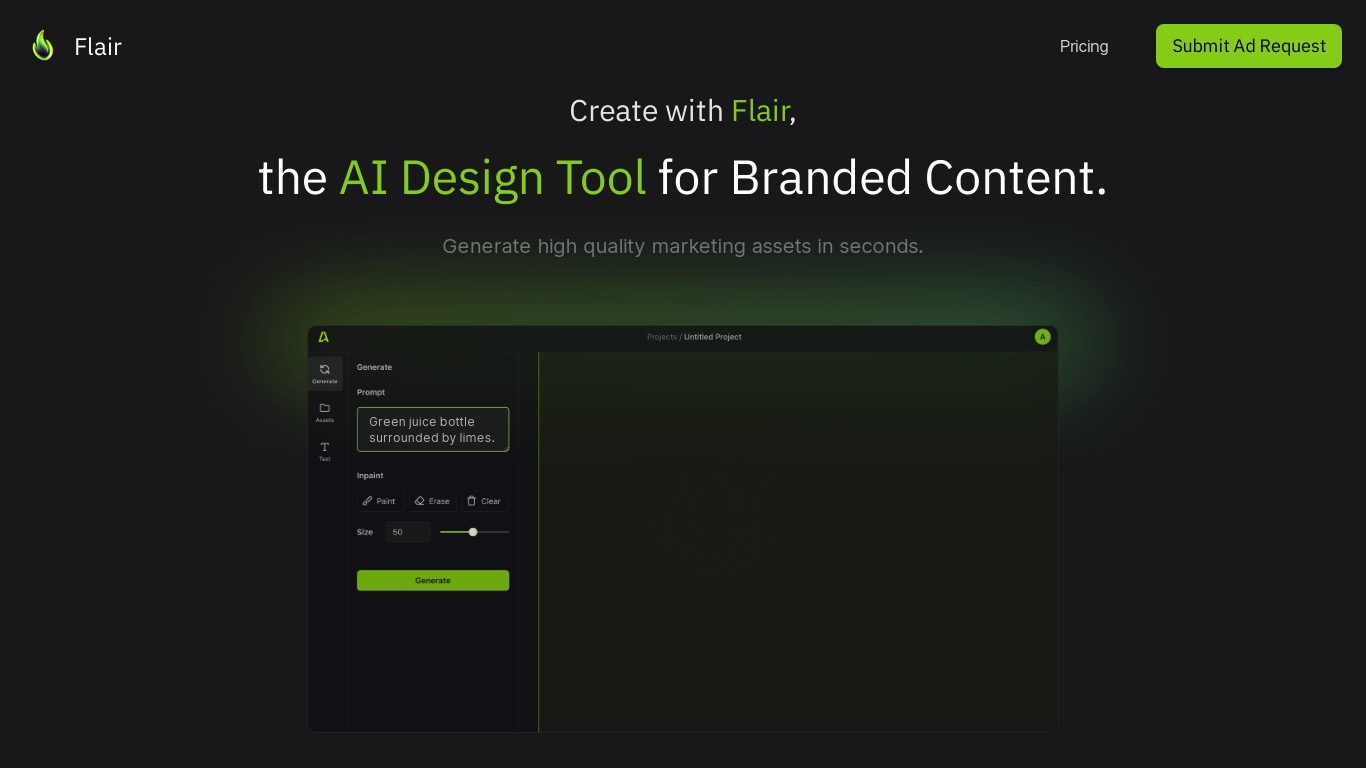
Flair is an e-commerce image generator that turns product photos into studio-style marketing assets. You upload a product, stage scenes on a drag-and-drop canvas, and generate on-model shots, ads, and short product videos without booking a physical shoot. Brands like Shein, Bonobos, and Samsonite appear on the homepage as customers.
Where generic AI image tools chase broad prompts, Flair narrows in on catalog work. It trains custom models on your SKUs, preserves logos and patterns on fashion pieces, and ships reusable templates so teams can batch consistent creatives. The comparison table on the homepage positions it against Pebbely, Botika, and Claid on team collaboration and API access, not just background swaps.
E-commerce marketers, fashion brands, and CPG teams use Flair when they need product photography, on-model imagery, and ad creative at catalog scale. The free tier lets you test with one custom model and five images before upgrading.
Outfits AI Upvotes
Flair Upvotes
Outfits AI Top Features
Homepage cites more than 100,000 users trying outfits through Outfits AI
Import clothing screenshots from any online retailer, including Zara and Shein product pages
Updated try-on model supports patterns and prints on garments, not just solid colors
Try On Clothes button dresses your photo in the uploaded outfit image
Shopify store owners can generate on-model product try-on photos for listings
Side-by-side before and after previews show fit on your body before you buy
Flair Top Features
Free plan includes 1 custom model, 5 generated images, and 1 video credit
Pro+ at $26 per month includes 80 generated images and up to 8 Standard custom models
Drag-and-drop canvas stages props, backgrounds, and products before AI generation
AI Human Builder supports age categories from Baby through Senior with customizable hair and body type
Scale Tier 1 at $38 per month adds 150 images, 5 videos, and API early access
Image Editor includes Magic Erase, Upscale, Regenerate Product, and Virtual Try On tools
Team collaboration on Pro+ and Scale plans across Custom Models, Human Builder, and Product Videos
Outfits AI Category
- E-commerce
Flair Category
- E-commerce
Outfits AI Pricing Type
- Freemium
Flair Pricing Type
- Freemium