Packmind vs adam.ai and Asanax
Explore the showdown between Packmind vs adam.ai and Asanax and find out which AI Automation tool wins. We analyze upvotes, features, reviews, pricing, alternatives, and more.
When comparing Packmind and adam.ai and Asanax, which one rises above the other?
When we contrast Packmind with adam.ai and Asanax, both of which are exceptional AI-operated automation tools, and place them side by side, we can spot several crucial similarities and divergences. Neither tool takes the lead, as they both have the same upvote count. You can help us determine the winner by casting your vote and tipping the scales in favor of one of the tools.
Think we got it wrong? Cast your vote and show us who's boss!
Packmind
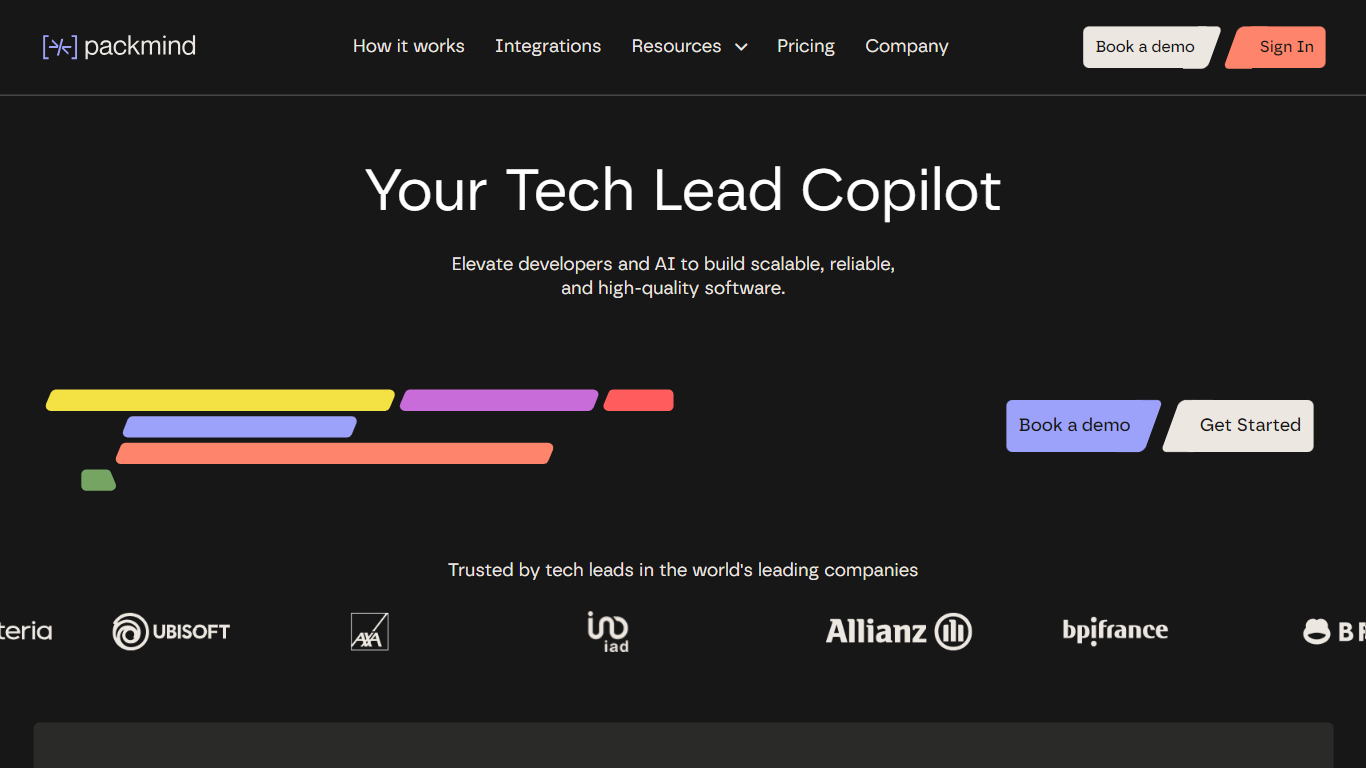

What is Packmind?
Packmind captures and governs your engineering playbook so AI coding agents across your repositories follow your team's standards instead of guessing from generic training data. It turns scattered decisions, patterns, and conventions into a versioned playbook, then distributes that context to assistants like Copilot, Cursor, Claude Code, and Gemini Code Assist.
Where generic assistants guess from training data, Packmind feeds them your team's rules. Its CLI can open pull requests that update copilot-instructions.md, AGENTS.md, and Cursor rules files, and its MCP server lets developers capture standards while coding. Violations show up in the IDE, CLI, or pre-commit with optional auto-fix before review.
Engineering leaders and platform teams use Packmind to scale agentic coding without losing consistency. The open source edition is free with unlimited developers and repositories; enterprise tiers add RBAC, SSO, SCIM, and audit trails. SOC 2 Type II certified since 2024, with public cloud or self-hosted Kubernetes deployment including air-gapped options.
adam.ai and Asanax
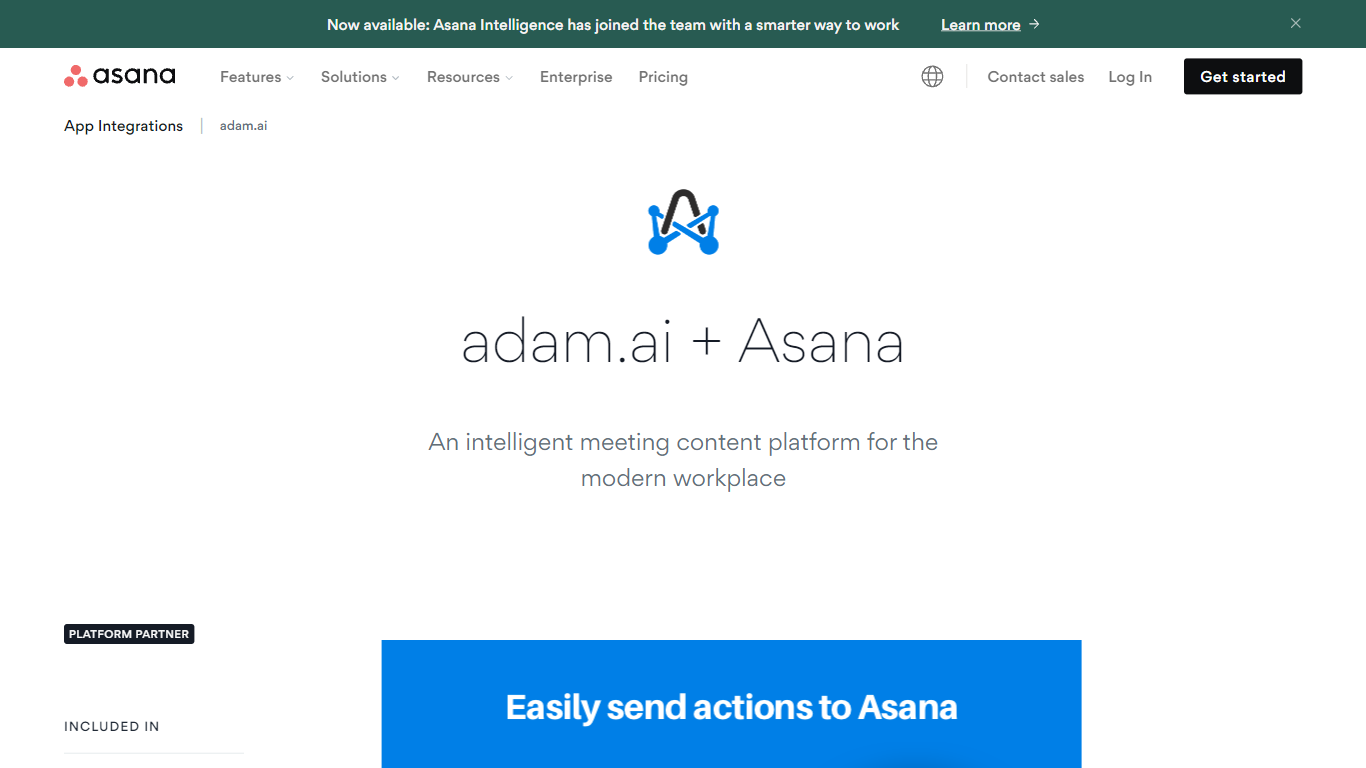
What is adam.ai and Asanax?
This automation connects adam.ai meeting action items with Asana projects through two-way sync, so tasks assigned during a board or committee meeting land in the project tool your team already uses. adam.ai handles the full meeting lifecycle from agenda prep through follow-up, while the Asana side keeps owners, due dates, and project status current without manual copy-paste.
Standalone note apps leave action items stranded in meeting minutes, and project tools never see what was decided in the room. The adam.ai and Asana link closes that gap by pushing assigned actions into Asana projects and reflecting status changes back in the meeting record. adam.ai also integrates with Zoom, Teams, Google Workspace, Jira, and Salesforce from the same governance dashboard.
Chiefs of staff, company secretaries, and project leads use the pairing when executive meetings generate tasks that must survive beyond the call. adam.ai markets itself as an intelligent governance ecosystem for boards, ministries, and executive offices with a reported 4.8 product rating. Setup is designed to take about 30 seconds according to partner documentation.
Packmind Upvotes
adam.ai and Asanax Upvotes
Packmind Top Features
Open source core is free with unlimited developers and repositories on GitHub and GitLab
CLI syncs standards to copilot-instructions.md, AGENTS.md, and Cursor rules via pull request
Imports standards from ADRs or Git docs, or captures rules via MCP while you code
Flags violations in VS Code, JetBrains, Visual Studio, CLI, or pre-commit with auto-fix
Distributes playbook context to Copilot, Cursor, Claude Code, Gemini Code Assist, and Junie
SOC 2 Type II certified since 2024 with cloud or self-hosted Kubernetes deployment
adam.ai and Asanax Top Features
Two-way sync between adam.ai meeting actions and Asana project tasks
Full meeting lifecycle coverage from agenda prep to follow-up
Integrates with Zoom, Teams, Webex, Google Workspace, and Slack
Also connects to Jira, Trello, Salesforce, and HubSpot
Rated 4.8 stars across product review platforms cited by adam.ai
Setup advertised at about 30 seconds in partner documentation
Packmind Category
- Automation
adam.ai and Asanax Category
- Automation
Packmind Pricing Type
- Freemium
adam.ai and Asanax Pricing Type
- Freemium