Packmind vs BrowseGPT
In the battle of Packmind vs BrowseGPT, which AI Automation tool comes out on top? We compare reviews, pricing, alternatives, upvotes, features, and more.
Between Packmind and BrowseGPT, which one is superior?
Upon comparing Packmind with BrowseGPT, which are both AI-powered automation tools, Both tools are equally favored, as indicated by the identical upvote count. Since other aitools.fyi users could decide the winner, the ball is in your court now to cast your vote and help us determine the winner.
You don't agree with the result? Cast your vote to help us decide!
Packmind

What is Packmind?
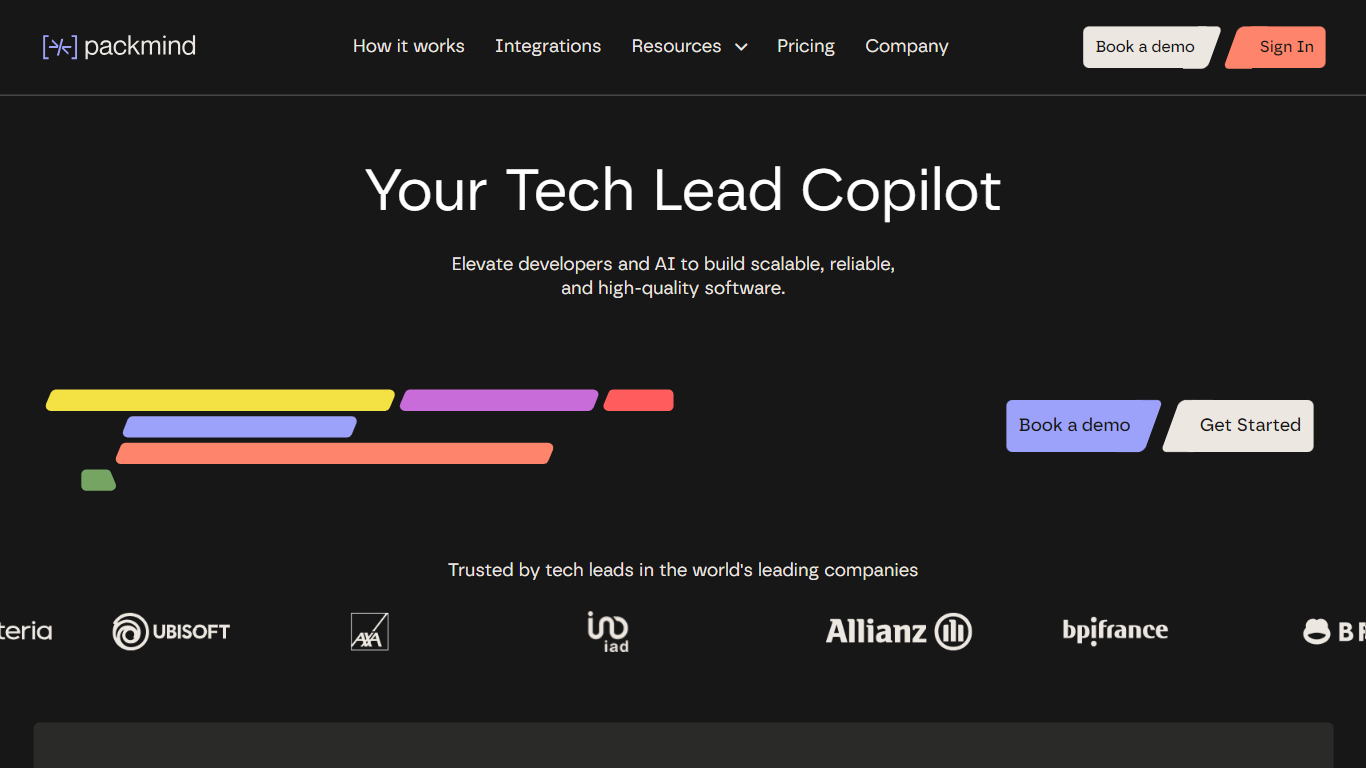
Packmind captures and governs your engineering playbook so AI coding agents across your repositories follow your team's standards instead of guessing from generic training data. It turns scattered decisions, patterns, and conventions into a versioned playbook, then distributes that context to assistants like Copilot, Cursor, Claude Code, and Gemini Code Assist.
Where generic assistants guess from training data, Packmind feeds them your team's rules. Its CLI can open pull requests that update copilot-instructions.md, AGENTS.md, and Cursor rules files, and its MCP server lets developers capture standards while coding. Violations show up in the IDE, CLI, or pre-commit with optional auto-fix before review.
Engineering leaders and platform teams use Packmind to scale agentic coding without losing consistency. The open source edition is free with unlimited developers and repositories; enterprise tiers add RBAC, SSO, SCIM, and audit trails. SOC 2 Type II certified since 2024, with public cloud or self-hosted Kubernetes deployment including air-gapped options.
BrowseGPT

What is BrowseGPT?
BrowseGPT is a Chrome extension that turns natural language instructions into browser automation tasks. Users type commands like 'Find a hotel in Miami for March 15th' or 'Add a 16GB RAM laptop to cart on Best Buy' and the extension uses OpenAI’s GPT-3 to process web pages, decide next steps, and execute actions such as clicking buttons, filling forms, or navigating pages. Every action comes with a plain-language explanation so users can follow along and correct mistakes in real time.
The tool is designed for repetitive browsing tasks where speed matters more than perfect accuracy. It works best on public sites like travel booking, e-commerce, or directories where errors are easy to spot and undo. Because it’s still experimental, it can get stuck in loops or click the wrong element, so it’s not recommended for sensitive pages with private data or high-stakes actions.
Packmind Upvotes
BrowseGPT Upvotes
Packmind Top Features
Open source core is free with unlimited developers and repositories on GitHub and GitLab
CLI syncs standards to copilot-instructions.md, AGENTS.md, and Cursor rules via pull request
Imports standards from ADRs or Git docs, or captures rules via MCP while you code
Flags violations in VS Code, JetBrains, Visual Studio, CLI, or pre-commit with auto-fix
Distributes playbook context to Copilot, Cursor, Claude Code, Gemini Code Assist, and Junie
SOC 2 Type II certified since 2024 with cloud or self-hosted Kubernetes deployment
BrowseGPT Top Features
🔧 Natural language commands – Type tasks like 'book a flight to Chicago' and let AI handle the rest
📝 Action explanations – See why each click or form fill happened and fix mistakes instantly
🔄 Loop detection – Automatically stops if it gets stuck repeating the same action
📊 Credit-based usage – Spend generation credits only when the AI completes a task
🛠️ Template library – Start with pre-built workflows for common tasks like hotel booking or product searches
Packmind Category
- Automation
BrowseGPT Category
- Automation
Packmind Pricing Type
- Freemium
BrowseGPT Pricing Type
- Freemium