PaletteMaker, vs Sizzlepop.ai
In the battle of PaletteMaker, vs Sizzlepop.ai, which AI Design tool comes out on top? We compare reviews, pricing, alternatives, upvotes, features, and more.
Between PaletteMaker, and Sizzlepop.ai, which one is superior?
Upon comparing PaletteMaker, with Sizzlepop.ai, which are both AI-powered design tools, The upvote count reveals a draw, with both tools earning the same number of upvotes. Be a part of the decision-making process. Your vote could determine the winner.
Does the result make you go "hmm"? Cast your vote and turn that frown upside down!
PaletteMaker,
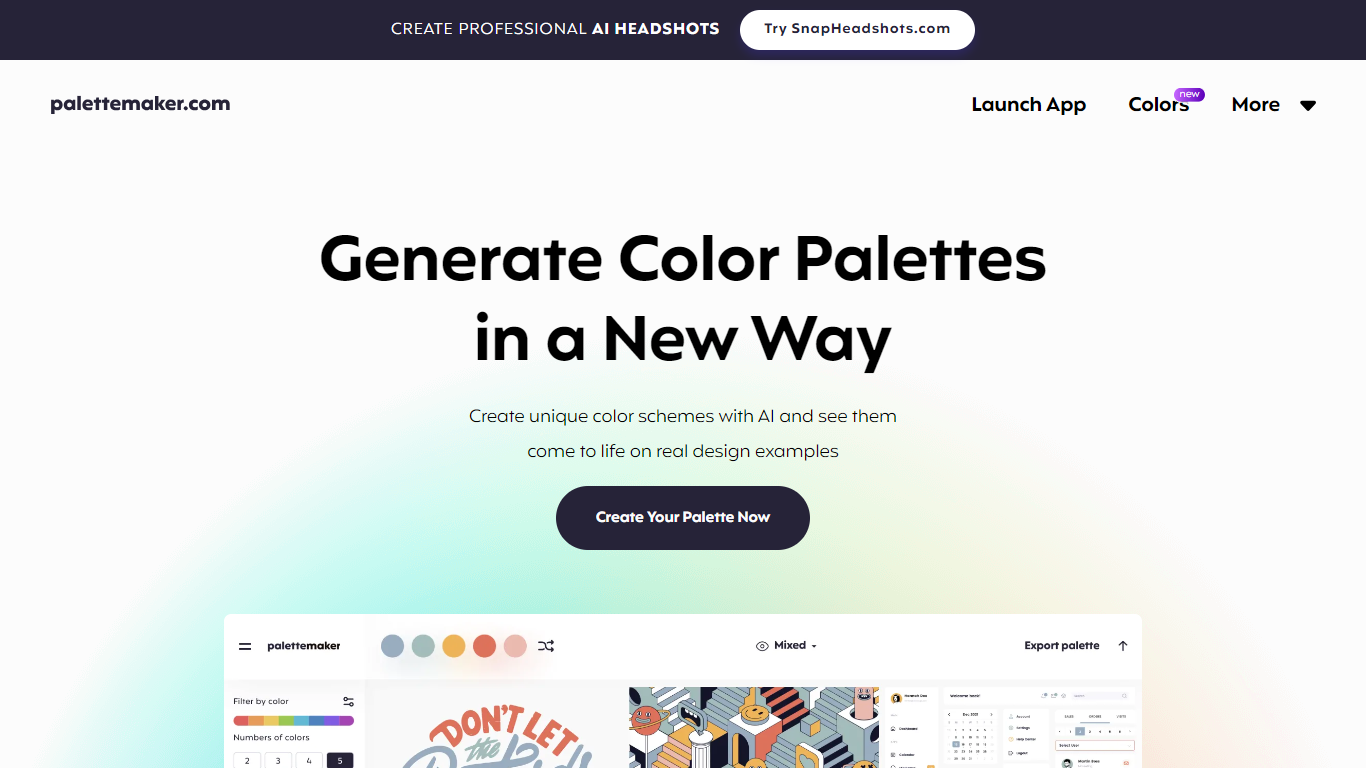

What is PaletteMaker,?
Discover the power of color in your design projects with PaletteMaker, the AI Color Palette Generator. This innovative tool offers a live preview of color schemes on actual design layouts, catering to both creatives and color enthusiasts. PaletteMaker simplifies the process of creating color palettes, enabling you to see immediate results on a variety of design examples, whether it's UI/UX, branding, or illustrations.
With its intuitive design and a selection of the latest color additions, you can tailor your palette to match your artistic vision and export it in multiple formats. Best of all, PaletteMaker is a free web application, available to designers and non-designers alike.
Sizzlepop.ai
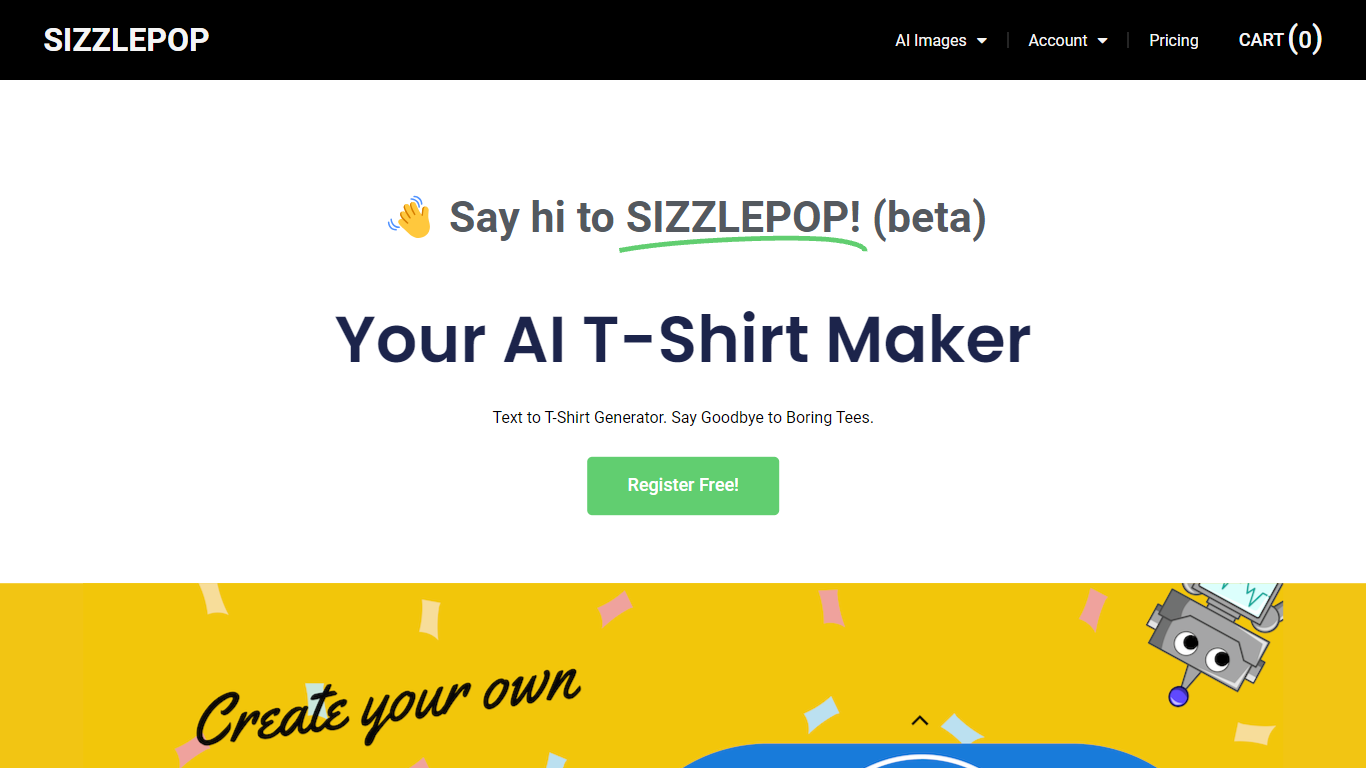
What is Sizzlepop.ai?
Customize Anything, Instantly: Dive into a world where your designs aren't just digital. With Sizzlepop.ai, you can bring your AI-generated images into the real world. Choose from a diverse range of products - from sleek t-shirts and cozy mouse pads to elegant canvas prints, challenging puzzles, stylish mugs, and more. Each item offers a perfect canvas for your AI-generated art, ensuring that your personal or professional brand stands out.
PaletteMaker, Upvotes
Sizzlepop.ai Upvotes
PaletteMaker, Top Features
Live Preview Functionality: See how your color palettes look on real design examples in fields like UI/UX and branding.
AI Color Schemes: Generate unique color schemes with AI technology.
Palette Customization: Customize palettes with various tones and numbers of colors.
Powerful Export Options: Export palettes in formats compatible with Procreate, Adobe ASE, and more.
User-Friendly Interface: Designed for professionals and amateurs, PaletteMaker is intuitive and simple to use.
Sizzlepop.ai Top Features
Unlimited image generations
Commercial use is ok
High quality images
Print on t-shirts, mugs, mouse pads, puzzles, and more
PaletteMaker, Category
- Design
Sizzlepop.ai Category
- Design
PaletteMaker, Pricing Type
- Freemium
Sizzlepop.ai Pricing Type
- Freemium