
Last updated 10-23-2025
Category:
Reviews:
Join thousands of AI enthusiasts in the World of AI!
PaletteMaker,
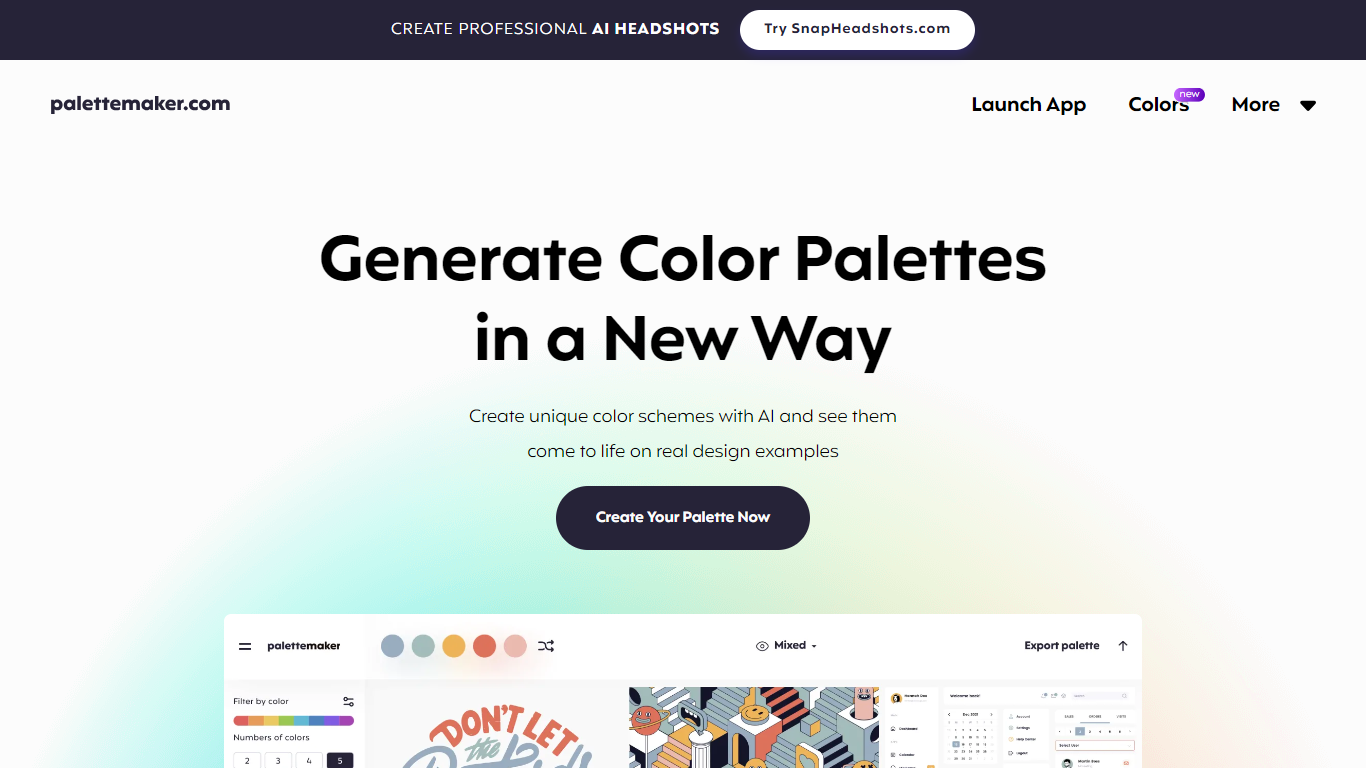
Discover the power of color in your design projects with PaletteMaker, the AI Color Palette Generator. This innovative tool offers a live preview of color schemes on actual design layouts, catering to both creatives and color enthusiasts. PaletteMaker simplifies the process of creating color palettes, enabling you to see immediate results on a variety of design examples, whether it's UI/UX, branding, or illustrations.
With its intuitive design and a selection of the latest color additions, you can tailor your palette to match your artistic vision and export it in multiple formats. Best of all, PaletteMaker is a free web application, available to designers and non-designers alike.
Live Preview Functionality: See how your color palettes look on real design examples in fields like UI/UX and branding.
AI Color Schemes: Generate unique color schemes with AI technology.
Palette Customization: Customize palettes with various tones and numbers of colors.
Powerful Export Options: Export palettes in formats compatible with Procreate, Adobe ASE, and more.
User-Friendly Interface: Designed for professionals and amateurs, PaletteMaker is intuitive and simple to use.
How to use PaletteMaker?
PaletteMaker is used by selecting your main color palette at the top (or bottom on mobile) of the app interface, browsing color schemes on the left panel, randomizing colors, changing colors individually, or deleting color cells.
Is PaletteMaker really free to use?
Yes, PaletteMaker is a 100% free web app, with all current features available for free and will remain so.
Is PaletteMaker suitable for non-designers?
PaletteMaker is designed for ease of use for both designers and non-designers, making it an accessible tool for anyone interested in creating color palettes.
Why do color palettes on PaletteMaker not have black and white colors?
Black and white are typically not included in color palettes within PaletteMaker as they are often used as background or text colors in design, rather than primary colors.
How to create a color palette in PaletteMaker?
Refer to the 'How to Create Color Palette' guide in the app, which makes the palette creation process straightforward and quick.