PaletteMaker, vs Figflow
In the contest of PaletteMaker, vs Figflow , which AI Design tool is the champion? We evaluate pricing, alternatives, upvotes, features, reviews, and more.
If you had to choose between PaletteMaker, and Figflow , which one would you go for?
When we examine PaletteMaker, and Figflow , both of which are AI-enabled design tools, what unique characteristics do we discover? Neither tool takes the lead, as they both have the same upvote count. Join the aitools.fyi users in deciding the winner by casting your vote.
Want to flip the script? Upvote your favorite tool and change the game!
PaletteMaker,
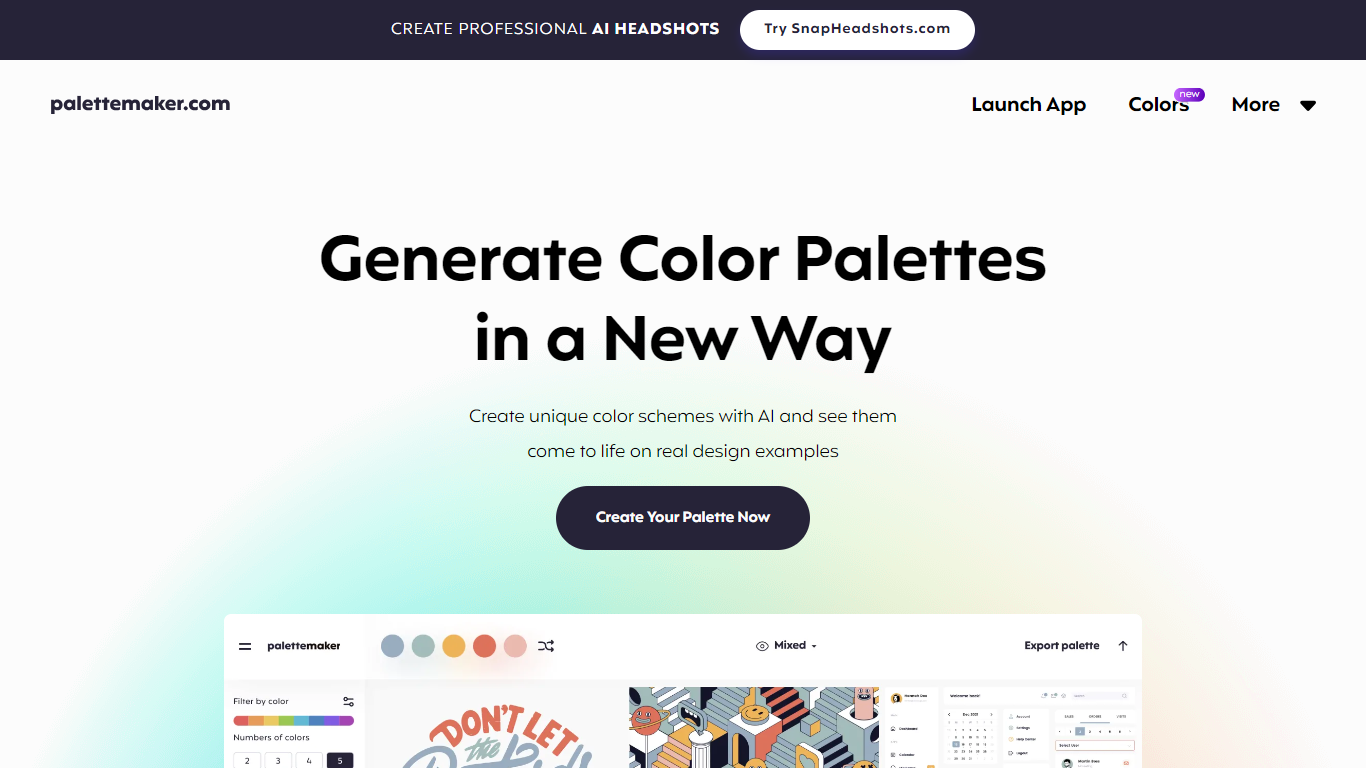

What is PaletteMaker,?
Discover the power of color in your design projects with PaletteMaker, the AI Color Palette Generator. This innovative tool offers a live preview of color schemes on actual design layouts, catering to both creatives and color enthusiasts. PaletteMaker simplifies the process of creating color palettes, enabling you to see immediate results on a variety of design examples, whether it's UI/UX, branding, or illustrations.
With its intuitive design and a selection of the latest color additions, you can tailor your palette to match your artistic vision and export it in multiple formats. Best of all, PaletteMaker is a free web application, available to designers and non-designers alike.
Figflow
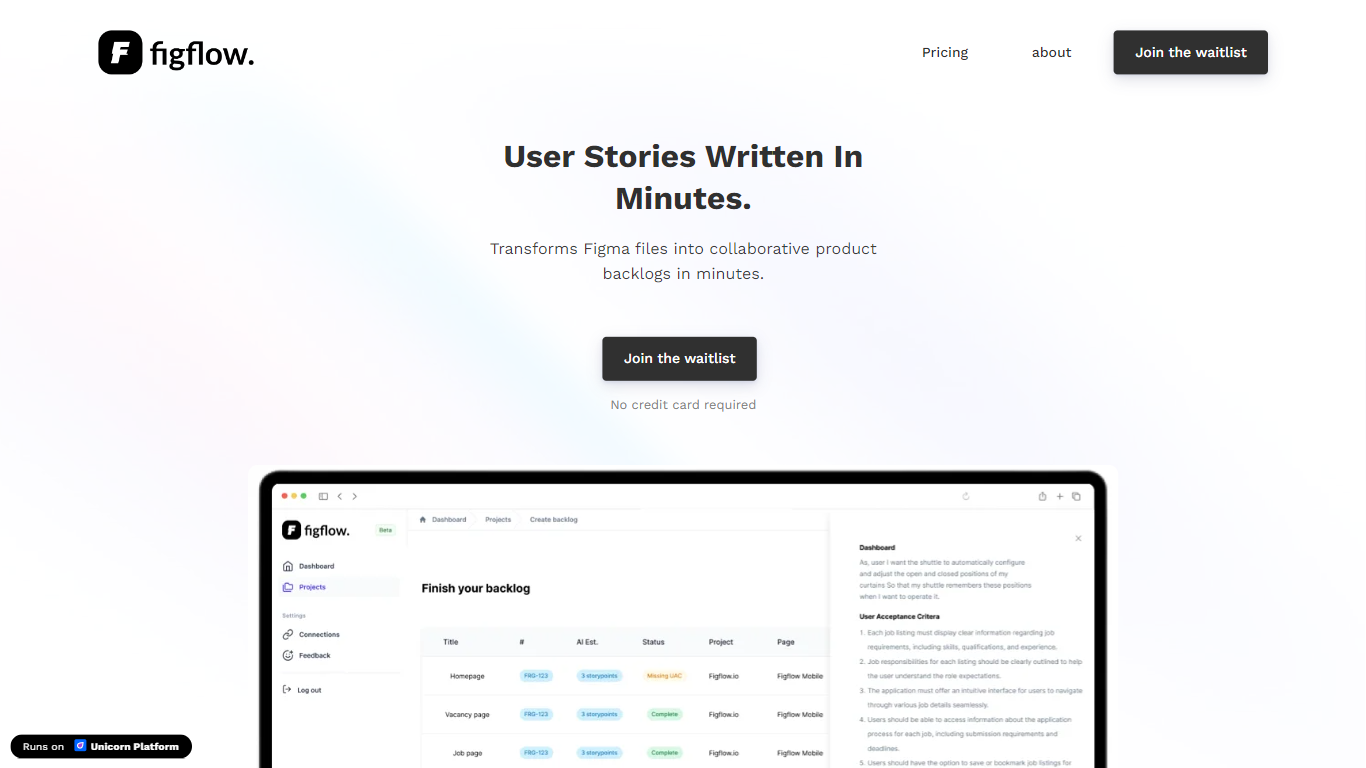
What is Figflow ?
Figflow is an innovative tool designed to simplify the process of creating user stories from design files. It's perfect for product owners, product managers, and product designers who want to save time and enhance collaboration in product development. With Figflow, you can convert your Figma design files into comprehensive product backlogs within minutes, streamlining your sprint planning and execution. This no-hassle solution empowers teams to focus on building, minimizing the tedious task of writing user stories and preparing for development sprints. Whether you're refining user stories for clarity, gathering product requirements, or ensuring that your design smoothly transitions into development, Figflow assists every step of the way. Get ready to enhance your workflow and join the waitlist today—no credit card required!
PaletteMaker, Upvotes
Figflow Upvotes
PaletteMaker, Top Features
Live Preview Functionality: See how your color palettes look on real design examples in fields like UI/UX and branding.
AI Color Schemes: Generate unique color schemes with AI technology.
Palette Customization: Customize palettes with various tones and numbers of colors.
Powerful Export Options: Export palettes in formats compatible with Procreate, Adobe ASE, and more.
User-Friendly Interface: Designed for professionals and amateurs, PaletteMaker is intuitive and simple to use.
Figflow Top Features
User Stories Creation: Transforms Figma files into collaborative product backlogs in minutes.
Manual Work Reduction: Refines user stories to streamline sprint planning and execution.
Insights Gathering: Helps product managers easily collect product requirements and communicate with stakeholders.
Design to Development Transition: Seamlessly generates user stories from Figma files for a smooth process.
No Credit Card Required: Join the waitlist without any upfront payment requirement.
PaletteMaker, Category
- Design
Figflow Category
- Design
PaletteMaker, Pricing Type
- Freemium
Figflow Pricing Type
- Freemium