PaletteMaker, vs Befront
In the battle of PaletteMaker, vs Befront, which AI Design tool comes out on top? We compare reviews, pricing, alternatives, upvotes, features, and more.
Between PaletteMaker, and Befront, which one is superior?
Upon comparing PaletteMaker, with Befront, which are both AI-powered design tools, The upvote count is neck and neck for both PaletteMaker, and Befront. Your vote matters! Help us decide the winner among aitools.fyi users by casting your vote.
Want to flip the script? Upvote your favorite tool and change the game!
PaletteMaker,

What is PaletteMaker,?
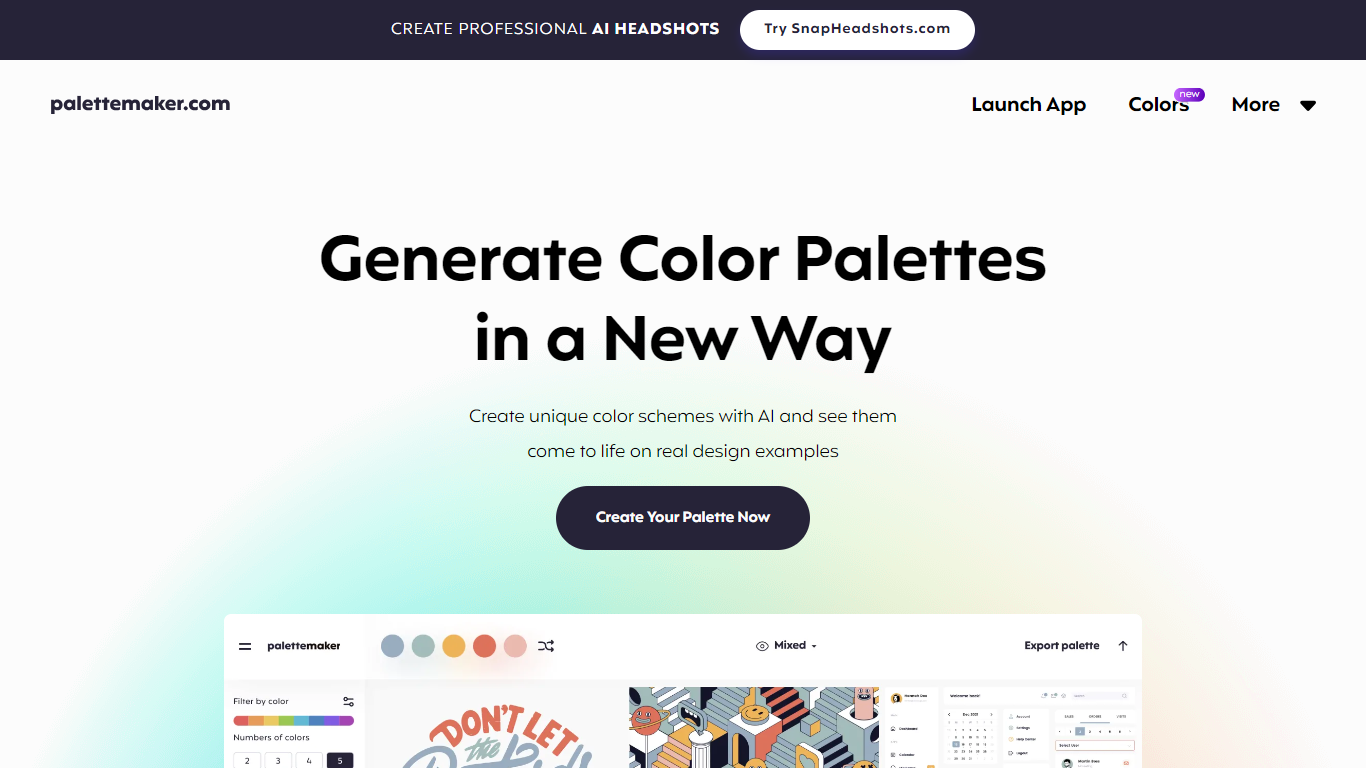
Discover the power of color in your design projects with PaletteMaker, the AI Color Palette Generator. This innovative tool offers a live preview of color schemes on actual design layouts, catering to both creatives and color enthusiasts. PaletteMaker simplifies the process of creating color palettes, enabling you to see immediate results on a variety of design examples, whether it's UI/UX, branding, or illustrations.
With its intuitive design and a selection of the latest color additions, you can tailor your palette to match your artistic vision and export it in multiple formats. Best of all, PaletteMaker is a free web application, available to designers and non-designers alike.
Befront
What is Befront?
Befront is a state-of-the-art Interactive UI/UX Design Simulator that brings digital design concepts to life. It offers a unique and immersive experience that enables users to create, test, and iterate on user interface and user experience designs in a dynamic, real-time environment. With Befront, designers, product teams, and educators can explore design variations quickly and efficiently, making the design process more intuitive and collaborative. By simulating various user interactions and visual layouts, Befront helps in crafting interactive components and flows that are both aesthetically pleasing and functionally robust. Its user-friendly interface and powerful simulation capabilities make it an essential tool for modern UI/UX design development, ensuring that your digital products are crafted to meet the highest standards of usability and design excellence. Streamline your design workflow and unlock creative potential with Befront, the ultimate companion for innovative UI/UX exploration.
PaletteMaker, Upvotes
Befront Upvotes
PaletteMaker, Top Features
Live Preview Functionality: See how your color palettes look on real design examples in fields like UI/UX and branding.
AI Color Schemes: Generate unique color schemes with AI technology.
Palette Customization: Customize palettes with various tones and numbers of colors.
Powerful Export Options: Export palettes in formats compatible with Procreate, Adobe ASE, and more.
User-Friendly Interface: Designed for professionals and amateurs, PaletteMaker is intuitive and simple to use.
Befront Top Features
Real-time Design Simulation: Quickly visualize and test UI/UX concepts in a dynamic environment.
Intuitive User Interface: Easy-to-navigate interface that simplifies the design process.
Interactive Components: Develop and prototype interactive elements to assess functionality.
Collaborative Workflow: Enhance teamwork with tools designed for multiple users to co-create designs.
Aesthetic and Functional: Balance visual appeal with user-friendly experience during the design phase.
PaletteMaker, Category
- Design
Befront Category
- Design
PaletteMaker, Pricing Type
- Freemium
Befront Pricing Type
- Paid