Pandalyst vs DB Pilot
In the battle of Pandalyst vs DB Pilot, which AI SQL tool comes out on top? We compare reviews, pricing, alternatives, upvotes, features, and more.
Between Pandalyst and DB Pilot, which one is superior?
Upon comparing Pandalyst with DB Pilot, which are both AI-powered sql tools, Both tools are equally favored, as indicated by the identical upvote count. You can help us determine the winner by casting your vote and tipping the scales in favor of one of the tools.
Don't agree with the result? Cast your vote and be a part of the decision-making process!
Pandalyst
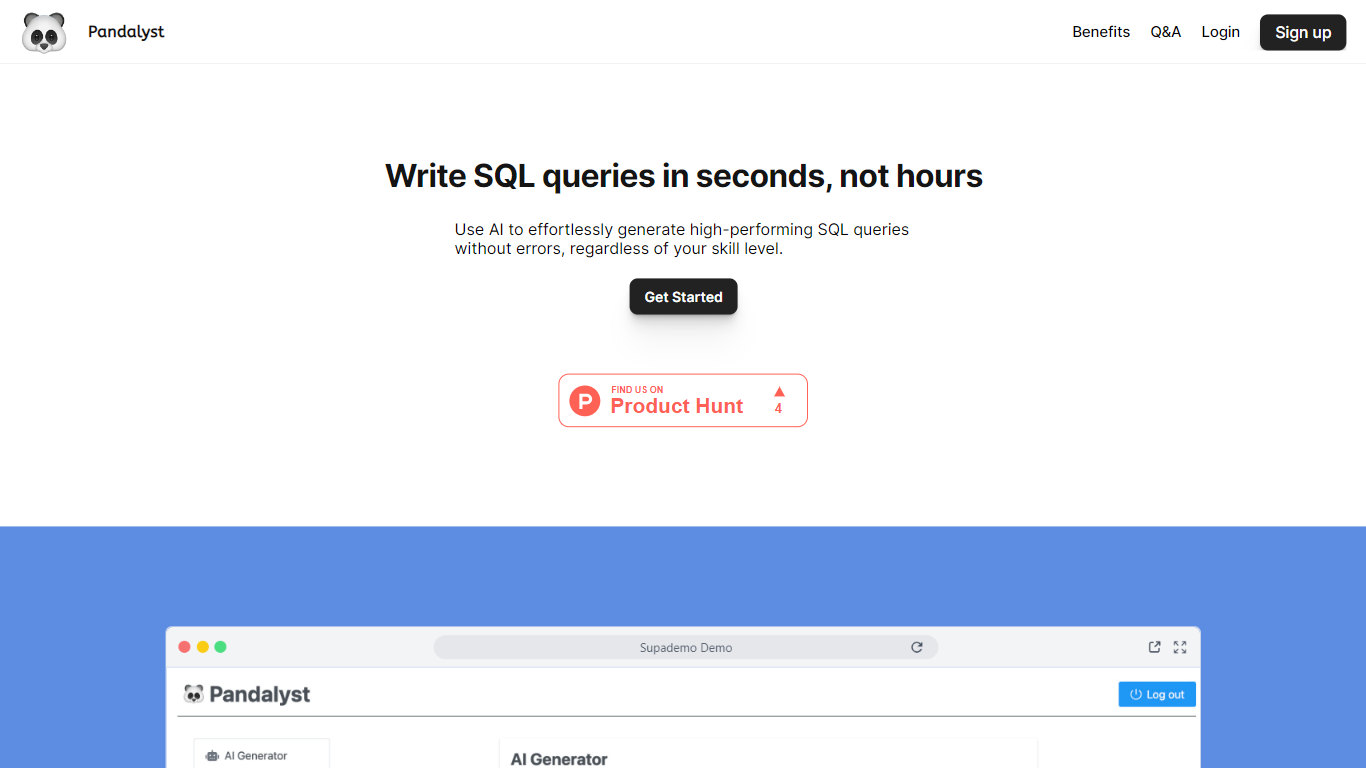

What is Pandalyst?
Pandalyst is an innovative tool designed to streamline the process of writing SQL queries, making it faster and more efficient for both novice and expert users. Utilizing advanced AI technology, Pandalyst allows you to generate high-performing SQL queries in mere seconds, significantly cutting down the hours usually spent on this task.
With its user-friendly interface, users can effortlessly generate queries without worrying about errors, and they can correct any SQL mistakes with ease. The platform offers different subscription plans, including a Basic and Pro version, with allowances of up to 300 and 1000 queries per month, respectively. Both plans enable users to add their database schema, use the AI generator for query creation, and provide support via email. Pandalyst is accessible through any web browser, making it convenient to use on both desktop and mobile devices. Moreover, the platform ensures top-notch data security by not storing any user data on their systems, guaranteeing a safe and reliable experience for all its users.
DB Pilot
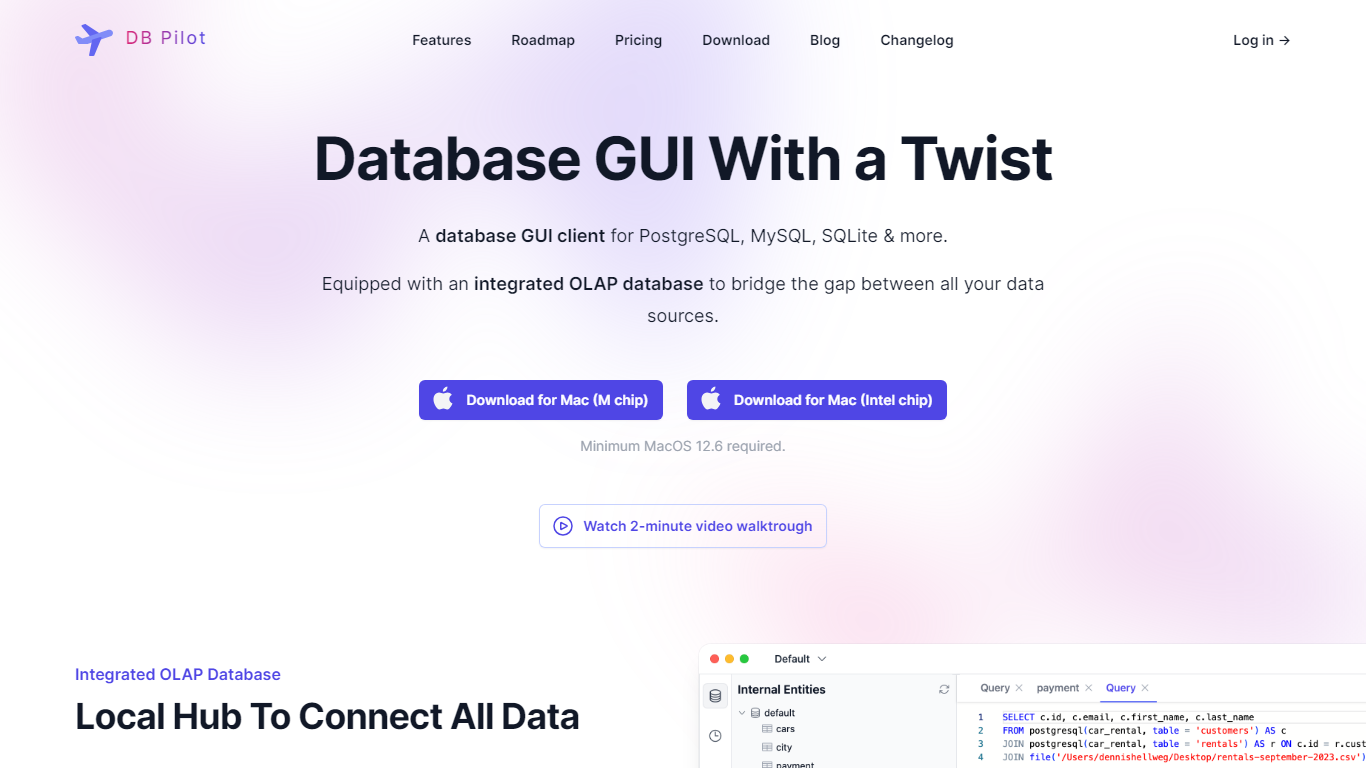
What is DB Pilot?
DB Pilot is an AI-native database tool that merges a database GUI, SQL editor, and SQL plus Python notebooks into a single platform. It allows users to combine SQL queries and Python code in an interactive, block-based interface similar to Jupyter Notebooks, running locally on your machine. This design supports exploring, transforming, and visualizing data from multiple sources including databases, files, and APIs.
Users can easily switch between SQL and Python, accessing SQL query results in Python blocks and vice versa using Pandas and Polars dataframes. The platform supports building interactive dashboards with input fields, date filters, charts, and tables for dynamic reporting.
DB Pilot deeply integrates AI assistance throughout its interface. It offers an AI chat for instant help with queries and code generation, inline AI support in SQL, Python, table, and chart blocks, and AI-powered chart creation. The AI assistant uses the latest models from OpenAI, Anthropic, Google, and xAI, and can be customized with your own rules and context to fit your SQL style and needs.
The tool includes a spreadsheet-like table viewer and editor, a smart SQL editor with autocomplete and formatting, export options in CSV, JSON, NDJSON, and Markdown formats, and a query history with favorites for quick access. Environment variables and Jinja templating enable parameterizing notebooks for reusable workflows.
DB Pilot targets data analysts, data scientists, and developers who want to combine SQL and Python in one environment with AI support to speed up data exploration and dashboard creation. It supports multiple databases with more planned, making it a versatile tool for managing and analyzing data.
Pricing options include a free download with basic features and paid plans that unlock AI capabilities and additional functionality. Users can choose between subscription and one-time purchase models, offering flexibility based on their needs.
Overall, DB Pilot stands out by blending AI-powered assistance with a hybrid SQL and Python notebook interface, making database work faster, easier, and more interactive.
Pandalyst Upvotes
DB Pilot Upvotes
Pandalyst Top Features
AI-Powered SQL Query Generation: Utilize AI to quickly generate SQL queries without errors.
Subscription Plans: Choose between Basic and Pro plans according to your needs.
Multi-Device Access: Access Pandalyst through any web browser on desktop or mobile devices.
Data Security: Benefit from a strong data security policy with no data stored on the system.
Beginner-Friendly: Suitable for SQL beginners, offering a hassle-free user experience.
DB Pilot Top Features
🧩 Mix SQL and Python blocks to explore and transform data easily
🤖 AI chat and inline assistant speed up query writing and error fixing
📊 Build interactive dashboards with filters, charts, and tables
📋 Spreadsheet-like table viewer lets you edit data directly
⚙️ Use Jinja templating and environment variables for reusable notebooks
Pandalyst Category
- SQL
DB Pilot Category
- SQL
Pandalyst Pricing Type
- Freemium
DB Pilot Pricing Type
- Freemium