ParagraphAI vs Lightkey
When comparing ParagraphAI vs Lightkey, which AI Text Generation tool shines brighter? We look at pricing, alternatives, upvotes, features, reviews, and more.
In a comparison between ParagraphAI and Lightkey, which one comes out on top?
When we put ParagraphAI and Lightkey side by side, both being AI-powered text generation tools, The upvote count reveals a draw, with both tools earning the same number of upvotes. Your vote matters! Help us decide the winner among aitools.fyi users by casting your vote.
You don't agree with the result? Cast your vote to help us decide!
ParagraphAI
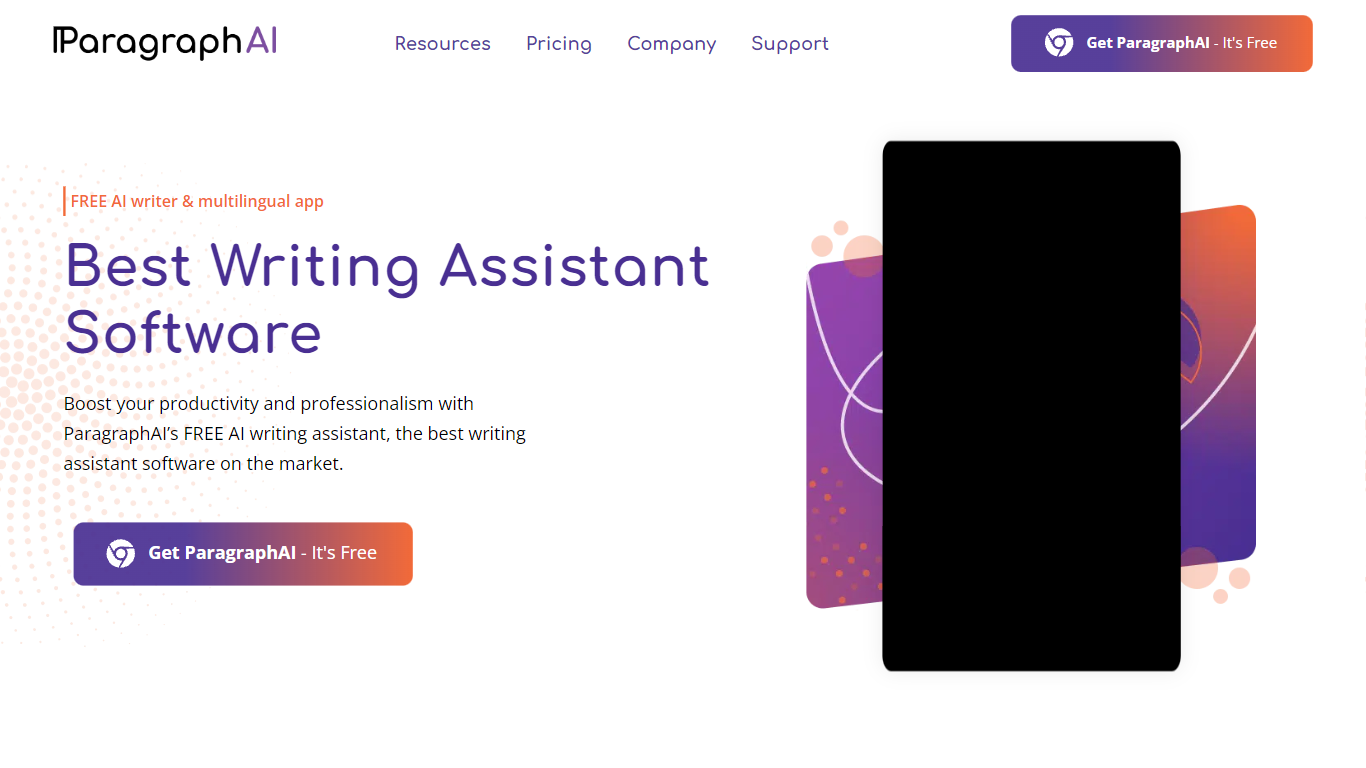

What is ParagraphAI?
ParagraphAI fixes grammar, drafts email replies, and generates text from a one-tap interface on mobile, desktop, and Chrome. The app, keyboard, and web extension share one account so you can edit a message on your phone and pick it up later in the browser. Fortune 500 teams and NASA use it for fast, consistent writing across 40+ languages.
Unlike grammar tools that only flag mistakes inline, ParagraphAI bundles Fix, Reply, Create, Edit, Summarize, and Humanize modes in a single tap workflow. The AI keyboard brings those actions into any app you type in, which is the differentiator against browser-only competitors like Grammarly's standalone extension.
Students with dyslexia, ESL writers, and professionals who email all day are the core audience. The free tier gives five daily uses per mode; Pro removes the cap and expands input to 10,000 characters.
Lightkey
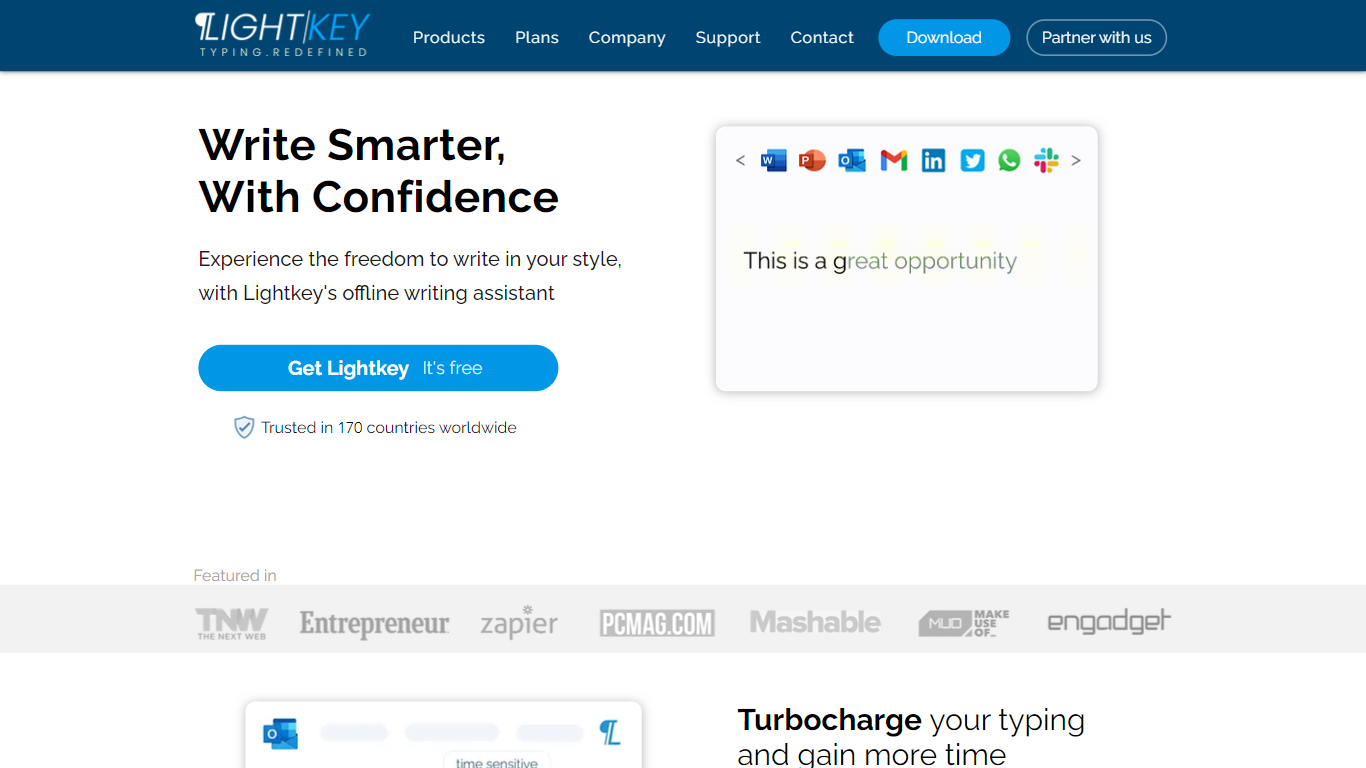
What is Lightkey?
Lightkey learns how you type on Windows and suggests the next words while you write in Office apps or the browser. Accept a prediction with Tab and keep drafting emails, documents, and chat replies without stopping to fix typos.
Cloud writing assistants send keystrokes to remote servers, which is a non-starter for legal, healthcare, and enterprise drafts. Lightkey keeps prediction on your machine, supports 60-plus industry content domains, and offers a business tier with team terminology, which is the trade-off worth knowing if privacy matters more than cross-device sync.
Writers, support reps, and office teams use it in Word, Outlook, Gmail, Slack, Notion, and ChatGPT on the web. A free tier handles basic prediction, while Lightkey Pro unlocks unlimited suggestions and productivity metrics.
ParagraphAI Upvotes
Lightkey Upvotes
ParagraphAI Top Features
One-tap Fix corrects grammar across any message without word-by-word review
Reply drafts email responses from a single tap with tone matching
AI keyboard works inside any mobile app for Fix, Reply, Edit, and Create
Supports 40+ languages with adjustable input and output language settings
Humanize mode rewrites AI-generated text to pass AI detection checks
Pro plan allows 10,000 character input versus 1,000 on the free tier
Summarize mode extracts key points from web pages, PDFs, and long documents
Lightkey Top Features
Predicts up to 18 words ahead, including punctuation, from local typing patterns
Runs offline without sending your content to the cloud
Supports Microsoft Office 2010 through 2024 plus Office 365 natively
Chrome and Edge extensions cover Gmail, Slack, Notion, LinkedIn, and ChatGPT on the web
Offers 60-plus industry content domains such as technology, academia, and legal
Lightkey Pro adds unlimited predictions, productivity metrics, and corpus file training
ParagraphAI Category
- Text Generation
Lightkey Category
- Text Generation
ParagraphAI Pricing Type
- Freemium
Lightkey Pricing Type
- Freemium