Paraphrasing Tool vs Paraphrase Tool
In the clash of Paraphrasing Tool vs Paraphrase Tool, which AI Paraphraser tool emerges victorious? We assess reviews, pricing, alternatives, features, upvotes, and more.
When we put Paraphrasing Tool and Paraphrase Tool head to head, which one emerges as the victor?
Let's take a closer look at Paraphrasing Tool and Paraphrase Tool, both of which are AI-driven paraphraser tools, and see what sets them apart. The users have made their preference clear, Paraphrase Tool leads in upvotes. Paraphrase Tool has been upvoted 7 times by aitools.fyi users, and Paraphrasing Tool has been upvoted 6 times.
Don't agree with the result? Cast your vote and be a part of the decision-making process!
Paraphrasing Tool

What is Paraphrasing Tool?
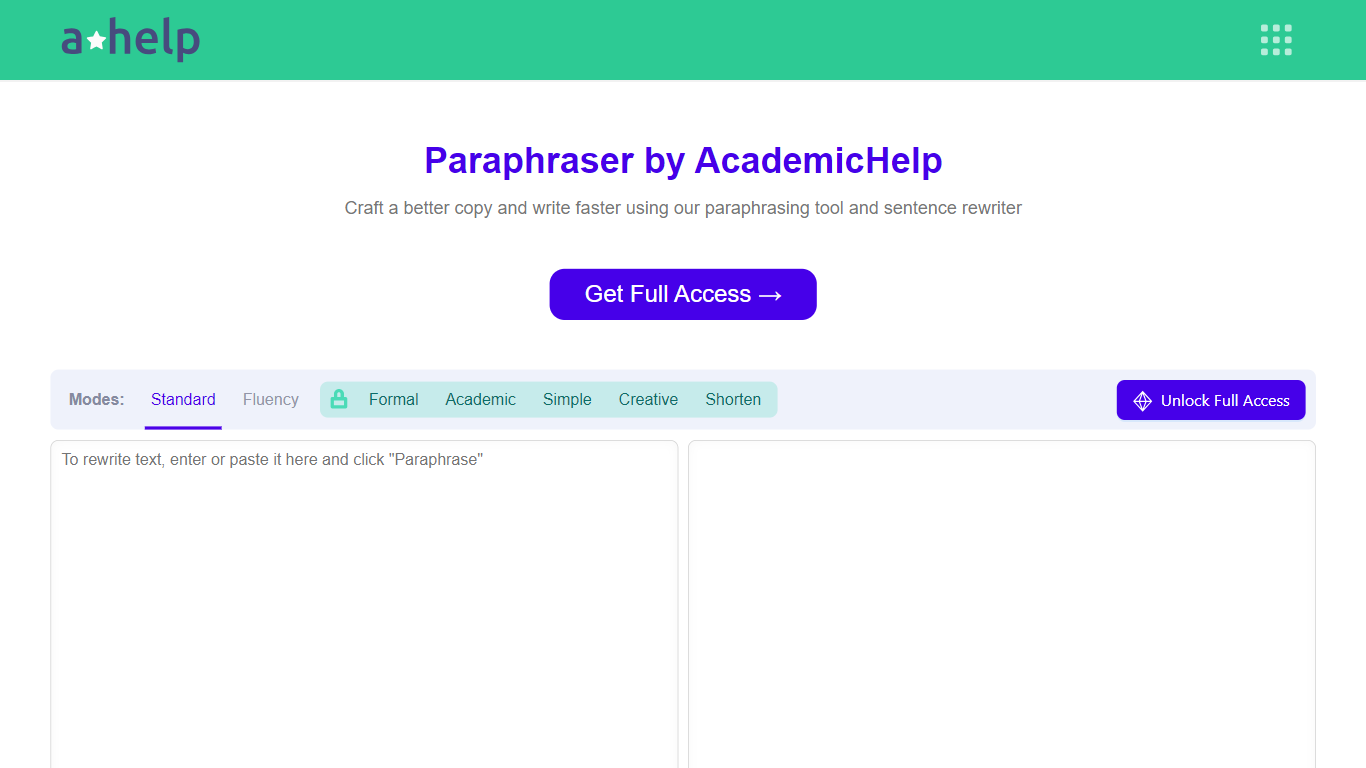
AHelp's Paraphrasing Tool rewrites pasted or uploaded text while keeping the original meaning, with context-aware sentence changes instead of simple synonym swaps. The free tier covers Standard and Fluency modes up to 200 words, and premium unlocks Formal, Academic, Simple, Creative, and Shorten modes with a 6,000-word cap per run.
Most paraphrasers stop at one generic rewrite tone. This tool offers seven modes, nine languages, and file uploads for PDF, DOC, DOCX, RTF, ODT, and TXT, plus Chrome and Microsoft Edge extensions that carry the same rewriter into your browser workflow.
Students, educators, and professionals use it for essays, reports, and multilingual drafts when they need clearer wording without drifting from the source intent. Full access runs through AHelp Learning Hub subscriptions that also bundle plagiarism and AI detection credits.
Paraphrase Tool
What is Paraphrase Tool?
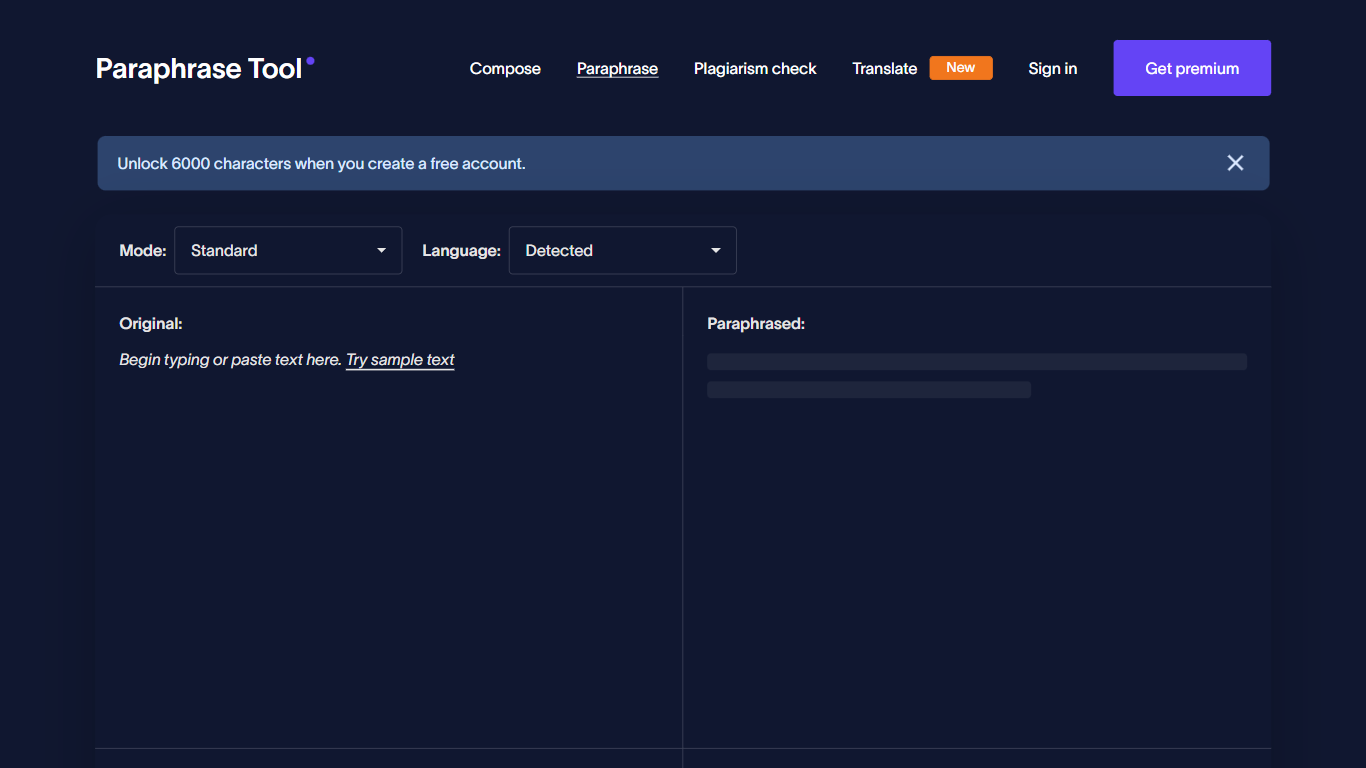
Paraphrase Tool rewrites sentences and paragraphs in 18 writing modes across 100+ languages. Paste up to 5,000 characters, pick a mode like simplify, shorten, or formal, and get context-aware rephrasing at the sentence and paragraph level. A built-in plagiarism checker scans text in 50+ languages before you publish.
Generic spinners swap words without reading context. Paraphrase Tool offers 12 free modes and 6 premium styles, plus Compose for generating paragraphs from keywords in 100+ languages. The same account covers translation, citation creation, AI detection, PDF chat tools, and unlimited polyglot personas on paid plans.
Students, bloggers, and multilingual writers use Paraphrase Tool to draft faster and avoid accidental duplication. Paid plans start at $4.99 per month billed annually, with a $12.99 monthly option and prepaid word-credit packs from $5 for 60,000 words.
Paraphrasing Tool Upvotes
Paraphrase Tool Upvotes
Paraphrasing Tool Top Features
Seven paraphrasing modes from Standard and Fluency to Formal, Academic, Creative, and Shorten
Free tier handles 200 words per run; premium raises the limit to 6,000 words
Supports nine languages including English, Spanish, Portuguese, German, French, Italian, Dutch, Korean, and Japanese
Upload PDF, DOC, DOCX, RTF, ODT, and TXT files directly into the rewriter
Google Chrome and Microsoft Edge extensions for in-browser paraphrasing
Context-based rewriting that preserves meaning rather than swapping isolated words
Paraphrase Tool Top Features
18 paraphrase modes with 12 free and 6 premium styles
Supports 100+ languages for paraphrasing and translation
Plagiarism checker covers 50+ languages with 5,000-character input limit
Compose mode generates paragraphs from keywords for 500+ writing types
Annual plan costs $4.99 per month; monthly plan is $12.99
Prepaid credits available at $5 for 60,000 words
Paraphrasing Tool Category
- Paraphraser
Paraphrase Tool Category
- Paraphraser
Paraphrasing Tool Pricing Type
- Freemium
Paraphrase Tool Pricing Type
- Freemium