Paraphrasing Tool vs QuillBot
Dive into the comparison of Paraphrasing Tool vs QuillBot and discover which AI Paraphraser tool stands out. We examine alternatives, upvotes, features, reviews, pricing, and beyond.
When comparing Paraphrasing Tool and QuillBot, which one rises above the other?
When we compare Paraphrasing Tool and QuillBot, two exceptional paraphraser tools powered by artificial intelligence, and place them side by side, several key similarities and differences come to light. The users have made their preference clear, QuillBot leads in upvotes. The number of upvotes for QuillBot stands at 16, and for Paraphrasing Tool it's 6.
Feeling rebellious? Cast your vote and shake things up!
Paraphrasing Tool
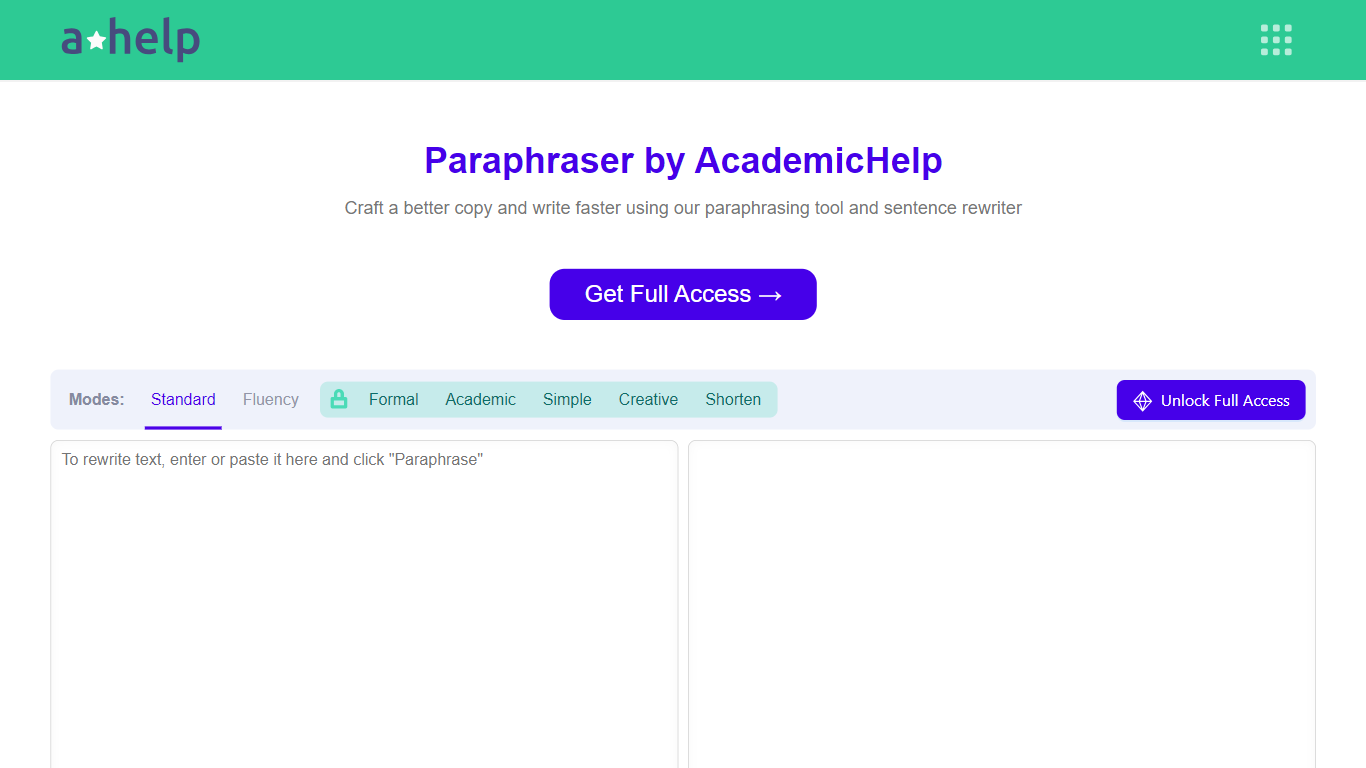

What is Paraphrasing Tool?
AHelp's Paraphrasing Tool rewrites pasted or uploaded text while keeping the original meaning, with context-aware sentence changes instead of simple synonym swaps. The free tier covers Standard and Fluency modes up to 200 words, and premium unlocks Formal, Academic, Simple, Creative, and Shorten modes with a 6,000-word cap per run.
Most paraphrasers stop at one generic rewrite tone. This tool offers seven modes, nine languages, and file uploads for PDF, DOC, DOCX, RTF, ODT, and TXT, plus Chrome and Microsoft Edge extensions that carry the same rewriter into your browser workflow.
Students, educators, and professionals use it for essays, reports, and multilingual drafts when they need clearer wording without drifting from the source intent. Full access runs through AHelp Learning Hub subscriptions that also bundle plagiarism and AI detection credits.
QuillBot
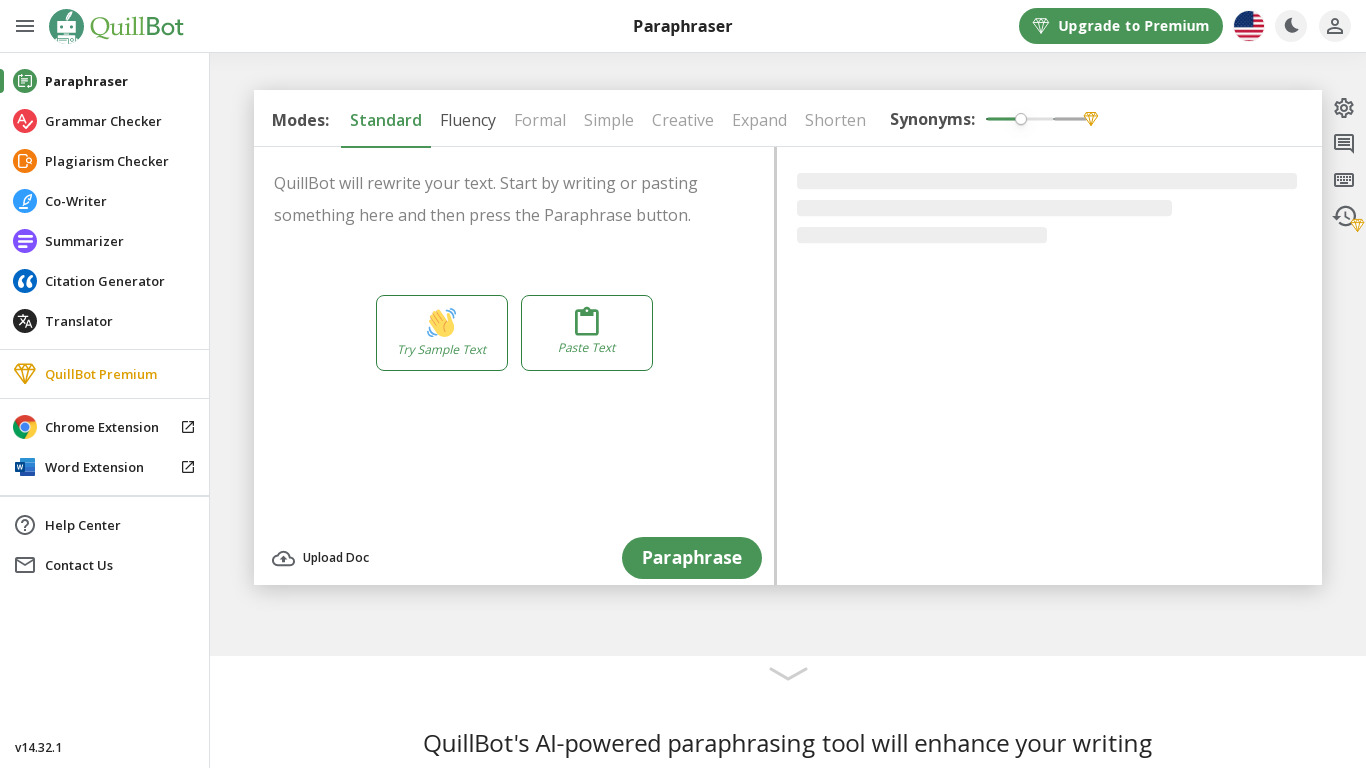
What is QuillBot?
QuillBot bundles paraphrasing, grammar checking, plagiarism detection, and AI humanization in one writing workspace. You can paste or upload text, run the Paraphraser across unlimited modes on Premium, and switch between Docs, Designs, and browser extensions without leaving the flow.
Grammarly-style assistants focus on corrections in a single editor. QuillBot spreads the stack across Paraphraser, Summarizer, AI Detector, Citation Generator, ChatPDF, and presentation tools, with a free tier that caps paraphrasing at 125 words. Premium at $8.33 per month billed annually removes those caps and unlocks full plagiarism and detector access.
Students, content creators, and professionals use QuillBot when they need polished drafts fast. The site reports over 35 million writers worldwide and positions Premium as the only AI subscription you need for writing, design, and file tasks.
Paraphrasing Tool Upvotes
QuillBot Upvotes
Paraphrasing Tool Top Features
Seven paraphrasing modes from Standard and Fluency to Formal, Academic, Creative, and Shorten
Free tier handles 200 words per run; premium raises the limit to 6,000 words
Supports nine languages including English, Spanish, Portuguese, German, French, Italian, Dutch, Korean, and Japanese
Upload PDF, DOC, DOCX, RTF, ODT, and TXT files directly into the rewriter
Google Chrome and Microsoft Edge extensions for in-browser paraphrasing
Context-based rewriting that preserves meaning rather than swapping isolated words
QuillBot Top Features
Free tier paraphrases up to 125 words in 2 modes with basic grammar fixes
Premium at $8.33 per month billed annually unlocks unlimited paraphrase modes
Suite includes Paraphraser, Grammar Checker, Plagiarism Checker, and AI Detector
Humanizer free tier allows 125 words with 6 uses per day
ChatPDF, presentation creator, and image generator live in the same workspace
Browser extensions for Chrome, Edge, Word, and Google Docs
Team plan adds usage metrics, user management, and centralized billing
Paraphrasing Tool Category
- Paraphraser
QuillBot Category
- Paraphraser
Paraphrasing Tool Pricing Type
- Freemium
QuillBot Pricing Type
- Freemium