Paraphrasing Tool vs RambleFix
Compare Paraphrasing Tool vs RambleFix and see which AI Paraphraser tool is better when we compare features, reviews, pricing, alternatives, upvotes, etc.
Which one is better? Paraphrasing Tool or RambleFix?
When we compare Paraphrasing Tool with RambleFix, which are both AI-powered paraphraser tools, The community has spoken, RambleFix leads with more upvotes. The number of upvotes for RambleFix stands at 7, and for Paraphrasing Tool it's 6.
You don't agree with the result? Cast your vote to help us decide!
Paraphrasing Tool
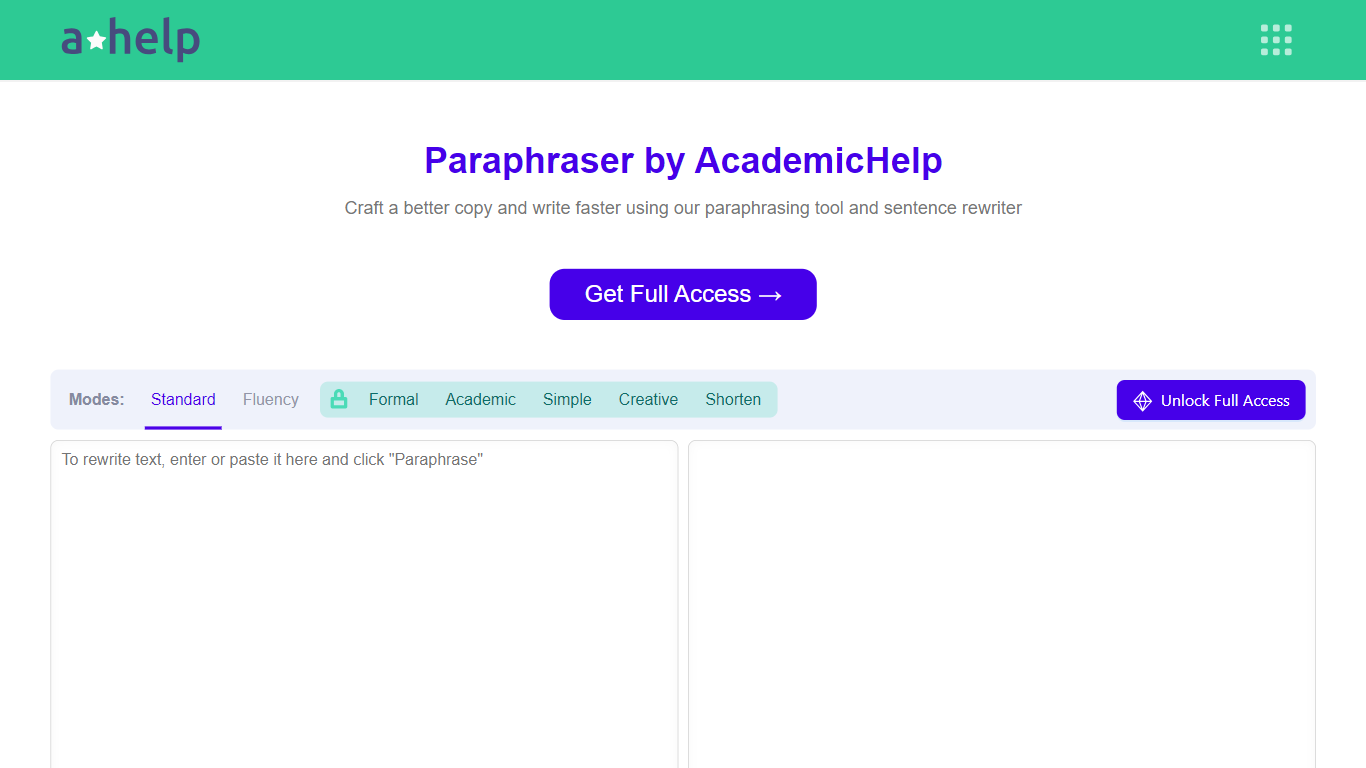

What is Paraphrasing Tool?
AHelp's Paraphrasing Tool rewrites pasted or uploaded text while keeping the original meaning, with context-aware sentence changes instead of simple synonym swaps. The free tier covers Standard and Fluency modes up to 200 words, and premium unlocks Formal, Academic, Simple, Creative, and Shorten modes with a 6,000-word cap per run.
Most paraphrasers stop at one generic rewrite tone. This tool offers seven modes, nine languages, and file uploads for PDF, DOC, DOCX, RTF, ODT, and TXT, plus Chrome and Microsoft Edge extensions that carry the same rewriter into your browser workflow.
Students, educators, and professionals use it for essays, reports, and multilingual drafts when they need clearer wording without drifting from the source intent. Full access runs through AHelp Learning Hub subscriptions that also bundle plagiarism and AI detection credits.
RambleFix
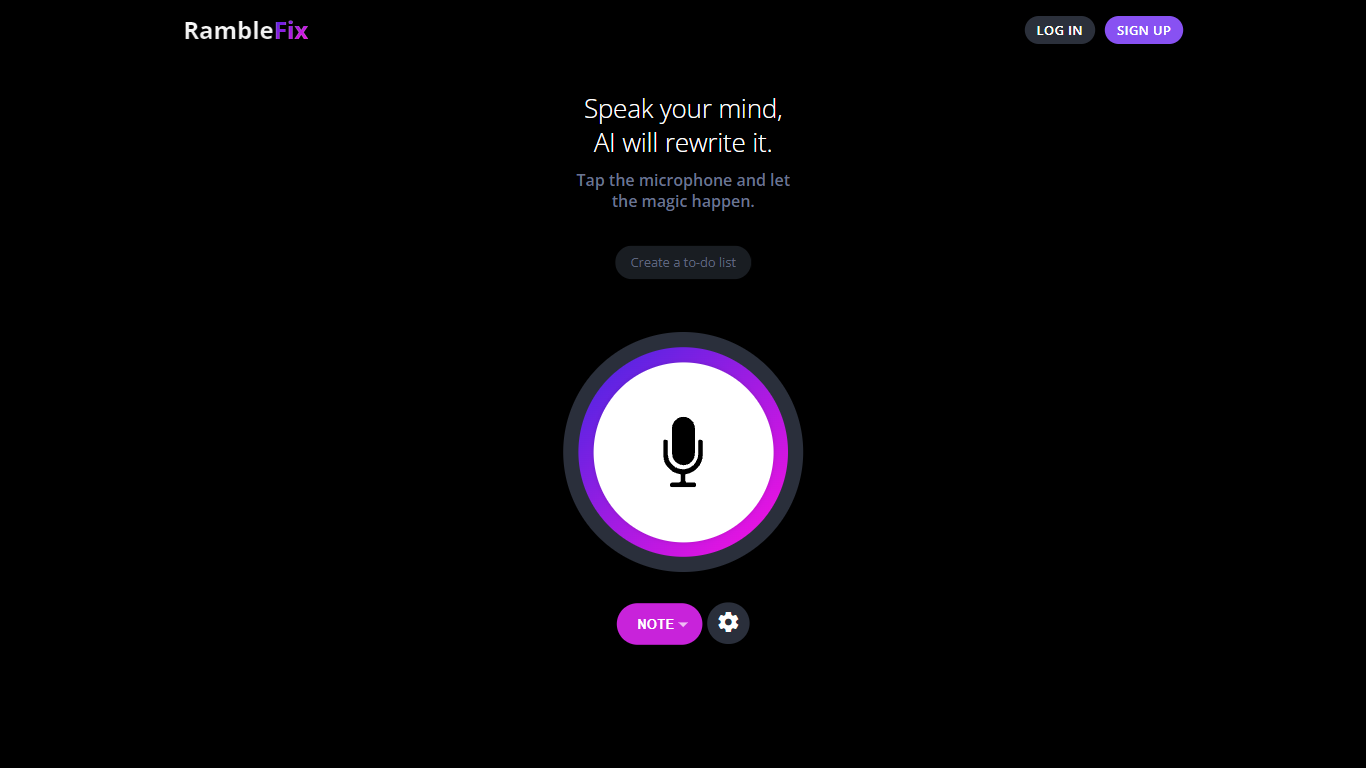
What is RambleFix?
RambleFix is a voice dictation and paraphrasing tool that turns spoken words into polished text inside any Mac app or browser. You hit a hotkey, talk naturally, and RambleFix drops cleaned-up copy where your cursor sits in Slack, Notion, Google Docs, and dozens of other apps. It also handles meeting transcription, summaries, action-item lists, and note capture from live audio or uploaded files.
Most dictation tools stop at verbatim transcripts. RambleFix rewrites what you say into finished sentences, fixes grammar, and can mimic your writing style on paid plans. That makes it closer to a paraphraser with a system-wide hotkey than a basic speech-to-text recorder, though it still offers verbatim transcripts when you want them.
The product targets professionals who think out loud: customer success reps drafting emails, founders planning their day, journalists transcribing interviews, and consultants capturing client meetings. Mac desktop and web versions are available, with 30+ languages supported and a free tier that covers your first 1,000 dictated words.
Paraphrasing Tool Upvotes
RambleFix Upvotes
Paraphrasing Tool Top Features
Seven paraphrasing modes from Standard and Fluency to Formal, Academic, Creative, and Shorten
Free tier handles 200 words per run; premium raises the limit to 6,000 words
Supports nine languages including English, Spanish, Portuguese, German, French, Italian, Dutch, Korean, and Japanese
Upload PDF, DOC, DOCX, RTF, ODT, and TXT files directly into the rewriter
Google Chrome and Microsoft Edge extensions for in-browser paraphrasing
Context-based rewriting that preserves meaning rather than swapping isolated words
RambleFix Top Features
System-wide Mac hotkey (Option + Space) pastes polished text into any app
Personal plan allows 20-minute recordings; Plus allows 90 minutes; Pro allows 4 hours
Supports 30+ languages for dictation and transcription
One-click summaries and action-item extraction from meetings or notes
Upload pre-recorded audio for transcription on all paid plans
Mimic your writing style on Personal, Plus, and Pro plans
Paraphrasing Tool Category
- Paraphraser
RambleFix Category
- Paraphraser
Paraphrasing Tool Pricing Type
- Freemium
RambleFix Pricing Type
- Freemium