Paraphrasing Tool vs Rephrase
Dive into the comparison of Paraphrasing Tool vs Rephrase and discover which AI Paraphraser tool stands out. We examine alternatives, upvotes, features, reviews, pricing, and beyond.
When comparing Paraphrasing Tool and Rephrase, which one rises above the other?
When we compare Paraphrasing Tool and Rephrase, two exceptional paraphraser tools powered by artificial intelligence, and place them side by side, several key similarities and differences come to light. In the race for upvotes, Paraphrasing Tool takes the trophy. Paraphrasing Tool has been upvoted 6 times by aitools.fyi users, and Rephrase has been upvoted 4 times.
Don't agree with the result? Cast your vote and be a part of the decision-making process!
Paraphrasing Tool
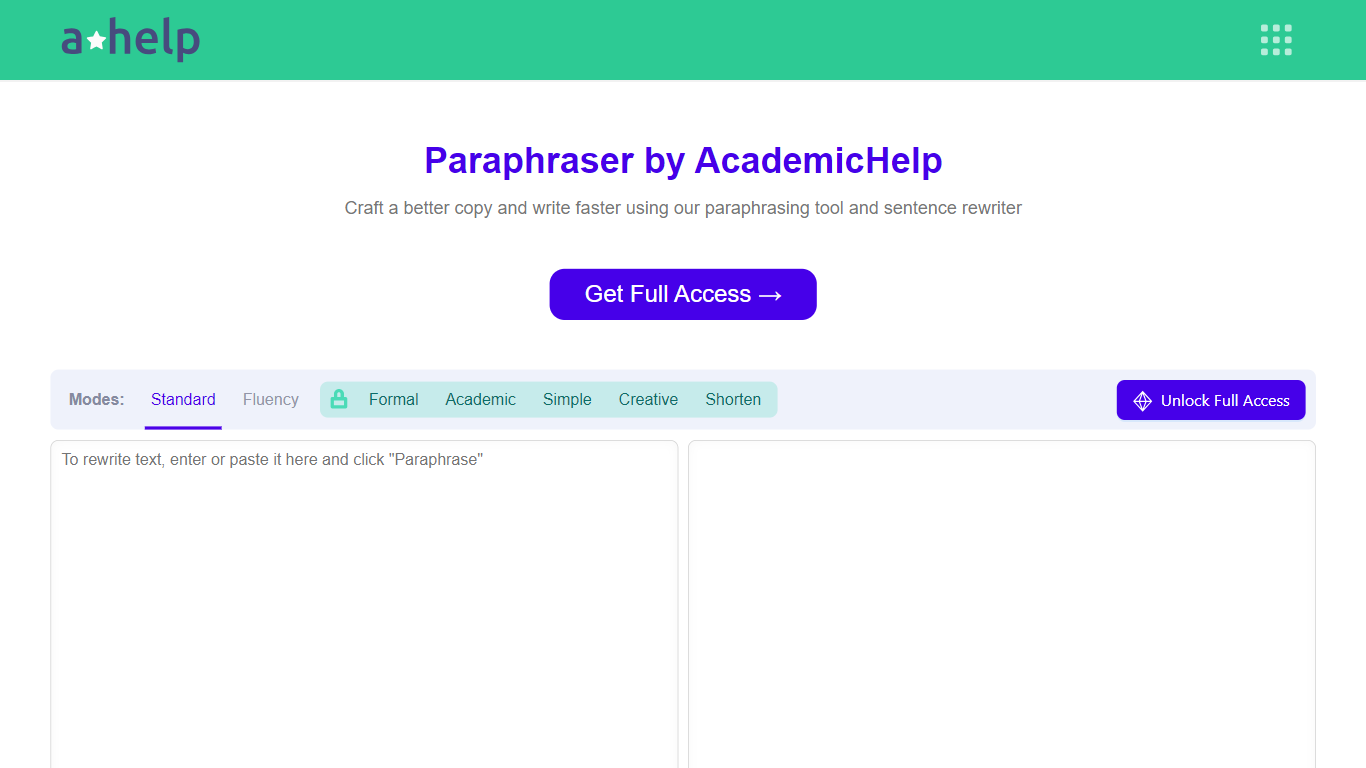

What is Paraphrasing Tool?
AHelp's Paraphrasing Tool rewrites pasted or uploaded text while keeping the original meaning, with context-aware sentence changes instead of simple synonym swaps. The free tier covers Standard and Fluency modes up to 200 words, and premium unlocks Formal, Academic, Simple, Creative, and Shorten modes with a 6,000-word cap per run.
Most paraphrasers stop at one generic rewrite tone. This tool offers seven modes, nine languages, and file uploads for PDF, DOC, DOCX, RTF, ODT, and TXT, plus Chrome and Microsoft Edge extensions that carry the same rewriter into your browser workflow.
Students, educators, and professionals use it for essays, reports, and multilingual drafts when they need clearer wording without drifting from the source intent. Full access runs through AHelp Learning Hub subscriptions that also bundle plagiarism and AI detection credits.
Rephrase
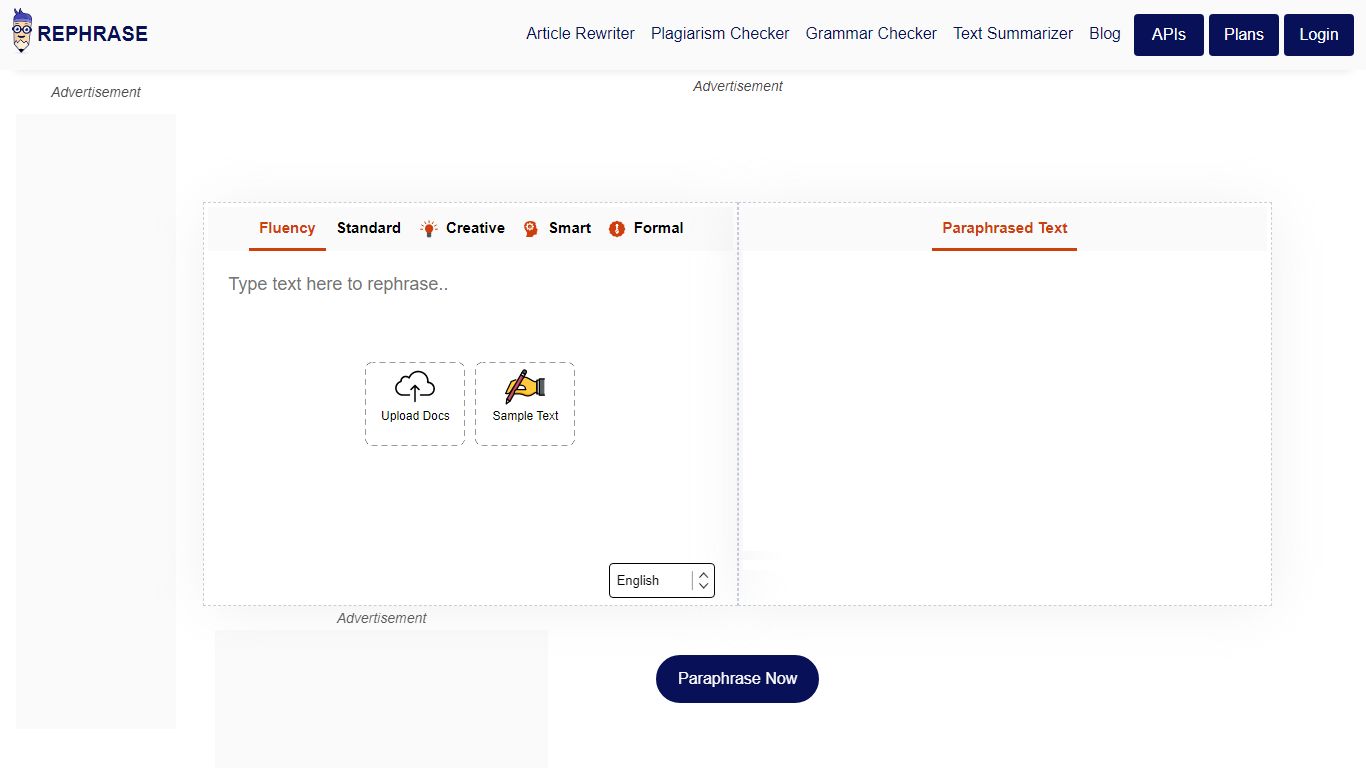
What is Rephrase?
Rephrase is an AI-powered online paraphrasing tool designed to help users rewrite sentences and paragraphs while preserving the original meaning. It replaces words with synonyms and restructures sentences to create unique, plagiarism-free content. The tool is useful for a wide range of users including students, teachers, writers, journalists, researchers, and marketers. It supports multiple languages and is particularly helpful for creating blog posts, marketing copy, academic assignments, and legal writing.
The platform offers different modes such as Creative and Smart to tailor the tone and style of the rephrased content, making it suitable for professional and casual writing needs. It also includes grammar correction features to improve the clarity and accuracy of the text. Users can upload documents or paste text directly to get instant paraphrasing results.
Rephrase helps users avoid plagiarism by generating original content that maintains the intended message. It is also designed to enhance vocabulary and writing style, making content more engaging and easier to read. The tool is free to use without requiring sign-up or payment information, although premium plans are available for extended features and higher word limits.
The tool is built on advanced natural language processing and machine learning technologies that understand context, tone, and structure to deliver precise and human-like rephrasing. It also offers additional AI writing utilities such as an article rewriter and an AI essay writer, expanding its usefulness for content creators.
Privacy is a priority; user data is not shared or sold. The platform supports over 50 languages, making it accessible to a global audience. Overall, Rephrase is a versatile and reliable tool for anyone looking to improve their writing, generate unique content, or simplify complex text.
Paraphrasing Tool Upvotes
Rephrase Upvotes
Paraphrasing Tool Top Features
Seven paraphrasing modes from Standard and Fluency to Formal, Academic, Creative, and Shorten
Free tier handles 200 words per run; premium raises the limit to 6,000 words
Supports nine languages including English, Spanish, Portuguese, German, French, Italian, Dutch, Korean, and Japanese
Upload PDF, DOC, DOCX, RTF, ODT, and TXT files directly into the rewriter
Google Chrome and Microsoft Edge extensions for in-browser paraphrasing
Context-based rewriting that preserves meaning rather than swapping isolated words
Rephrase Top Features
📝 Multiple Paraphrasing Modes: Choose Creative or Smart modes to match your writing style and purpose.
🔄 Unlimited Rephrasing: Rewrite as many articles or essays as you want without restrictions.
📄 Document Upload: Easily upload .doc, .docx, or .txt files for quick paraphrasing.
✅ Grammar Correction: Automatically fixes grammar mistakes while rephrasing for polished content.
🌐 Multilingual Support: Supports over 50 languages to serve a global user base.
Paraphrasing Tool Category
- Paraphraser
Rephrase Category
- Paraphraser
Paraphrasing Tool Pricing Type
- Freemium
Rephrase Pricing Type
- Freemium