Paraphrasing Tool vs Rephrasee
Compare Paraphrasing Tool vs Rephrasee and see which AI Paraphraser tool is better when we compare features, reviews, pricing, alternatives, upvotes, etc.
Which one is better? Paraphrasing Tool or Rephrasee?
When we compare Paraphrasing Tool with Rephrasee, which are both AI-powered paraphraser tools, With more upvotes, Rephrasee is the preferred choice. The number of upvotes for Rephrasee stands at 7, and for Paraphrasing Tool it's 6.
Think we got it wrong? Cast your vote and show us who's boss!
Paraphrasing Tool
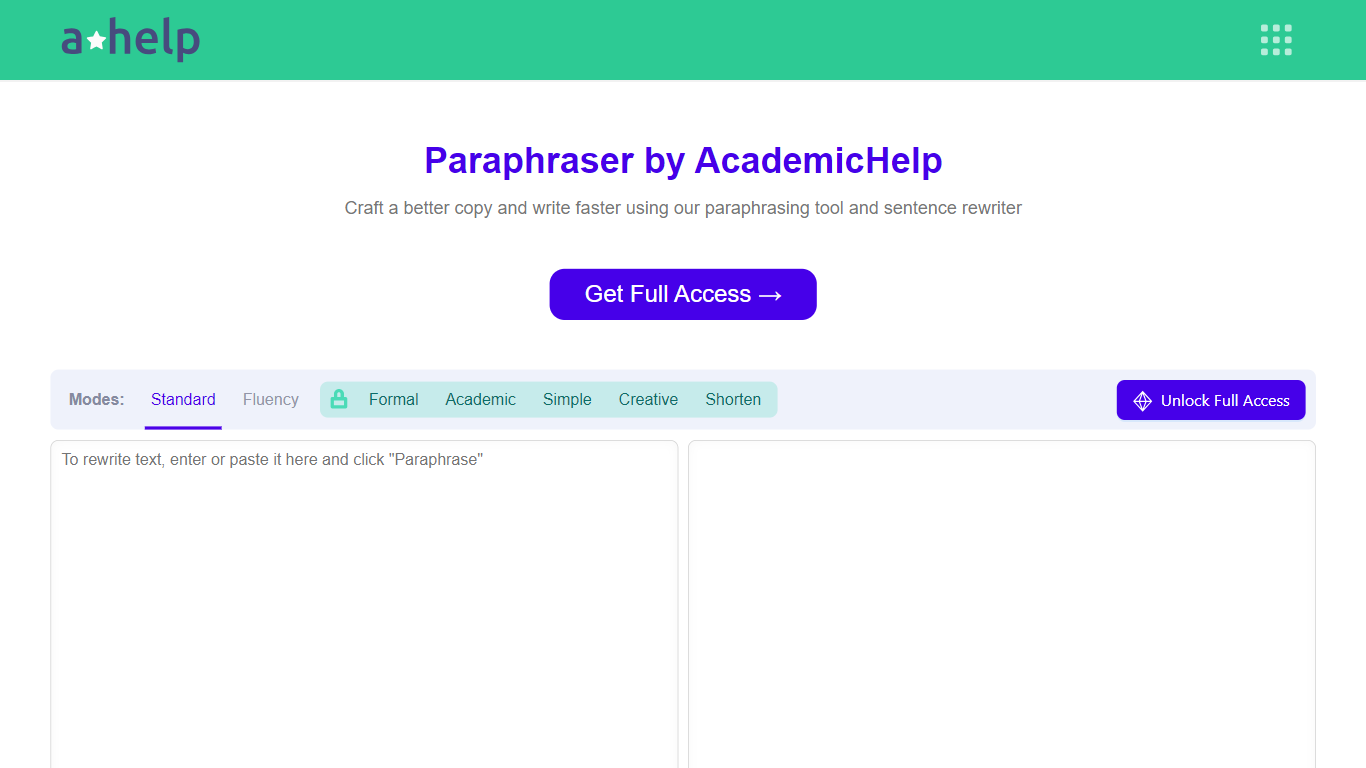

What is Paraphrasing Tool?
AHelp's Paraphrasing Tool rewrites pasted or uploaded text while keeping the original meaning, with context-aware sentence changes instead of simple synonym swaps. The free tier covers Standard and Fluency modes up to 200 words, and premium unlocks Formal, Academic, Simple, Creative, and Shorten modes with a 6,000-word cap per run.
Most paraphrasers stop at one generic rewrite tone. This tool offers seven modes, nine languages, and file uploads for PDF, DOC, DOCX, RTF, ODT, and TXT, plus Chrome and Microsoft Edge extensions that carry the same rewriter into your browser workflow.
Students, educators, and professionals use it for essays, reports, and multilingual drafts when they need clearer wording without drifting from the source intent. Full access runs through AHelp Learning Hub subscriptions that also bundle plagiarism and AI detection credits.
Rephrasee
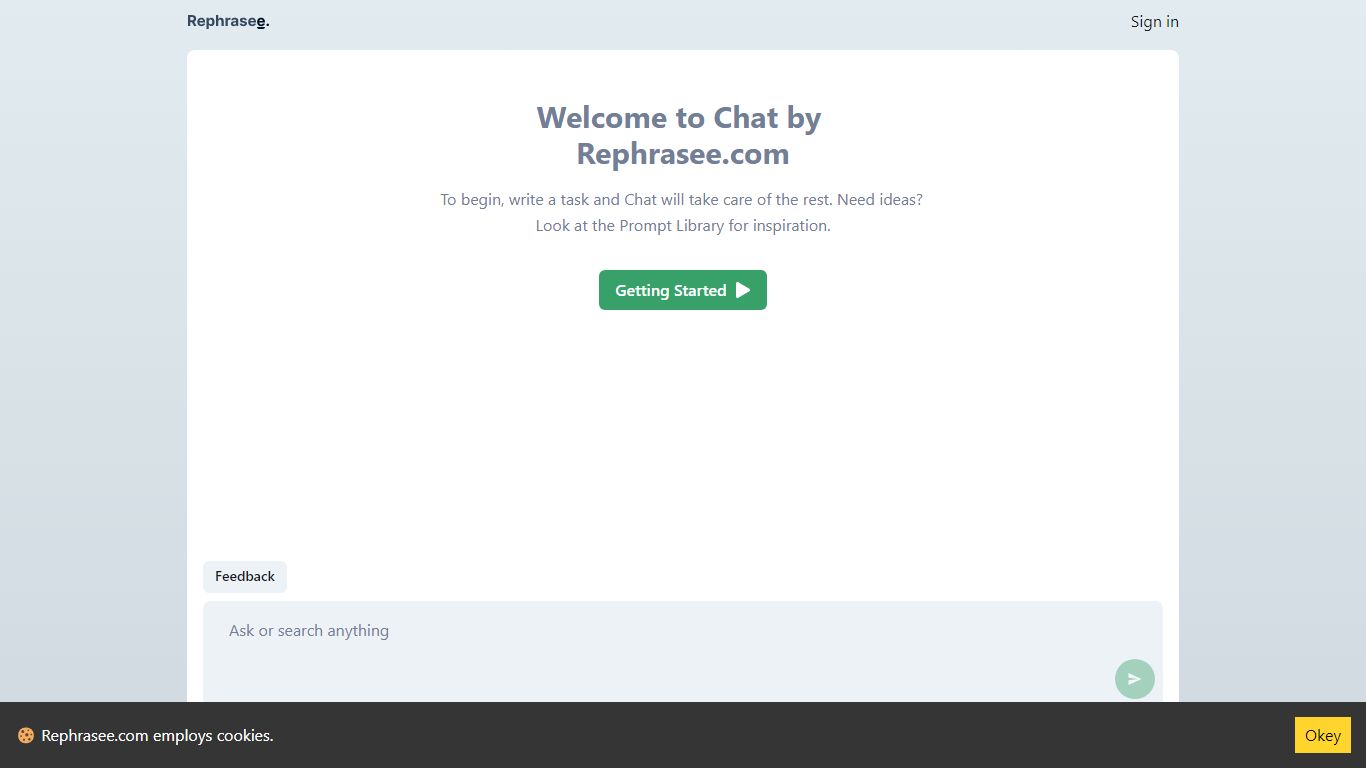
What is Rephrasee?
Rephrasee is a free paraphraser that rewrites your drafts around tone and intent instead of swapping synonyms. Paste text, pick a register like professional, concise, or friendly, and get a cleaner version that keeps your facts, names, and numbers intact.
Generic rewriters shuffle words until sentences sound mechanical. Rephrasee focuses on register, rhythm, and intent so the output reads like a sharper version of your voice. The public rewriter requires zero sign-ups, supports 13 languages, and offers six tone presets you can compare side by side.
It fits anyone polishing work emails, essays, social posts, résumés, or product copy before sending. A hosted product adds a stronger model and saved history, but the core rewriter on rephrasee.com stays open with no credit limit.
Paraphrasing Tool Upvotes
Rephrasee Upvotes
Paraphrasing Tool Top Features
Seven paraphrasing modes from Standard and Fluency to Formal, Academic, Creative, and Shorten
Free tier handles 200 words per run; premium raises the limit to 6,000 words
Supports nine languages including English, Spanish, Portuguese, German, French, Italian, Dutch, Korean, and Japanese
Upload PDF, DOC, DOCX, RTF, ODT, and TXT files directly into the rewriter
Google Chrome and Microsoft Edge extensions for in-browser paraphrasing
Context-based rewriting that preserves meaning rather than swapping isolated words
Rephrasee Top Features
Six tone presets: professional, concise, confident, friendly, academic, and simple
Supports 13 languages on the free public rewriter with no account required
Preserves names, numbers, and factual meaning while changing phrasing and register
Side-by-side tone comparison lets you regenerate and pick the best rewrite
Handles short lines or up to about 1,000 words per paste on the how-it-works page
Free cold email outreach generator listed in the tools section for personalized messages
Markdown endpoints (.md URLs) and llms.txt index for machine-readable site content
Paraphrasing Tool Category
- Paraphraser
Rephrasee Category
- Paraphraser
Paraphrasing Tool Pricing Type
- Freemium
Rephrasee Pricing Type
- Free