PDF Talker vs Boss Hub | AI (formerly DocGPT & ChatPDF➶)
Compare PDF Talker vs Boss Hub | AI (formerly DocGPT & ChatPDF➶) and see which AI PDF tool is better when we compare features, reviews, pricing, alternatives, upvotes, etc.
Which one is better? PDF Talker or Boss Hub | AI (formerly DocGPT & ChatPDF➶)?
When we compare PDF Talker with Boss Hub | AI (formerly DocGPT & ChatPDF➶), which are both AI-powered pdf tools, The community has spoken, PDF Talker leads with more upvotes. PDF Talker has 8 upvotes, and Boss Hub | AI (formerly DocGPT & ChatPDF➶) has 6 upvotes.
Disagree with the result? Upvote your favorite tool and help it win!
PDF Talker

What is PDF Talker?
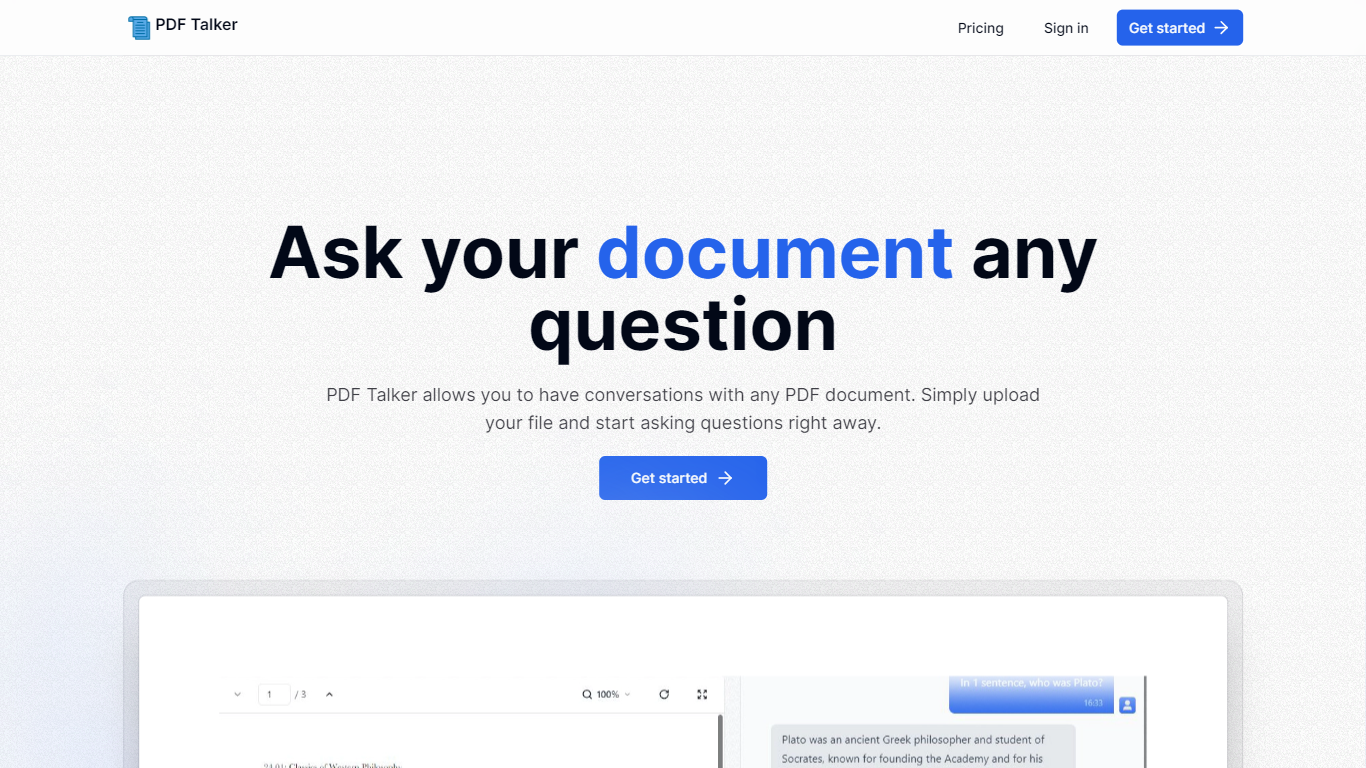
Introducing PDF Talker, the innovative AI tool that transforms how you interact with your PDF documents. With PDF Talker, you can now converse directly with any PDF file, making it easier to find information, understand content, and save time. The process is remarkably simple and user-friendly. Begin by signing up for an account—choose between the complimentary free plan or the comprehensive pro plan, depending on your needs.
Once registered, upload your PDF document to PDF Talker. The AI will swiftly process your file, enabling it to comprehend and answer your questions. Next, you can start the conversation and ask your document any query you have in mind. It's a revolutionary approach to document interaction, designed to be efficient and straightforward, even for those unfamiliar with AI technology. Get started with PDF Talker now and experience the next level of document management!
Boss Hub | AI (formerly DocGPT & ChatPDF➶)
What is Boss Hub | AI (formerly DocGPT & ChatPDF➶)?
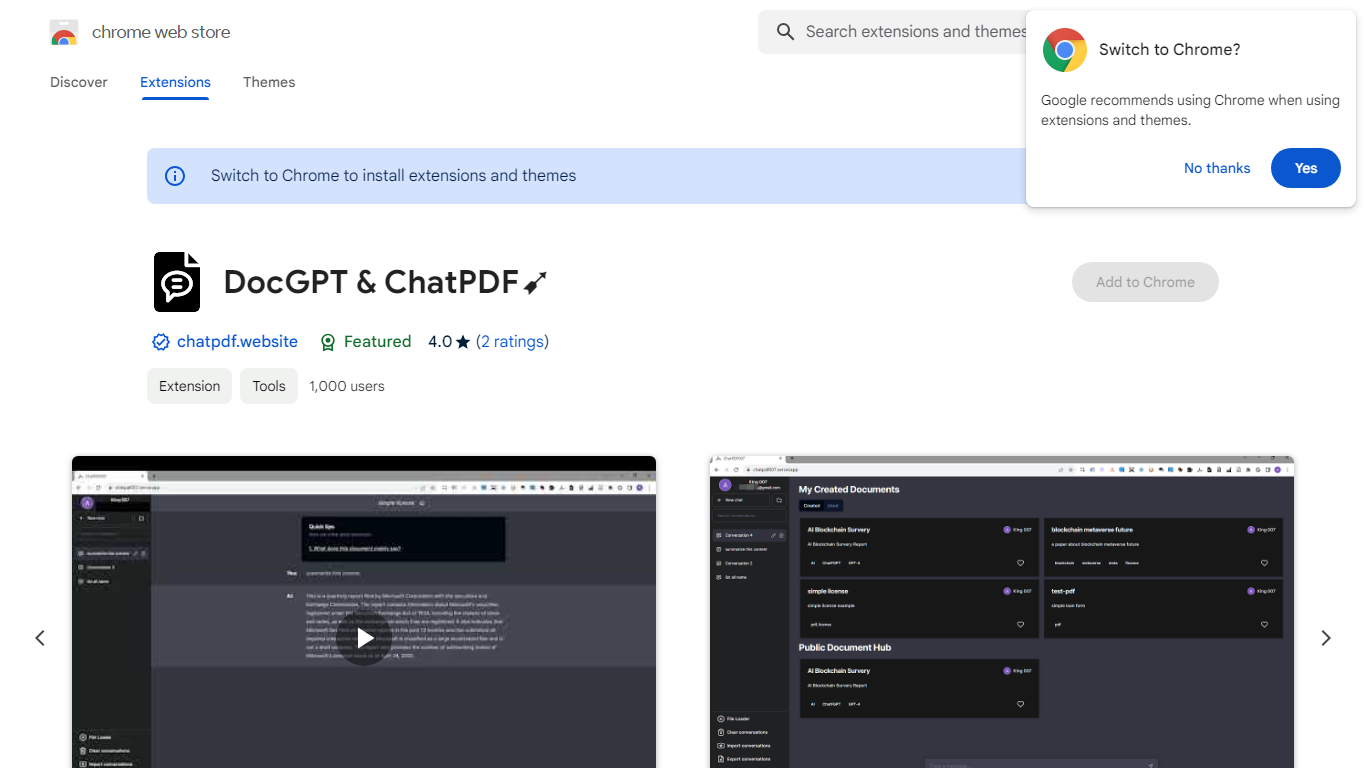
Boss Hub | AI is a Chrome extension sidebar for chatting with uploaded documents using ChatGPT and GPT-4. You upload a PDF, Markdown, Epub, or FB2 file, then ask questions, request summaries, and see highlighted source passages inside the side panel. It targets anyone who wants document Q&A without leaving the browser.
Compared with standalone ChatPDF sites, Boss Hub runs as a Chrome side panel and stores data locally on your machine. The listing highlights a built-in token usage tracker, periodic deletion of uploaded files, and support for Markdown alongside PDF. That local-first angle matters if you are comparing browser extensions rather than cloud-only upload tools.
Researchers, students, and office workers who already live in Chrome can use it to skim contracts, reports, or ebooks faster. The developer site is iambuffett.net, and the extension last updated to version 1.3.5 in July 2024.
PDF Talker Upvotes
Boss Hub | AI (formerly DocGPT & ChatPDF➶) Upvotes
PDF Talker Top Features
Interactive PDF Conversations: Engage in dialogues with your PDFs to get information efficiently.
Ease of Use: Straightforward 3-step process to start asking questions to your PDF files.
Accessibility: Choose between a free plan or a pro plan tailored for all user levels.
Time-Saving: Quickly upload documents and receive answers in minutes.
Innovative Technology: Harness AI to understand and interact with PDF content.
Boss Hub | AI (formerly DocGPT & ChatPDF➶) Top Features
Upload PDF, Markdown, Epub, and FB2 files, with best support called out for PDF and Markdown
Ask questions, summarize documents, and highlight source passages in the sidebar
Built-in token usage tracker for monitoring ChatGPT and GPT-4 consumption
Stores data locally on your device and deletes uploaded documents regularly
Uses ChatGPT, GPT-4, LangChain, llama_index, and vector storage under the hood
Chrome side panel workflow so document chat stays beside your browsing session
PDF Talker Category
- PDF
Boss Hub | AI (formerly DocGPT & ChatPDF➶) Category
- PDF
PDF Talker Pricing Type
- Freemium
Boss Hub | AI (formerly DocGPT & ChatPDF➶) Pricing Type
- Freemium