PDF Talker vs Doclime
Dive into the comparison of PDF Talker vs Doclime and discover which AI PDF tool stands out. We examine alternatives, upvotes, features, reviews, pricing, and beyond.
When comparing PDF Talker and Doclime, which one rises above the other?
When we compare PDF Talker and Doclime, two exceptional pdf tools powered by artificial intelligence, and place them side by side, several key similarities and differences come to light. In the race for upvotes, PDF Talker takes the trophy. PDF Talker has garnered 8 upvotes, and Doclime has garnered 6 upvotes.
Don't agree with the result? Cast your vote and be a part of the decision-making process!
PDF Talker

What is PDF Talker?
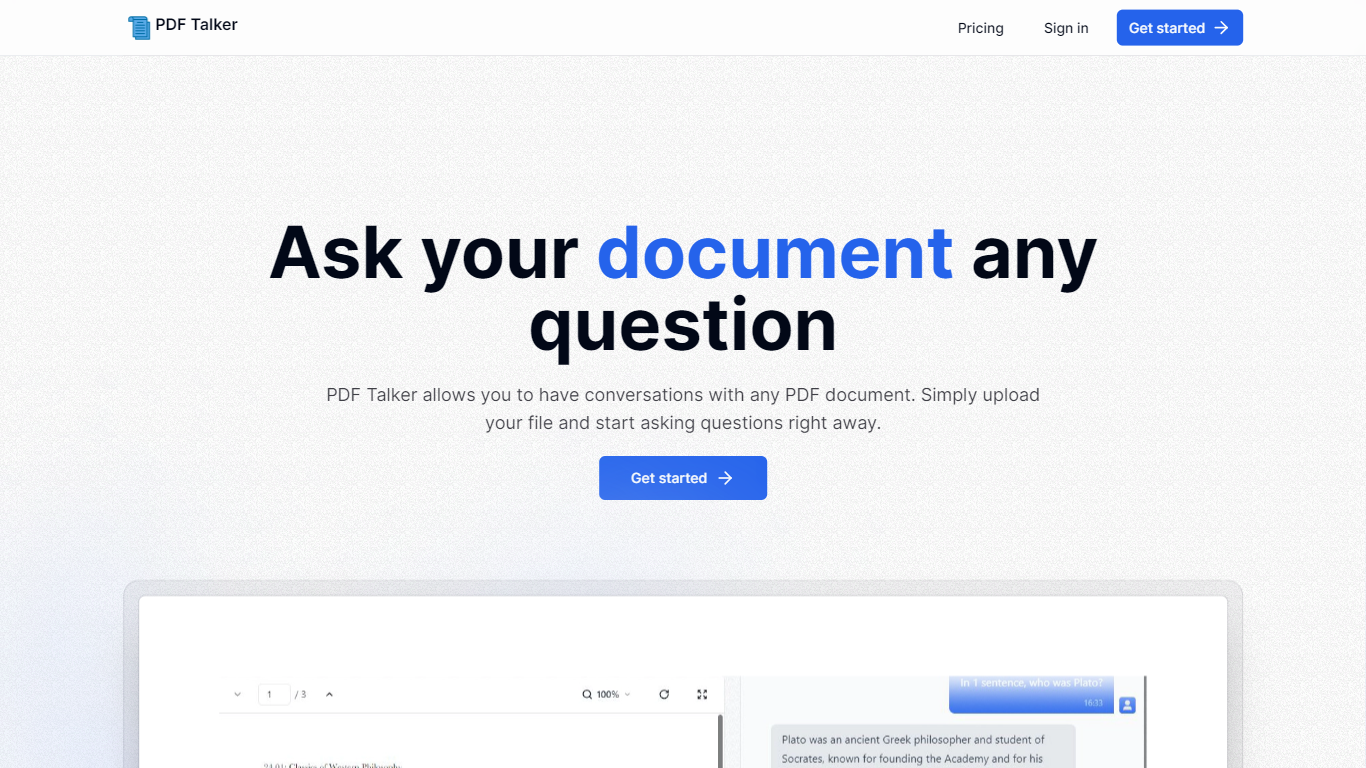
Introducing PDF Talker, the innovative AI tool that transforms how you interact with your PDF documents. With PDF Talker, you can now converse directly with any PDF file, making it easier to find information, understand content, and save time. The process is remarkably simple and user-friendly. Begin by signing up for an account—choose between the complimentary free plan or the comprehensive pro plan, depending on your needs.
Once registered, upload your PDF document to PDF Talker. The AI will swiftly process your file, enabling it to comprehend and answer your questions. Next, you can start the conversation and ask your document any query you have in mind. It's a revolutionary approach to document interaction, designed to be efficient and straightforward, even for those unfamiliar with AI technology. Get started with PDF Talker now and experience the next level of document management!
Doclime
What is Doclime?
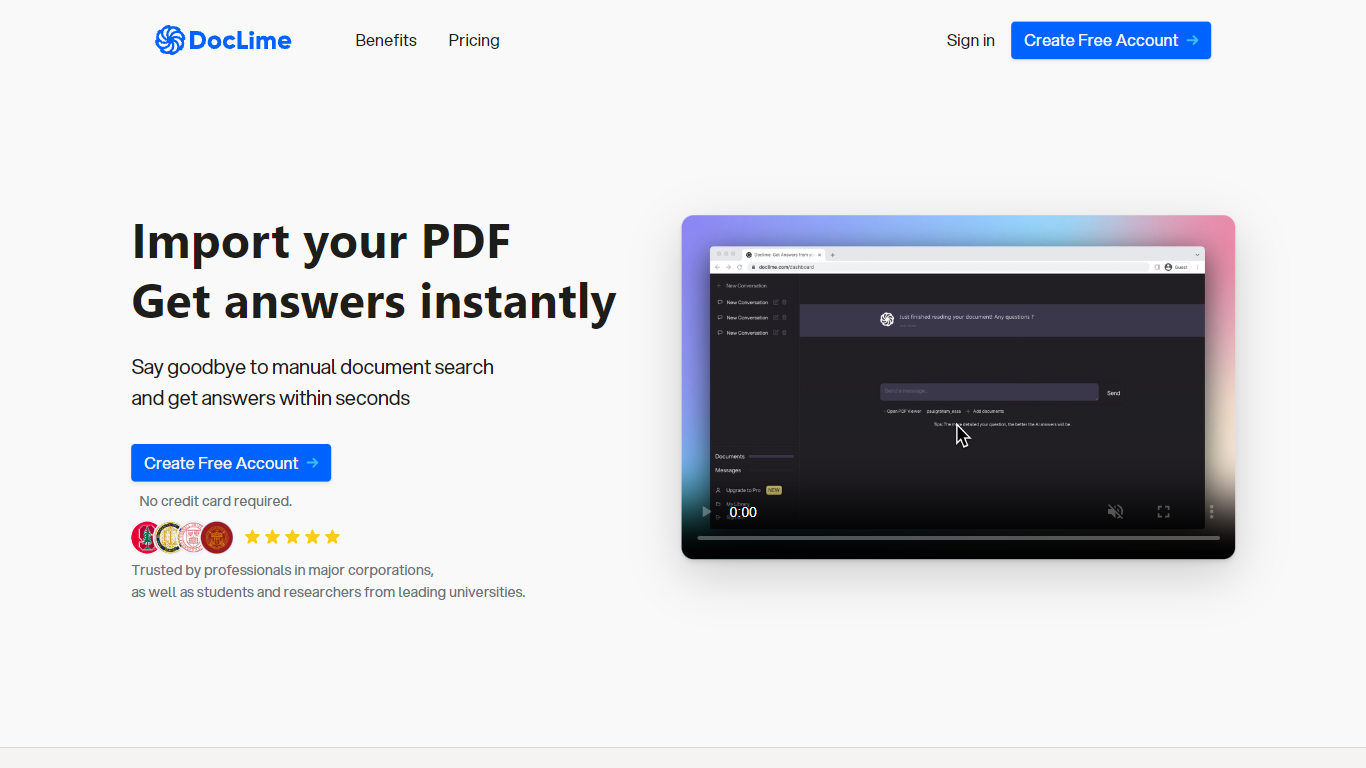
Doclime lets you upload PDFs and ask questions that come back with cited answers pulled from the file. You get a built-in PDF viewer with search and page navigation, a notes editor with version history, and a split-screen layout that keeps chat, documents, and notes open at once. It also reads scanned PDFs through OCR and accepts screenshot questions through its Vision feature.
Most PDF chat tools stop at a single file and a text box. Doclime stacks a hierarchical file tree, multi-document context for one conversation, and frontier models from OpenAI and Anthropic in the same workspace. That combination targets people cross-referencing textbooks, contracts, or research papers rather than doing one-off summaries.
The homepage lists use cases like lesson planning from textbooks, chapter summaries, and pulling obligations from contract sections, with example answers showing bracketed source references. Stanford, Berkeley, Cornell, and USC logos appear on the landing page, and the interface ships in nine languages including English, Spanish, French, German, Japanese, Korean, Arabic, and Chinese.
PDF Talker Upvotes
Doclime Upvotes
PDF Talker Top Features
Interactive PDF Conversations: Engage in dialogues with your PDFs to get information efficiently.
Ease of Use: Straightforward 3-step process to start asking questions to your PDF files.
Accessibility: Choose between a free plan or a pro plan tailored for all user levels.
Time-Saving: Quickly upload documents and receive answers in minutes.
Innovative Technology: Harness AI to understand and interact with PDF content.
Doclime Top Features
Ask questions about uploaded PDFs and receive answers with bracketed citation references to source passages
Built-in PDF viewer includes search, zoom, and page navigation alongside the chat panel
Split-screen layout opens PDF, notes, and chat views simultaneously in one workspace
Vision support lets you screenshot any document section and ask questions about that image
OCR converts scanned PDF files into searchable text before answering questions
Context-aware search adds multiple PDFs and notes as context files to a single AI conversation
PDF Talker Category
- PDF
Doclime Category
- PDF
PDF Talker Pricing Type
- Freemium
Doclime Pricing Type
- Freemium