PDFChat vs Journey
In the clash of PDFChat vs Journey, which AI PDF tool emerges victorious? We assess reviews, pricing, alternatives, features, upvotes, and more.
If you had to choose between PDFChat and Journey, which one would you go for?
Let's take a closer look at PDFChat and Journey, both of which are AI-driven pdf tools, and see what sets them apart. The upvote count reveals a draw, with both tools earning the same number of upvotes. Every vote counts! Cast yours and contribute to the decision of the winner.
Don't agree with the result? Cast your vote and be a part of the decision-making process!
PDFChat
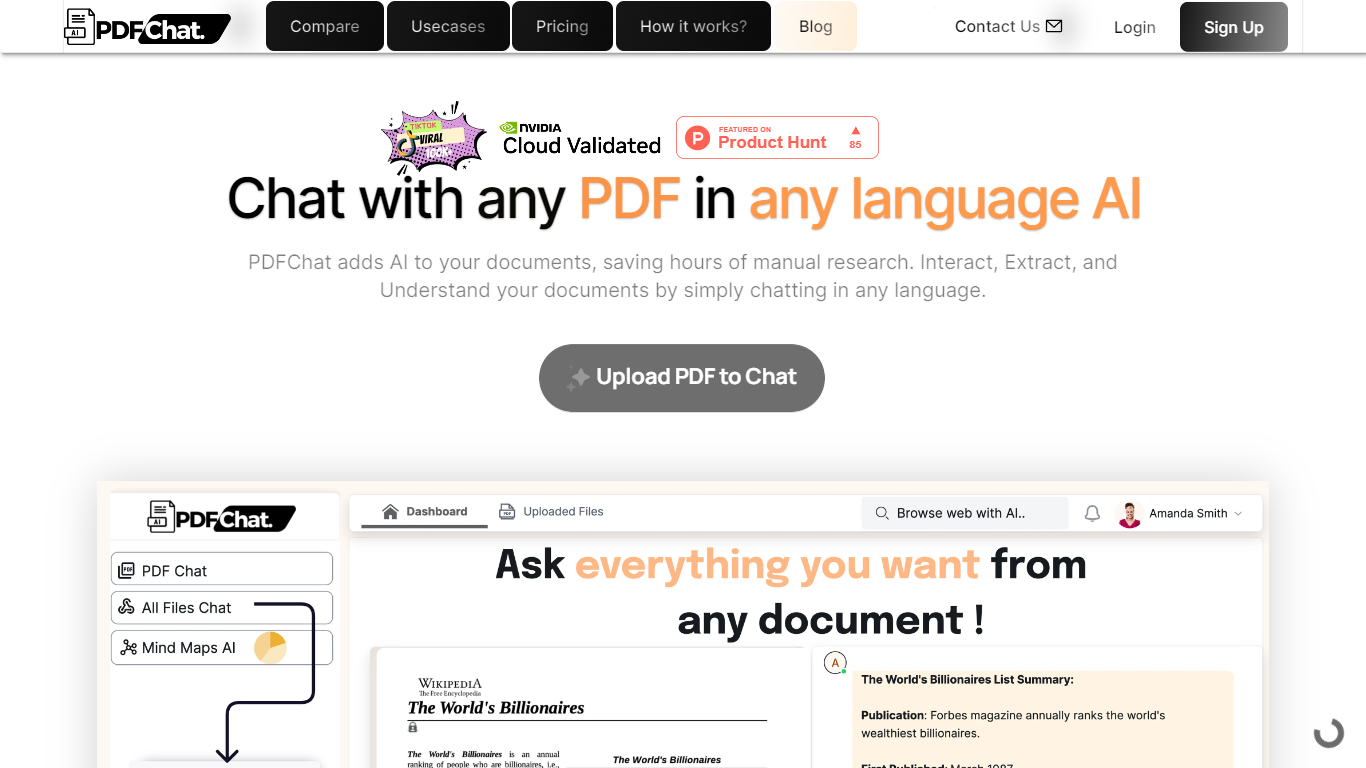

What is PDFChat?
PDFChat revolutionizes the way you interact with documents. This innovative AI technology allows you to communicate with your PDFs, making document interaction effortless and more efficient.
Ideal for students, professionals, and businesses, PDFChat is designed to understand, extract, and analyze content from PDFs in any language.
Simply upload your document and start chatting away—no extensive manual research necessary. With features like voice activation, support for scanned and unstructured PDFs, and the ability to analyze tabular data, PDFChat streamlines productivity by providing quick and accurate answers directly from your documents.
Get started today with a free signup and elevate your document management experience.
Journey
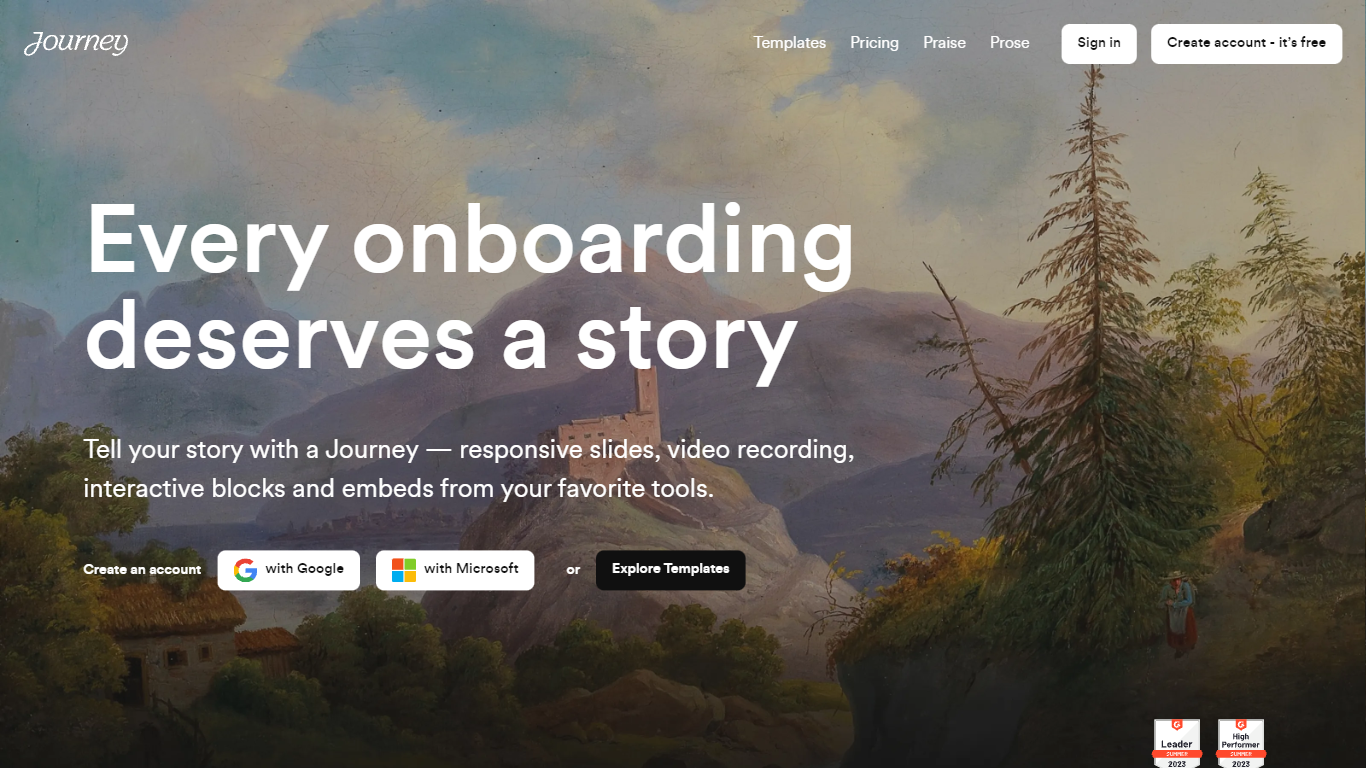
What is Journey?
Journey is a powerful tool that helps you engage, close, and onboard customers in just one link. With Journey, you can create an account for free and access a variety of templates to tell your story in a unique and compelling way. Trusted by companies like Reddit, Gumroad, and AngelList, Journey offers a range of features such as responsive slides, video recording, interactive blocks, and embeds from your favorite tools. Whether you're creating a pitch deck or presenting important information, Journey will help you captivate your audience and leave a lasting impression. Start telling better stories with Journey today.
PDFChat Upvotes
Journey Upvotes
PDFChat Top Features
AI-Enhanced Chat Interaction: Engage with PDFs through conversation in any language.
Support for Varied Document Types: Works with scanned, unstructured, and complex PDFs.
Rapid Summary Generation: Create quick summaries for lengthy documents.
Voice-Activated Commands: Use voice control to access information from documents.
Multilingual Analysis: Extract and understand document content across multiple languages.
Journey Top Features
Automagical creation: Journey utilizes the power of AI to write your first draft saving you time and effort.
Personalized at scale: Journey allows you to insert the recipient's logo on the fly ensuring a personalized experience for each recipient.
Automagic branding: With Journey you can create branded themes to customize the look of your Journeys and maintain brand consistency.
Trove of blocks: Journey offers a wide range of blocks that you can easily add to your story including collaborative checklists tables of contents Gong embeds and dynamic logos.
Detailed insights: Track your Journey's performance and engagement with detailed insights allowing you to optimize your storytelling and improve your results.
PDFChat Category
- PDF
Journey Category
- PDF
PDFChat Pricing Type
- Freemium
Journey Pricing Type
- Freemium